

Latest Version
Latest
September 11, 2026
Kaki Developer
Entertainment
Android
7
Free
com.kakideveloper.loveletters
Report a Problem
More About Love Letters – Romantic Messages for Your Loved One
What is Love Letters – Love Messages?
Love Letters – Love Messages is a free Android app created by Kaki Developer. It provides a curated library of romantic letters, short notes, and love poems that you can use to express your feelings to a partner, spouse, or anyone special.
Main Features
- Offline access – All content is stored on the device, so you can browse and copy letters without an internet connection.
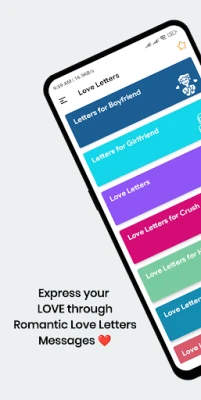
- Simple navigation – A clean interface lets you find categories quickly.
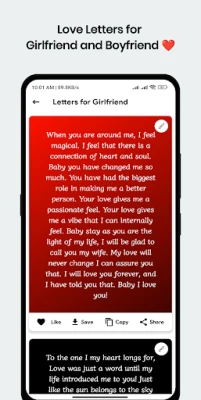
- Copy, share, and favorite – Tap a letter to copy it to the clipboard, share it through messaging apps, or add it to your favorites for later use.
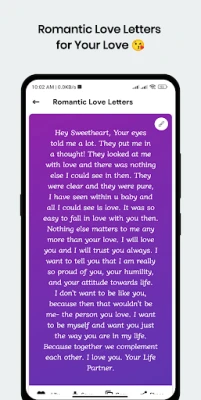
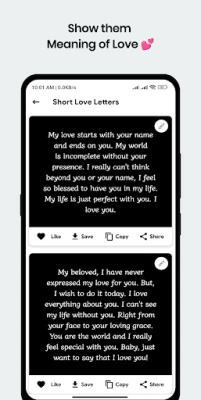
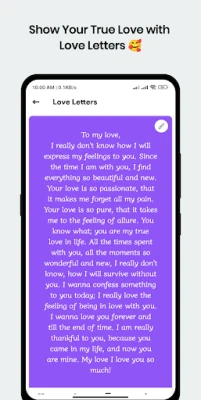
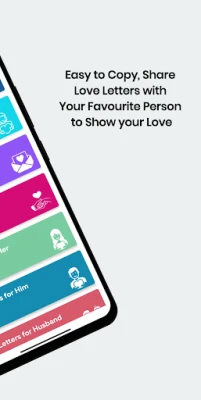
- Varied categories – Includes sections such as Romantic Love Letters, Letters for Boyfriend, Letters for Girlfriend, Letters for Him, Letters for Her, and short love messages.
How It Works
When you open the app, you are presented with a list of categories. Selecting a category shows a scrollable list of letters. Tapping a letter expands the full text, and action buttons let you copy the text, share it directly, or mark it as a favorite. The favorites list is accessible from the main menu, making it easy to retrieve your most‑used messages.
Practical Uses
- Write a personalized note for anniversaries, birthdays, or Valentine’s Day.
- Find inspiration when you’re not sure how to start a love letter.
- Quickly send a heartfelt message via SMS, email, or social media.
- Save favorite letters for future occasions.
Installation Information
The app is available for free on the Google Play Store. Installation follows the standard process: tap “Install,” wait for the download, and launch the app from your app drawer.
Things to Know Before Installing
- The app does not require an internet connection after installation to view the built‑in letters.
- No personal data is collected beyond what is needed for basic app functionality.
- Updates, when released, may add new letters or improve the interface.
Who May Find It Useful?
Anyone who wants to express affection in writing—whether you’re new to writing love letters or looking for fresh ideas—will benefit from this app. It is especially handy for people who prefer to have ready‑made, well‑crafted messages at their fingertips.
Frequently Asked Questions
Do I need an internet connection to use the app?
No. All letters are stored locally, so you can read and share them offline.
Can I add my own letters?
The current version focuses on the provided collection; custom additions are not supported at this time.
Is there any cost or in‑app purchase?
The app is free and does not contain paid features.
How do I contact the developer?
Feedback can be sent to the developer’s email address listed in the app’s information section.
Rate the App
User Reviews














Popular Apps










 Games
Games Entertainment
 Communication
 E-mail
 Security
 Tools
Tools Media
Media Internet
 Finance
 Design
 Education
 IT Tools
 Travel & Local
 Android
 Windows
 Linux
Linux