

Latest Version
Latest
September 17, 2026
Google LLC
Entertainment
Android
8
Free
com.google.android.tv
Report a Problem
More About Live Channels – Watch TV on Android
What is Live Channels?
Live Channels is a Google‑developed application that brings live television to Android devices. It aggregates broadcast, cable and internet‑based TV sources, presenting them in a single, easy‑to‑navigate interface.
Main features
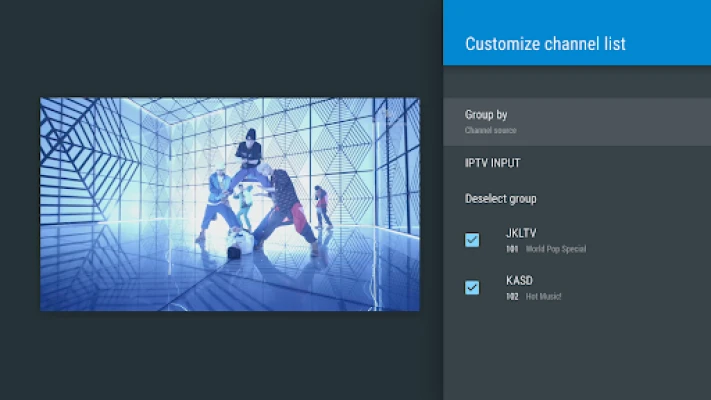
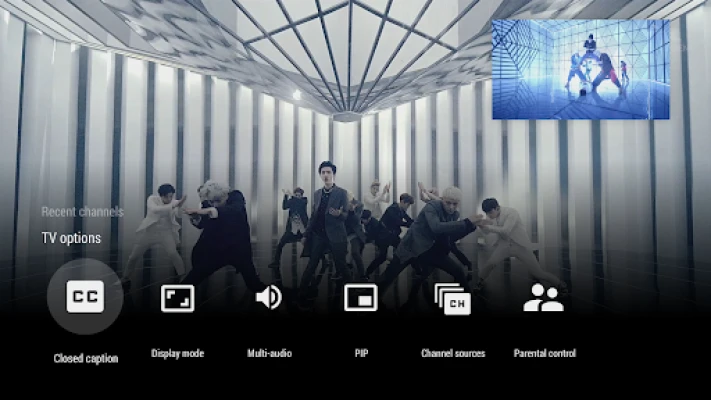
- Unified channel list – Access built‑in tuners, compatible IP tuners and other supported sources from one place.
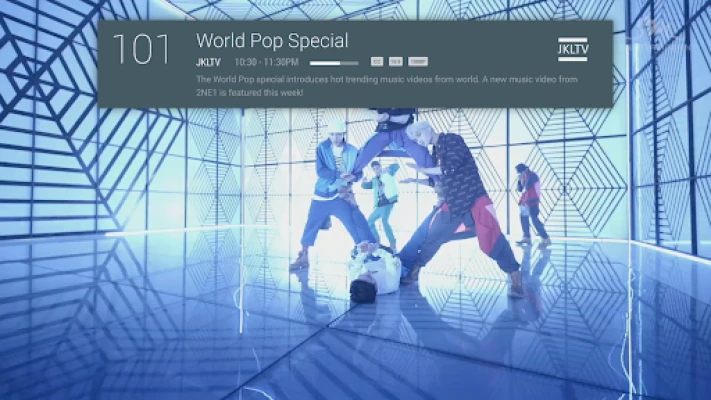
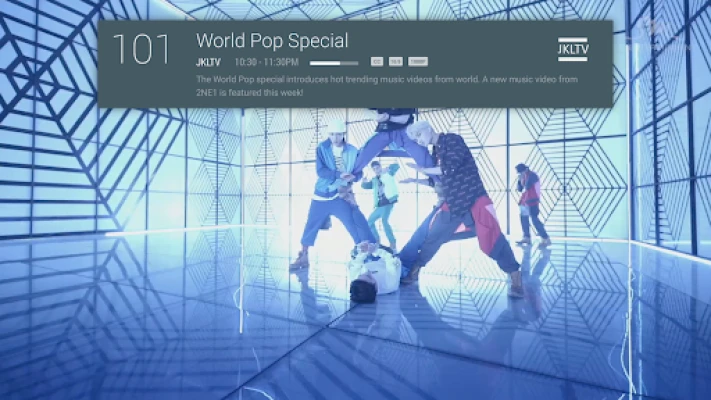
- Program guide – Browse upcoming shows, see start times and get brief descriptions for each channel.
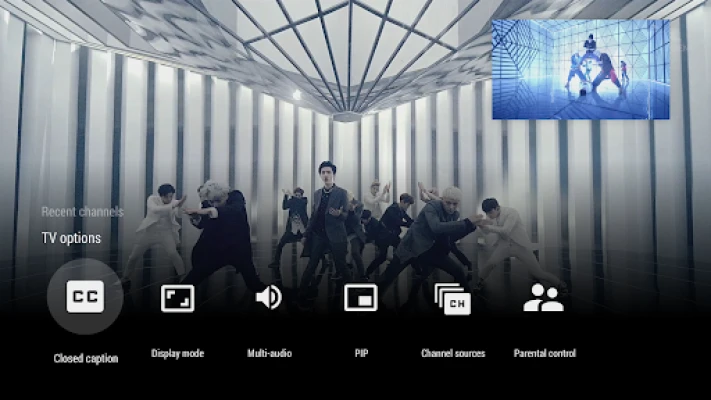
- Full‑screen playback – Switch to immersive full‑screen mode for a TV‑like experience.
- Channel branding – Recognizable logos and banner images help you find the right channel quickly.
How it works
When you launch Live Channels, the app scans for available TV inputs on your device. It then builds a channel lineup based on the detected tuners and any configured network streams. The program guide is populated using the information provided by those sources, allowing you to see what’s currently airing and what’s coming up next.
Practical uses
Live Channels is useful for anyone who wants to replace a traditional TV set with an Android device. It works well for:
- Following live news broadcasts while on the go.
- Watching sports events without needing a separate cable box.
- Enjoying local channels in a home theater setup that uses an Android TV or a large tablet.
Installation information
The app is available through the Google Play Store. Installation follows the standard process: tap “Install,” wait for the download, and then open the app to begin configuring your TV inputs.
Things to know before installing
- Compatible hardware – You need a device with a supported TV tuner or a network‑connected IP tuner.
- Permissions – The app may request location access to provide accurate program guide data and storage access to cache channel artwork.
- Internet connection – Required for IP‑based streams and for updating guide information.
Who may find it useful?
Anyone who prefers a consolidated TV experience on Android will benefit, especially users with multiple tuner types, cord‑cutters looking for live content, and households that use Android TV as their primary entertainment hub.
Frequently asked questions
Do I need a separate TV tuner?
If your device does not have a built‑in tuner, you’ll need a compatible IP tuner or another external source that Live Channels can recognize.
Can I record shows?
Live Channels focuses on live playback and guide navigation. Recording functionality is not part of the core app.
Is the program guide always up to date?
The guide updates automatically based on the data supplied by your tuners and network streams. Accuracy depends on the source’s own schedule information.
Rate the App
User Reviews














Popular Apps










 Games
Games Entertainment
 Communication
 E-mail
 Security
 Tools
Tools Media
Media Internet
 Finance
 Design
 Education
 IT Tools
 Travel & Local
 Android
 Windows
 Linux
Linux