

Latest Version
September 09, 2026
Tubi TV
Entertainment
Android
11
Free
com.tubitv
Report a Problem
More About Tubi: Free Movies & Live TV – Stream Without a Subscription
What is Tubi?
Tubi is a free streaming service that offers a large collection of movies, television series and live channels. The app does not require a paid subscription, and it is supported by occasional advertisements that keep the content available at no cost.
Main Features
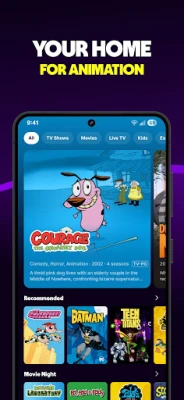
- On‑demand library – A rotating selection of films and series across genres such as drama, comedy, action, horror and family.
- Live TV – Access to live news, weather updates, sports highlights and entertainment channels without a cable contract.
- Regular updates – New titles are added each month, keeping the catalog fresh.
- Multi‑language support – Some content is available in Spanish and other languages, with subtitles where needed.
- Cross‑device availability – The app works on a wide range of Android phones and tablets.
How It Works
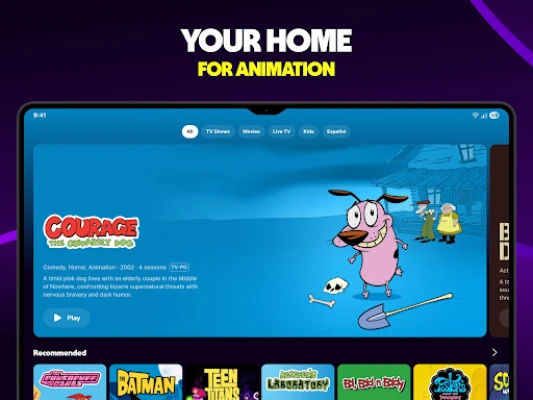
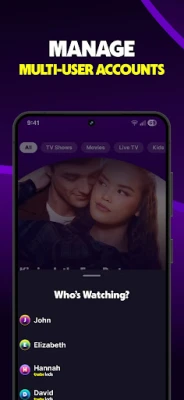
After installing the app, you create a free account or continue as a guest. The home screen presents curated collections, trending titles and personalized recommendations based on your viewing history. Selecting a title starts playback instantly; a brief ad may appear before or during the video. Live TV channels are organized by category, allowing you to switch between news, sports and entertainment with a single tap.
Practical Uses
- Catch up on popular movies that you missed in theaters.
- Watch a favorite TV series without juggling multiple subscription services.
- Stay informed with live news broadcasts while on the go.
- Enjoy sports highlights and pre‑game shows without a cable package.
Installation Information
Search for “Tubi: Free Movies & Live TV” in the Google Play Store, then tap Install. The download size varies with device and Android version, so a stable Wi‑Fi connection is recommended. Once installed, open the app, grant any required permissions for network access, and you’re ready to start streaming.
Things to Know Before Installing
- The service is free but includes ads; you cannot remove them without a paid upgrade, which the app does not currently offer.
- Content availability may differ by region due to licensing agreements.
- Because the app streams video, it can consume a significant amount of mobile data; using Wi‑Fi is advisable for longer sessions.
Who May Find Tubi Useful?
Anyone looking for a cost‑free alternative to subscription‑based streaming platforms will benefit from Tubi. It is especially appealing to users who enjoy exploring a diverse mix of movies and series, as well as those who want occasional live news or sports without a cable subscription.
Frequently Asked Questions
Is Tubi really free?
Yes. The app does not charge a subscription fee. Revenue is generated through short video advertisements that appear before or during playback.
Do I need an account?
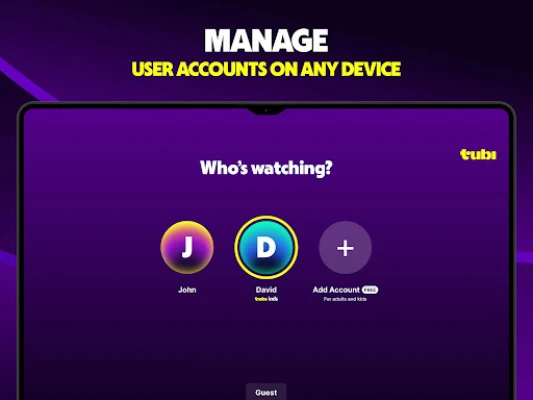
An account is optional. Creating one enables you to save watchlists and receive personalized recommendations, but you can also browse and watch as a guest.
Can I download content for offline viewing?
At the time of writing, Tubi does not offer offline downloads. All content streams directly from the internet.
What devices are supported?
The Android version runs on smartphones and tablets that meet the minimum system requirements set by the Google Play Store. Compatibility details are listed on the store page.
Are there parental controls?
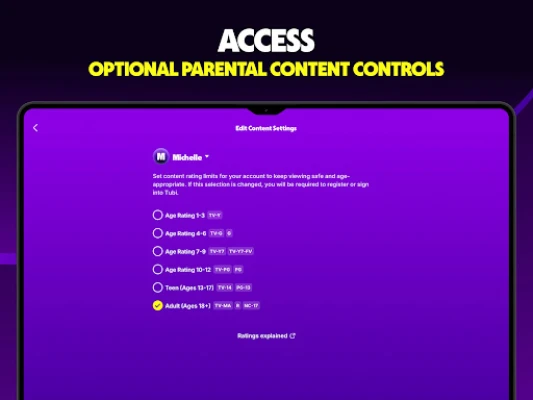
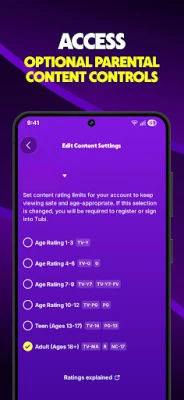
Tubi includes basic content filters that let you restrict mature titles. Settings can be adjusted within the app’s preferences.
Rate the App
User Reviews















Popular Apps










 Games
Games Entertainment
 Communication
 E-mail
 Security
 Tools
Tools Media
Media Internet
 Finance
 Design
 Education
 IT Tools
 Travel & Local
 Android
 Windows
 Linux
Linux