



Latest Version
Latest
August 16, 2026
Valve Corporation
Entertainment
Android
119
Free
com.valvesoftware.steamlink
Report a Problem
More About Steam Link – Play Your PC Games on Android
What is Steam Link?
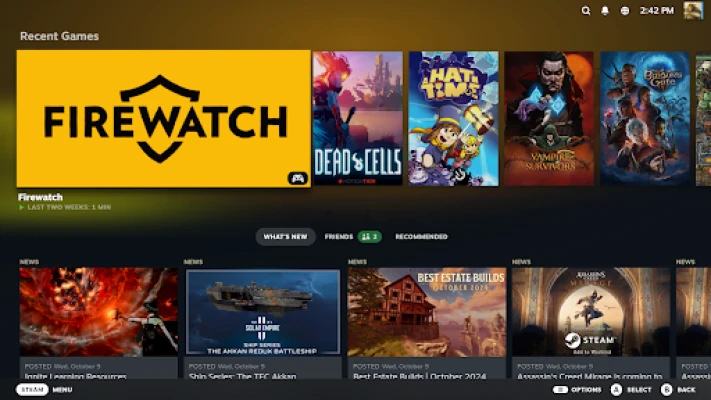
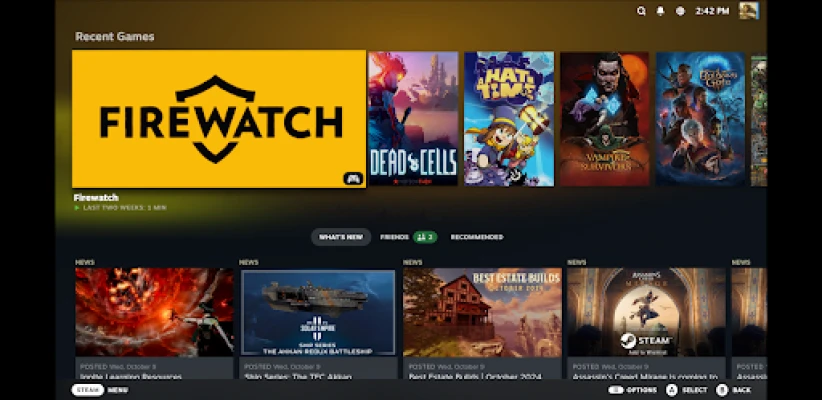
Steam Link is a free app from Valve Corporation that lets you stream games from a computer running Steam to an Android phone, tablet, or Android TV. The app turns your mobile device into a remote display and controller for your existing Steam library, so you can continue playing without being tied to your desktop.
Main features
- Live streaming of Steam games – The app captures video from your PC and sends it over your local network to your Android device.
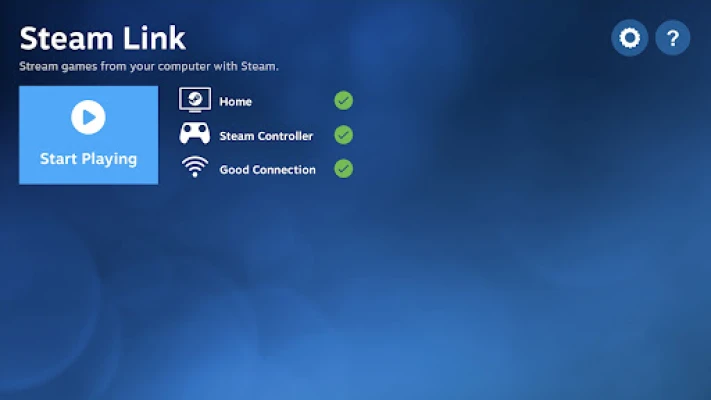
- Controller support – Pair a Bluetooth controller, a Steam Controller, or use on‑screen touch controls to interact with games.
- Low‑latency experience – When connected to a fast network, the delay between input and on‑screen action is minimal.
- Multi‑device flexibility – Use Steam Link on phones, tablets, or Android TV boxes for a couch‑friendly setup.
How it works
Steam Link works by establishing a direct connection between your Android device and the computer that runs Steam. The PC encodes the game video, sends it over your home Wi‑Fi or Ethernet network, and the app decodes and displays it in real time. Input from a paired controller or the device’s touch screen is sent back to the PC, completing the loop.
Practical uses
Whether you want to free up a couch space, play while someone else uses the main monitor, or simply enjoy a game in another room, Steam Link provides a convenient way to extend your gaming setup. It’s also handy for testing games on a smaller screen or for using a handheld device as a portable gaming console when you’re away from your desk.
Installation information
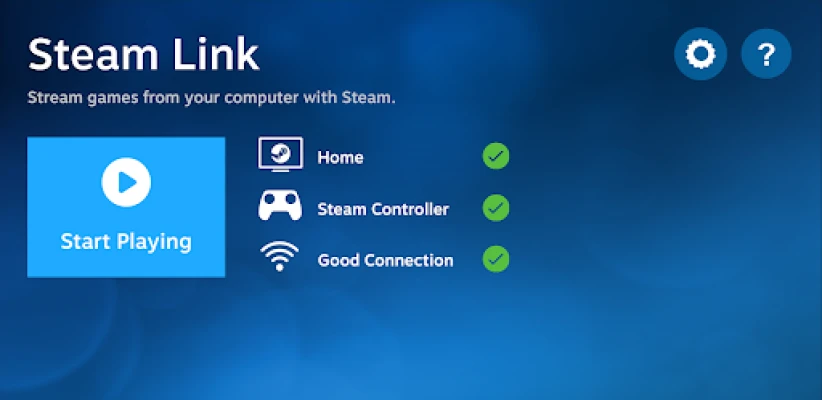
Steam Link is available for free on the Google Play Store. After installing, launch the app and follow the on‑screen prompts to discover and connect to a computer that has Steam running on the same network. No additional software is required on the PC beyond the standard Steam client.
Compatibility
The app runs on Android devices that meet the basic system requirements for the Google Play Store. For the best experience, a device with a modern processor and at least Android 5.0 is recommended. The quality of the stream depends largely on the speed and stability of your local network rather than the device itself.
Things to know before installing
- Network quality matters – A wired Ethernet connection for the PC and a 5 GHz Wi‑Fi connection for the Android device provide the smoothest gameplay.
- Controller pairing – Bluetooth controllers pair directly within the app; the Steam Controller can also be used if you have one.
- Screen resolution – The app adapts to the resolution of your Android device, but higher resolutions require more bandwidth.
Who may find it useful?
Anyone who already owns a Steam library and wants to play on a different screen will benefit from Steam Link. It’s especially useful for households with shared monitors, for gamers who travel with a lightweight device, and for those who prefer couch gaming without moving a full PC setup.
Frequently asked questions
Do I need a special account?
No. You use the same Steam account you already have on your PC.
Can I use Steam Link without an internet connection?
Yes, as long as both devices are on the same local network; the app does not require external internet access for streaming.
What kind of controller works best?
Any Bluetooth controller that Android recognizes works, but the Steam Controller offers the most integrated experience.
Is there any cost to use Steam Link?
The app itself is free. You only need a Steam account and a PC with games you already own.
Rate the App
User Reviews














Popular Apps










 Games
Games Entertainment
 Communication
 E-mail
 Security
 Tools
Tools Media
Media Internet
 Finance
 Design
 Education
 Android Firmwares
 Travel & Local
 Android
 Windows
 Linux
Linux