
Latest Version
Latest
September 14, 2026
Scratch Foundation
Education
Android
5
Free
org.scratchjr.android
Report a Problem
More About ScratchJr – Creative Coding for Young Children
What is ScratchJr?
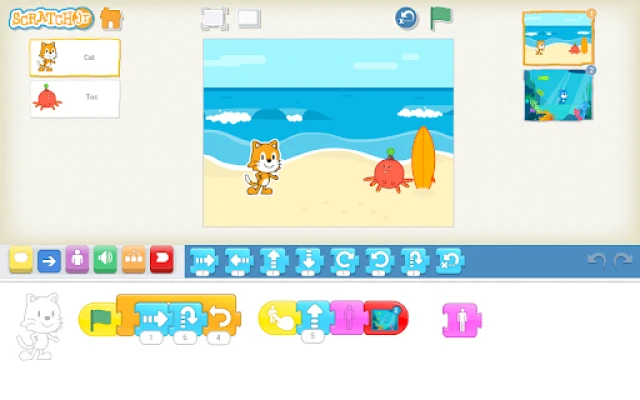
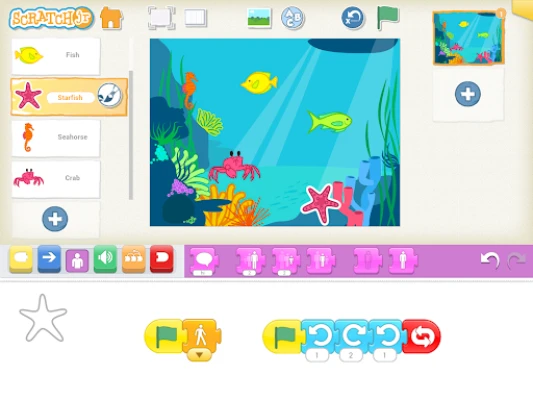
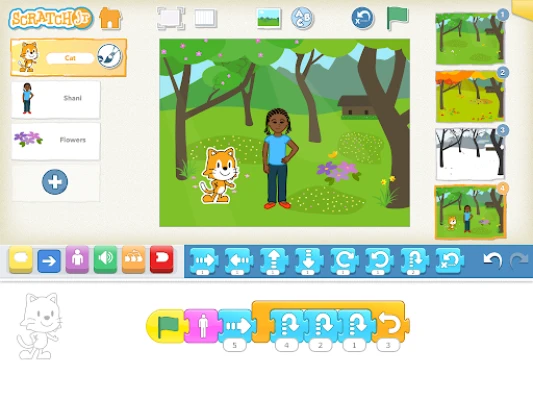
ScratchJjr is a free Android app developed by the Scratch Foundation that introduces very young children to the basics of programming. Instead of typing code, children use colorful, drag‑and‑drop blocks that represent actions such as moving, turning, or playing a sound. The interface is built for small hands and early readers, allowing kids to create interactive stories, animations, and simple games.
Main Features
- Block‑based programming: Visual blocks can be connected to form sequences, loops, and events without any text input.
- Character editor: Children can draw or modify characters directly in the app, choosing colors, shapes, and accessories.
- Sound integration: Pre‑loaded sound effects and the ability to record a voice let kids add audio to their projects.
- Photo import: Users may insert photos from the device’s gallery, making projects more personal.
- Multi‑page projects: Simple navigation lets a story unfold across several screens.
How It Works
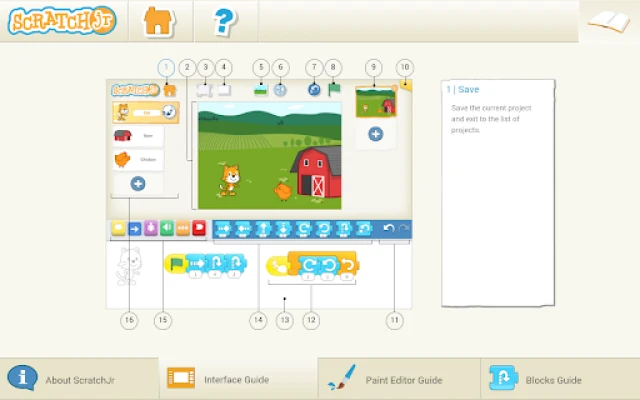
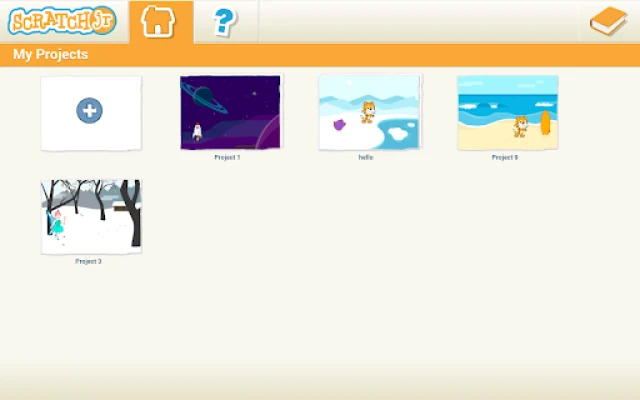
When the app opens, users start a new project on a blank canvas. They add a character, then select a block palette at the bottom of the screen. Blocks are categorized by function—motion, looks, sound, and control. By dragging blocks onto a scripting area and snapping them together, children define what the character does when the green flag is tapped. The app runs the script in real time, giving immediate feedback and encouraging experimentation.
Practical Uses
- Early literacy: Children label actions and characters, reinforcing reading skills.
- Math concepts: Sequencing blocks introduces counting and basic arithmetic logic.
- Creative storytelling: Kids craft narratives, practice plot structure, and explore cause‑and‑effect relationships.
- Collaboration: Projects can be shared with parents or teachers for group discussion and improvement.
Who May Find It Useful?
ScratchJr is aimed at children aged five and up, as well as educators and parents who want a low‑pressure introduction to coding concepts. Preschool teachers, early‑elementary classrooms, and after‑school programs often use the app as a hands‑on activity that aligns with STEM and language arts goals.
Installation Information
The app is available through the Google Play Store. Search for "ScratchJr" or use the package name org.scratchjr.android. Because the app is free, no purchase is required, though a stable internet connection is helpful for the initial download.
Things to Know Before Installing
- The app does not require a specific Android version listed in the store; it will indicate any minimum OS requirement during installation.
- Storage space needed is modest, but having a few megabytes of free space ensures smooth operation.
- ScratchJr does not request sensitive permissions beyond access to storage for saving projects and optional photo import.
Frequently Asked Questions
- Do I need an account? No. ScratchJr runs locally on the device, and projects are saved directly to the device’s storage.
- Can I share projects with others? Projects can be exported as files and shared via email or messaging apps, allowing others to open them in their own ScratchJr installation.
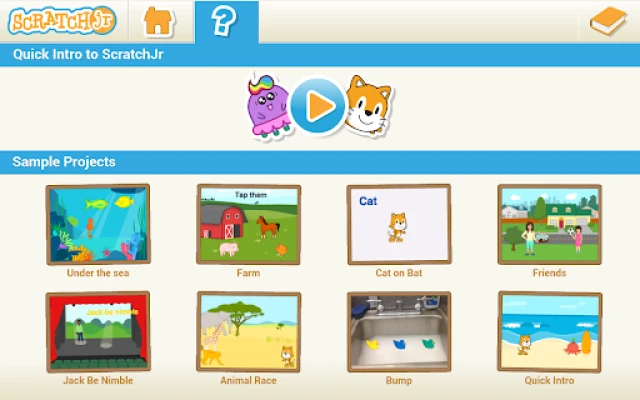
- Is there a way to get help inside the app? A built‑in tutorial guides new users through creating their first animation, and a help menu provides quick references for each block type.
Rate the App
User Reviews













Popular Apps










 Games
Games Entertainment
 Communication
 E-mail
 Security
 Tools
Tools Media
Media Internet
 Finance
 Design
 Education
 IT Tools
 Travel & Local
 Android
 Windows
 Linux
Linux