

Latest Version
September 16, 2026
Scratch Foundation
Education
Android
110
Free
org.scratch
Report a Problem
More About Scratch – Creative Coding for Kids and Beginners
What is Scratch?
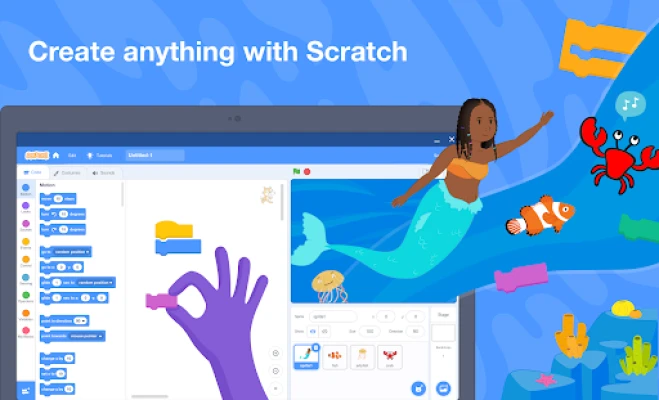
Scratch is a visual programming environment designed to introduce coding concepts through a block‑based interface. Users drag and connect colorful code blocks to create animations, games, stories, and more, all without writing text‑based code.
Main Features
- Block‑based coding – Simple, snap‑together blocks represent commands, making logic easy to understand.
- Extensive media library – A collection of sprites, backdrops, and sound effects is available for quick project start‑up.
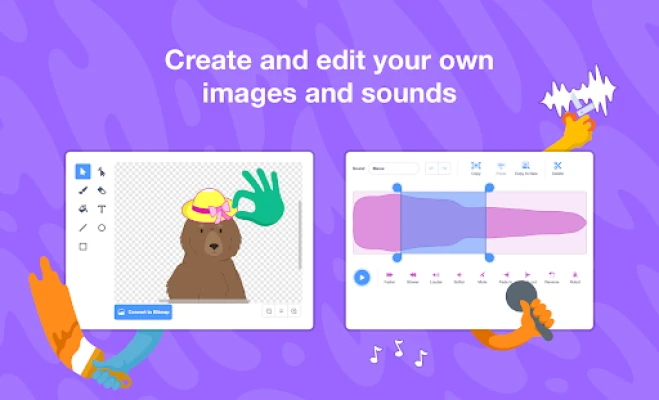
- Custom media creation – Users can draw their own characters or record sounds directly within the app.
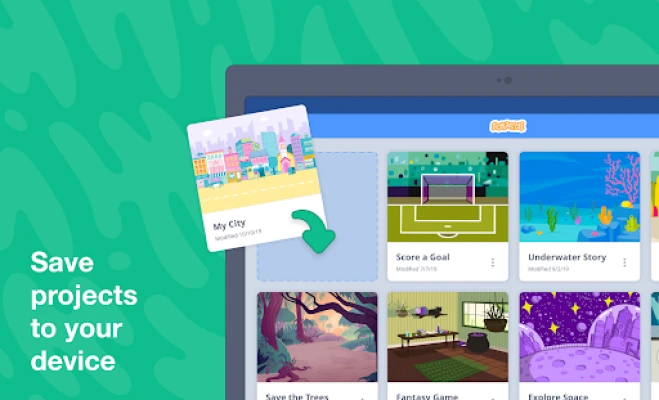
- Offline capability – Projects can be created and saved without an internet connection.
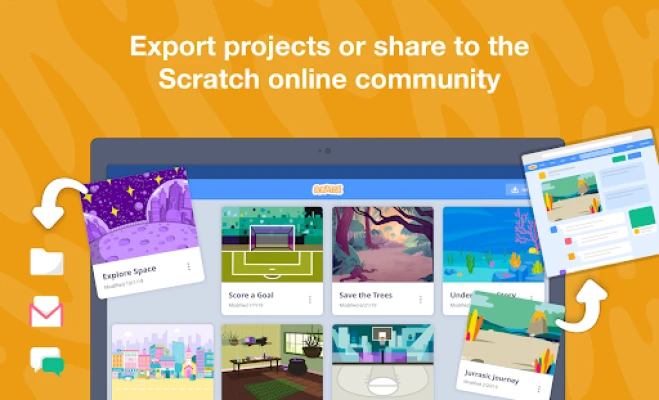
- Project sharing – Finished projects can be exported and shared with friends or uploaded to the Scratch community when a connection is available.
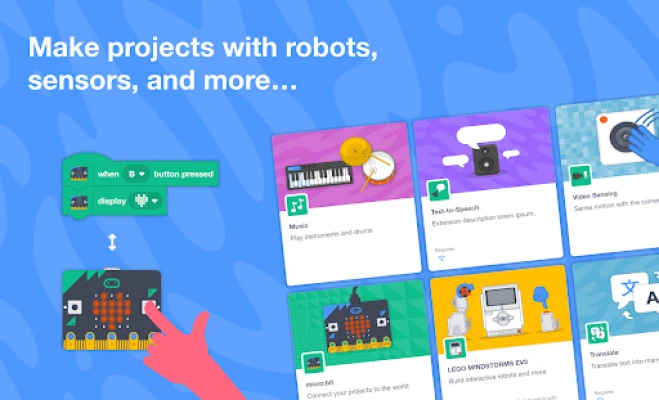
- Device integration – The app can communicate with external hardware such as micro:bit or LEGO components, expanding creative possibilities.
How It Works
When you open Scratch, you are presented with a stage and a palette of code blocks. Selecting a sprite (a character or object) lets you attach blocks that control its movement, appearance, and interactions. The visual nature of the blocks eliminates syntax errors, allowing users to focus on logic and storytelling. Projects are saved locally and can be opened later for further editing.
Practical Uses
- Learning fundamentals – Concepts like loops, conditionals, and variables are introduced in an intuitive way.
- Creative expression – Children can turn ideas into interactive media, fostering imagination.
- Classroom activities – Teachers can assign projects that align with curriculum goals in subjects such as math, language arts, and science.
- STEM exploration – By connecting to hardware, learners can experiment with robotics and sensor data.
Installation Information
The app is available through the Google Play Store. Search for "Scratch" by the Scratch Foundation, then tap Install. The download size varies with device and network conditions; ensure sufficient storage space before installing.
Compatibility
Scratch runs on Android tablets that meet the minimum system requirements defined by the Play Store. The exact Android version required is not specified in the public listing, but the app is built to operate on a broad range of recent devices.
Things to Know Before Installing
- Creating an account is optional; you can work offline and save projects locally.
- Sharing projects to the global Scratch community requires an internet connection and a Scratch account.
- The app does not contain advertisements or in‑app purchases.
Who May Find Scratch Useful?
Scratch is ideal for:
- Kids aged 8 and up who want to explore coding in a playful setting.
- Beginners of any age looking for a low‑barrier entry to programming.
- Educators seeking a free tool for classroom projects.
- Parents who want a safe, creative app for their children’s tablets.
Frequently Asked Questions
Do I need an internet connection to use Scratch?
No. You can create, edit, and save projects entirely offline. An internet connection is only needed for uploading projects to the Scratch community or downloading additional resources.
Can I import my own images and sounds?
Yes. The app provides options to import media from the device’s gallery or record new sounds directly.
Is my work saved automatically?
Projects are saved locally when you choose to save them. It is recommended to back up important projects by exporting them to external storage.
Is Scratch free?
The application is offered at no cost and does not contain paid features.
Rate the App
User Reviews










Popular Apps










 Games
Games Entertainment
 Communication
 E-mail
 Security
 Tools
Tools Media
Media Internet
 Finance
 Design
 Education
 Android Firmwares
 Travel & Local
 Android
 Windows
 Linux
Linux