

Latest Version
Latest
September 16, 2026
Age of Learning, Inc.
Education
Android
98
Free
com.aofl.abcmouse
Report a Problem
More About ABCmouse: Kids Learning Games – Interactive Early Education
What is ABCmouse?
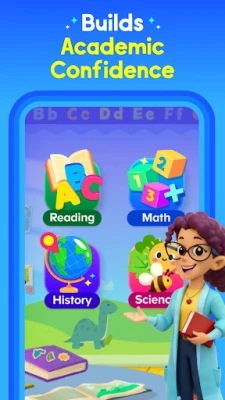
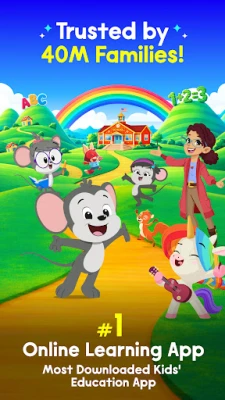
ABCmouse is an educational app designed for young learners, typically ages 2 to 8. Developed by Age of Learning, Inc., it provides a digital playground where children can engage with a variety of learning activities that cover core subjects such as literacy, numeracy, science, art and music.
Main Features
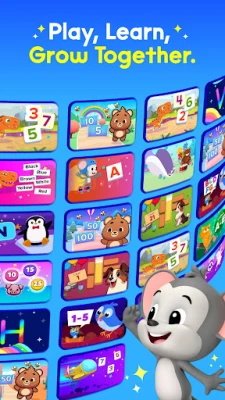
- Broad curriculum coverage – Activities are organized around early‑learning concepts, from phonics and letter recognition to basic addition and shape identification.
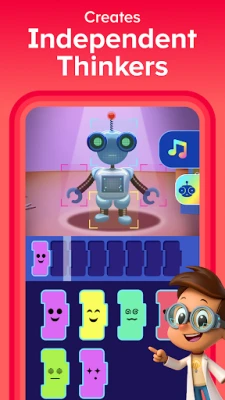
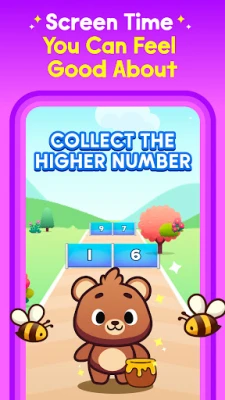
- Interactive games and puzzles – Children learn by playing, using touch‑based games that reinforce concepts in a fun, low‑pressure setting.
- Reading and storytelling – A library of age‑appropriate books and narrated stories helps develop vocabulary and listening skills.
- Creative tools – Drawing, coloring and simple music activities let kids express themselves while practicing fine‑motor skills.
- Progress tracking – Parents can view completed activities and milestones, giving insight into a child’s learning path.
How It Works
When the app is opened, children are guided to a personalized learning path based on their age group. Each activity is presented as a short, self‑contained session that can be completed in a few minutes, making it easy to fit into daily routines. The app uses visual cues, sound effects and gentle feedback to keep children motivated.
Practical Uses
- Home learning – Parents can supplement preschool or kindergarten curricula with short, engaging sessions.
- Travel companion – Offline‑available activities provide quiet entertainment on trips.
- Classroom support – Teachers may use selected games as interactive reinforcement during lessons.
Installation Information
The app is available through the Google Play Store. Installation follows the standard process: tap “Install,” wait for the download, and open the app to begin the onboarding flow. No additional setup steps are required.
Things to Know Before Installing
- The app is offered free of charge, though some content may be accessed through optional in‑app purchases.
- It is designed for children, so the interface avoids third‑party advertisements and pop‑ups.
- Parental controls are built in, allowing adults to set session limits and monitor activity.
Who May Find It Useful?
Parents of toddlers and early elementary students looking for a structured yet playful learning environment will benefit most. Early‑child educators seeking supplemental digital resources can also find value in the curriculum‑aligned activities.
Frequently Asked Questions
Is the app safe for children?
Yes. The experience is curated for young users, with no external ads and compliance with child‑privacy standards.
Do I need an internet connection?
Initial setup and content updates require connectivity, but many activities can be used offline after they are downloaded.
Can I track my child’s progress?
Parents can access a simple dashboard that shows completed activities, time spent and skill milestones.
Rate the App
User Reviews














Popular Apps










 Games
Games Entertainment
 Communication
 E-mail
 Security
 Tools
Tools Media
Media Internet
 Finance
 Design
 Education
 Android Firmwares
 Travel & Local
 Android
 Windows
 Linux
Linux