

Latest Version
Latest
September 06, 2026
DictionaryAndTranslator
Entertainment
Android
5
Free
com.kakideveloper.romanticlovemessages
Report a Problem
More About Romantic Love Messages Texts – Share Heartfelt SMS
What is Romantic Love Messages Texts?
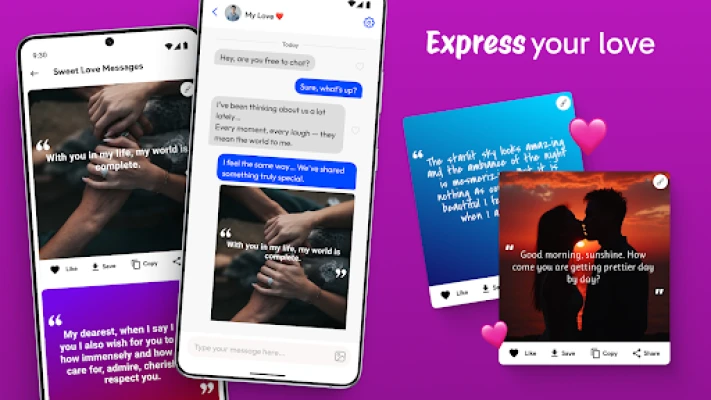
Romantic Love Messages Texts is a lightweight Android utility that provides a curated collection of love‑themed messages, quotes and short texts. The app is designed for anyone who wants quick inspiration for a sweet note, a text message, or a social‑media post that expresses affection.
Main features
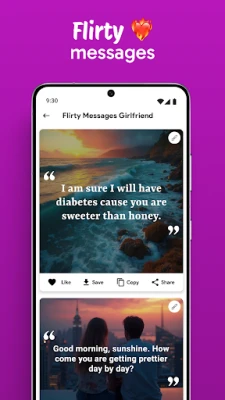
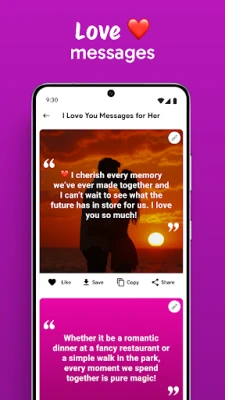
- Extensive message library – Hundreds of ready‑to‑use love messages ranging from poetic verses to playful flirtations.
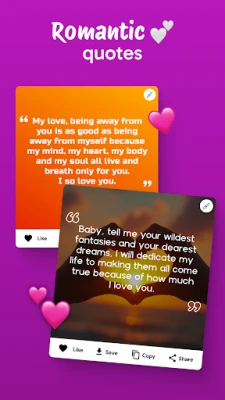
- Quote collection – A selection of love quotes that can be copied or combined with personal words.
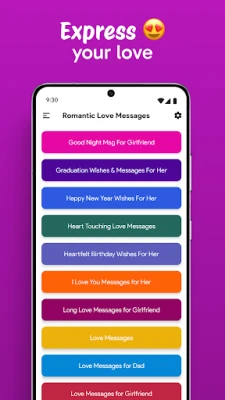
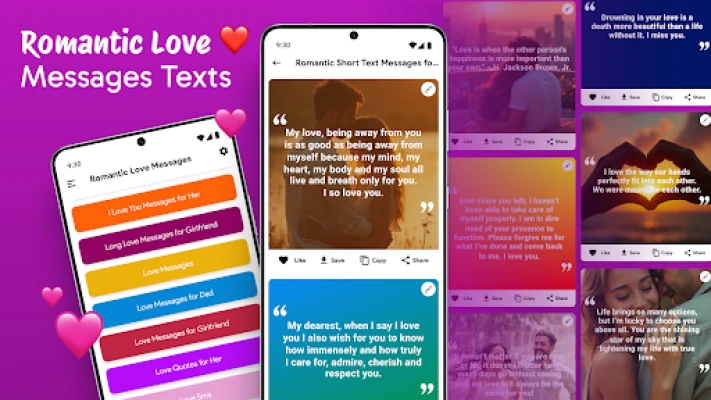
- Category filters – Browse messages by occasion such as good morning, good night, anniversary, birthday or just “just because”.
- Offline access – All content is stored locally, so you can find the perfect line even without an internet connection.
- Simple sharing – One‑tap copy to clipboard makes it easy to paste the text into any messaging app.
- Customization – You can edit any message before sharing, adding your own name or a personal touch.
How it works
After installing the app, open it to see the main menu with categories. Tap a category to view the list of messages. Selecting a message opens a detail screen where you can read the full text, copy it, or edit it in a built‑in editor. Once you are satisfied, use the copy button and paste the text into your preferred messaging platform.
Practical uses
- Send a spontaneous love note to brighten your partner’s day.
- Find the right words for a special anniversary or birthday.
- Get inspiration for a romantic poem or a handwritten card.
- Quickly reply to a partner’s message with a sweet, pre‑written line.
Installation information
The app is available as a free download from the Google Play Store. Installation follows the standard Android process: tap “Install”, grant any required permissions (typically storage for saving custom drafts), and launch the app from your app drawer.
Things to know before installing
- The app does not require an internet connection after the initial download.
- All content is provided for personal use; it is not intended for commercial distribution.
- No in‑app purchases or ads are listed, keeping the experience straightforward.
Who may find it useful?
Anyone who enjoys expressing affection through text will benefit – couples in long‑distance relationships, newlyweds looking for fresh ideas, or friends who want to send a caring message. The simple interface also makes it suitable for users who prefer minimalistic apps without clutter.
Frequently asked questions
Do I need an internet connection to use the app?
No. All messages and quotes are stored locally, so you can browse and copy them offline.
Can I add my own messages?
Yes. The built‑in editor lets you modify any existing text or create a new entry that you can save for later use.
Is there any cost or hidden fees?
The app is free to download and use. There are no subscription fees or in‑app purchases mentioned.
What Android versions are supported?
The Play Store listing indicates compatibility with the majority of recent Android releases. Specific version requirements are not disclosed, but the app runs on standard Android devices.
Rate the App
User Reviews















Popular Apps










 Games
Games Entertainment
 Communication
 E-mail
 Security
 Tools
Tools Media
Media Internet
 Finance
 Design
 Education
 IT Tools
 Travel & Local
 Android
 Windows
 Linux
Linux