
Latest Version
Latest
September 12, 2026
PBS KIDS
Education
Android
3
Free
org.pbskids.scratchjr
Report a Problem
More About PBS KIDS ScratchJr – Creative Coding for Young Learners
What is PBS KIDS ScratchJr?
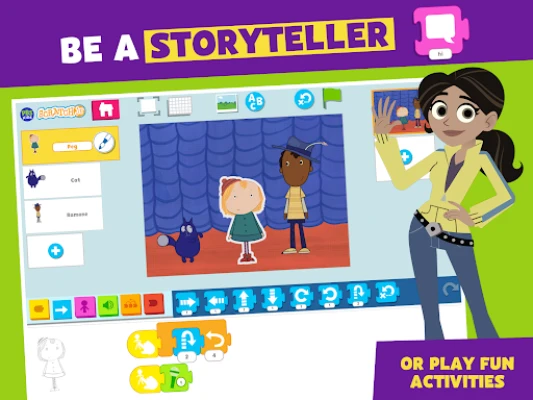
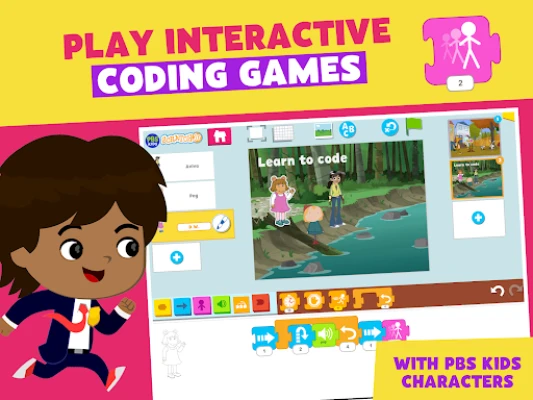
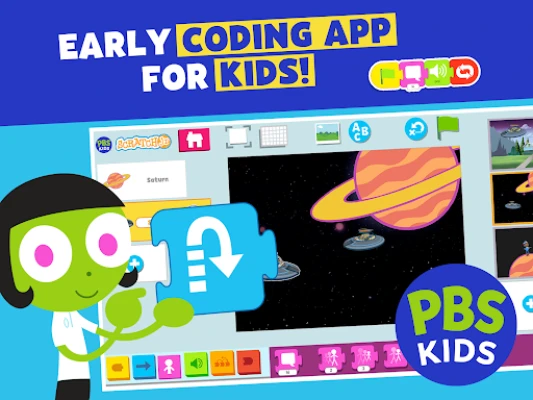
PBS KIDS ScratchJr is an educational app designed for early elementary children who are curious about creating their own digital stories and games. It introduces basic programming ideas through a visual, drag‑and‑drop interface that uses colorful blocks to control characters, sounds, and animations.
Main Features
- Block‑based programming: Kids snap together motion, sound, look, and control blocks to build simple sequences.
- Story and game templates: The app includes starter projects that guide children in creating narratives or interactive challenges.
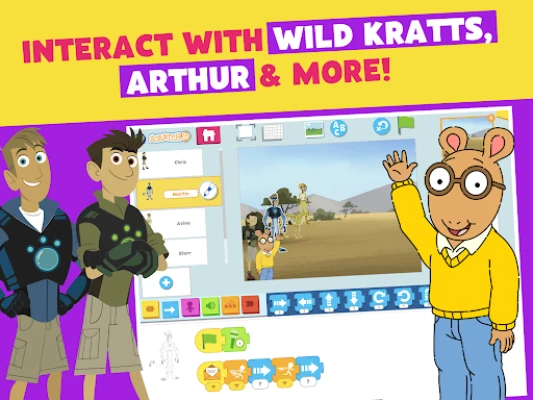
- Character library: A selection of familiar PBS KIDS characters is available for use in projects.
- Paint editor: Children can draw or color their own characters and backgrounds directly within the app.
- Voice recording: Users can add spoken dialogue or sound effects by recording their own voice.
How It Works
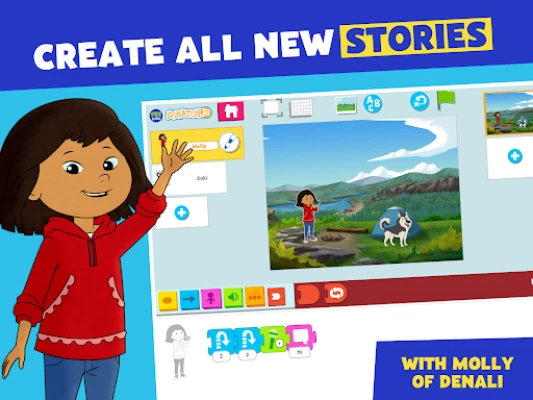
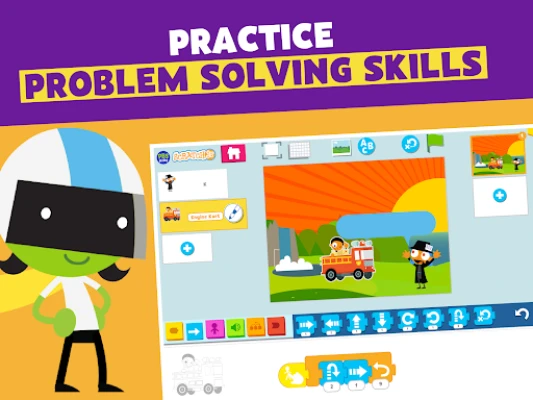
When a child opens ScratchJr, they are presented with a simple workspace where they can choose a character and a backdrop. Programming blocks are organized by function and color, making it easy to understand what each block does. By arranging blocks in a sequence, the child defines the order of actions—such as moving a character across the screen, playing a sound, or changing its appearance. The app runs the sequence in real time, allowing immediate feedback and encouraging experimentation.
Practical Uses
- Introduce fundamental coding concepts like loops, events, and sequencing in a playful context.
- Support creative writing by letting children storyboard and animate their own tales.
- Develop problem‑solving skills as kids troubleshoot why a character isn’t behaving as expected.
- Encourage collaboration when children share their projects with peers or family members.
Installation Information
The app is available for free on the Google Play Store. Search for the package name org.pbskids.scratchjr or the title “PBS KIDS ScratchJr” to locate the correct listing. Tap “Install” and follow the standard Android installation prompts.
Things to Know Before Installing
- The app is intended for children ages 5‑8, but older beginners may also find it useful.
- It does not require an internet connection for core functionality; however, some content updates may be downloaded when a network is available.
- Storage requirements are modest, but ensure the device has enough free space for the app and any saved projects.
Who May Find It Useful?
Parents looking for a screen‑time activity that blends creativity with early coding education will appreciate ScratchJr. Educators in preschool or early elementary classrooms can use it as a hands‑on tool for introducing computational thinking. Additionally, children who enjoy PBS KIDS shows may be motivated by seeing familiar characters come to life through their own designs.
Frequently Asked Questions
Do I need prior coding experience?
No. The block‑based approach is designed for complete beginners, and the app includes tutorials that walk users through the basics.
Can I share my projects?
Projects can be saved locally and exported to share with others via standard Android sharing options.
Is the app safe for children?
The app is developed by PBS KIDS, a reputable educational organization, and it follows standard Android permissions for a learning app.
What languages are supported?
The interface is primarily in English; additional language support may be added in future updates.
Rate the App
User Reviews










Popular Apps










 Games
Games Entertainment
 Communication
 E-mail
 Security
 Tools
Tools Media
Media Internet
 Finance
 Design
 Education
 IT Tools
 Travel & Local
 Android
 Windows
 Linux
Linux