

Latest Version
Latest
September 04, 2026
GUMDROP ENTERTAINMENT PTE. LTD.
Entertainment
Android
2
Free
sg.partying.lcb.android
Report a Problem
More About Party Star: Live, Chat & Games – Free Social Entertainment
What is Party Star?
Party Star is a free Android app that combines live streaming, voice‑based chat rooms and a small collection of casual games. Developed by GUMDROP ENTERTAINMENT PTE. LTD., it aims to create a relaxed community where users can watch performances, talk with friends, and play together without the need for video cameras.
Main Features
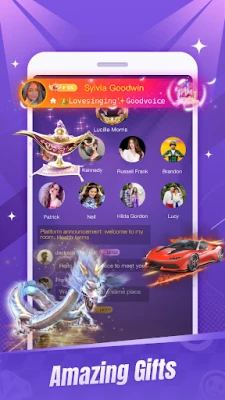
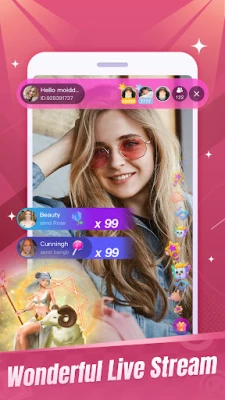
- Live streaming hub – Browse a variety of live broadcasts ranging from music performances to talk‑shows. View streams at any time and interact with hosts through text chat.
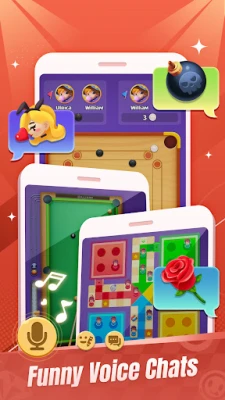
- Group voice chat rooms – Join public rooms focused on topics such as singing, storytelling, or casual conversation. Voice communication is the primary mode, keeping bandwidth use modest.
- Private voice calls – Start one‑to‑one voice conversations with contacts you add within the app.
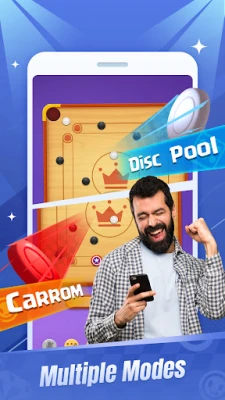
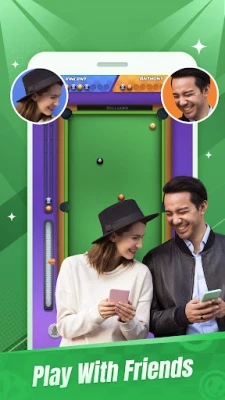
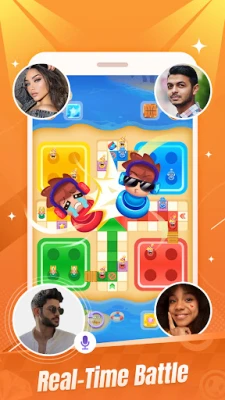
- Integrated game center – Play simple multiplayer games like Ludo, billiards or carrom while staying connected through the built‑in voice channel.
- Gift and effect system – Send virtual gifts that trigger animated entry effects, adding a fun visual cue for the recipient.
How It Works
After installing the app, you create a basic profile using an email address or phone number. The home screen presents a feed of live streams and a list of active voice rooms. Selecting a stream opens a viewer with a chat pane at the bottom. To enter a voice room, simply tap the room name; the app automatically connects you to the ongoing conversation. Private calls are initiated from the contacts list, and games are launched from the Game Center tab, where you can invite other users in the same room.
Practical Uses
- Meet people who share your hobbies through themed voice rooms.
- Enjoy live performances when you can’t attend events in person.
- Play quick games with friends while staying in a voice chat, ideal for casual hangouts.
- Use virtual gifts to express appreciation during a live broadcast or group chat.
Installation Information
The app is available for free on the Google Play Store. Search for the package name sg.partying.lcb.android or the title “Party Star: Live, Chat & Games”. Installation follows the standard Android process: tap Install, grant the requested permissions, and launch the app.
Things to Know Before Installing
- The app requires an internet connection for streaming and voice communication.
- Typical permissions include microphone access for voice chat and storage access for saving received media.
- Content is user‑generated; community guidelines are enforced, but experiences may vary.
Who May Find It Useful?
Anyone looking for a lightweight social platform that emphasizes voice interaction rather than video will benefit. The app suits casual gamers, music lovers, and users who enjoy real‑time conversation without the bandwidth demands of video calls.
Frequently Asked Questions
Is Party Star safe to use?
The app follows standard Android permission models. Users should review the privacy policy and report any inappropriate behavior through the in‑app reporting tools.
Can I use Party Star without creating an account?
A minimal account is required to participate in live streams and voice rooms, primarily to manage contacts and gift transactions.
Are there any hidden costs?
The core features are free. Optional virtual gifts can be purchased within the app, but they are not required to use the main functions.
Rate the App
User Reviews















Popular Apps










 Games
Games Entertainment
 Communication
 E-mail
 Security
 Tools
Tools Media
Media Internet
 Finance
 Design
 Education
 IT Tools
 Travel & Local
 Android
 Windows
 Linux
Linux