

Latest Version
September 05, 2026
Netflix, Inc.
Entertainment
Android
118
Free
com.netflix.ninja
Report a Problem
More About Netflix – Stream Movies & TV Shows on Android
What is Netflix?
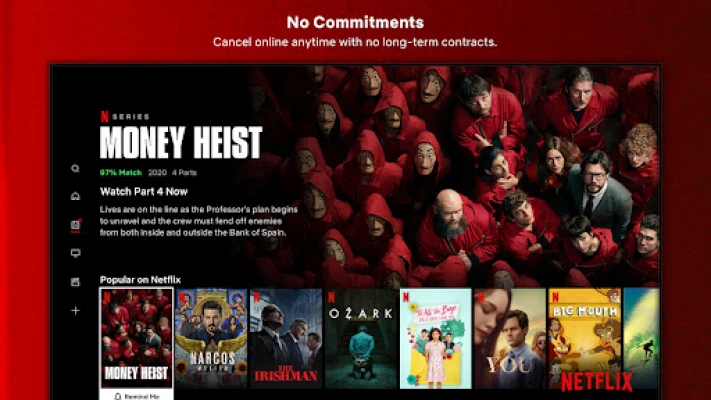
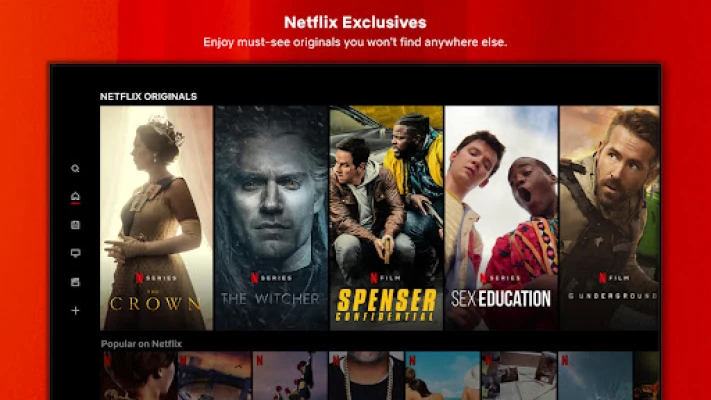
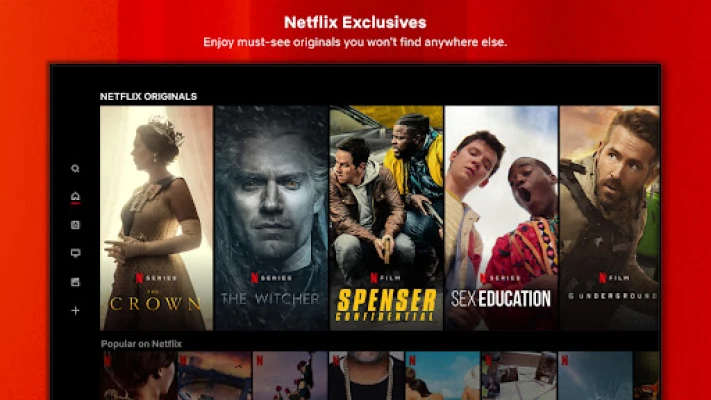
Netflix is a subscription‑based streaming service that offers a large catalog of movies, television series, documentaries and original productions. The Android app lets you access that catalog from smartphones and tablets, providing a portable way to watch content wherever you have an internet connection.
Main features
- Extensive library – Thousands of titles across many genres and languages.
- Personalized recommendations – The app suggests new shows and movies based on your viewing history.
- Multiple profiles – Create separate profiles for family members, each with its own watchlist and recommendations.
- Kids mode – A dedicated section with age‑appropriate content and parental controls.
- Download for offline viewing – Select titles can be saved to the device for watching without an active connection.
- Automatic playback – Episodes of a series play continuously, with the option to turn off auto‑play.
How it works
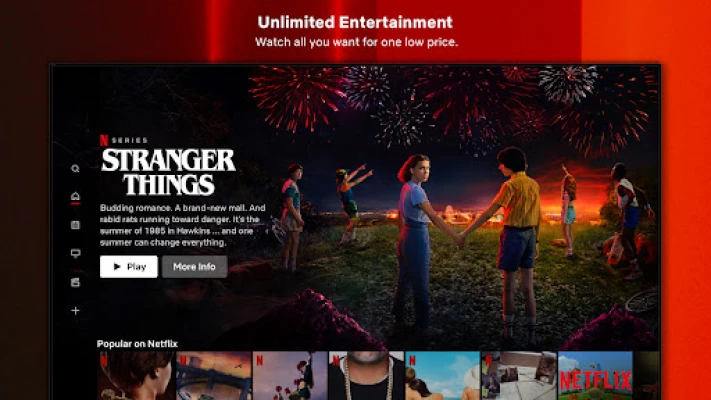
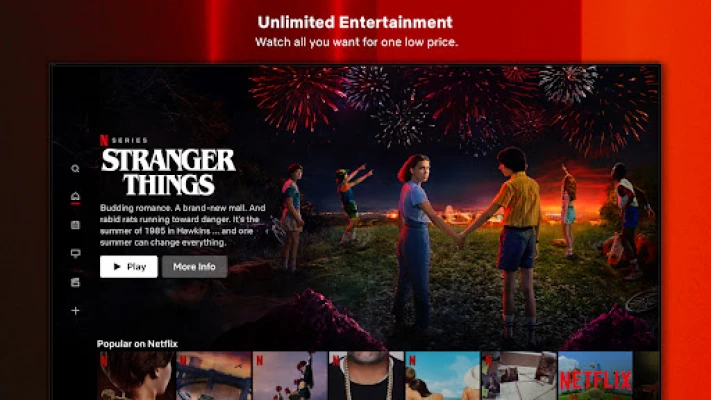
After installing the app, you sign in with your Netflix account. The home screen presents a mix of featured titles, new releases and personalized suggestions. You can browse by category, search for specific titles, or explore curated collections. When you tap a title, the video streams over Wi‑Fi or mobile data, depending on your settings. For supported titles, the download button appears, allowing you to store the video locally.
Practical uses
The app is useful for:
- Commuters who want to watch shows during travel.
- Travelers needing entertainment without relying on hotel TV.
- Families looking for a shared platform with separate profiles.
- Anyone who prefers to watch on a personal device rather than a TV.
Installation information
Search for “Netflix” in the Google Play Store, then tap Install. The download size varies with updates, so a stable internet connection is recommended. Once installed, open the app, sign in, and you’re ready to start streaming.
Things to know before installing
- A Netflix subscription is required; the app itself is free to download.
- Streaming consumes data; you can limit playback to Wi‑Fi only in the app’s settings.
- Not all titles are available for download; availability depends on licensing.
- Device storage is needed for offline downloads; the app lets you manage storage per title.
Who may find it useful?
Anyone with an interest in on‑demand video content can benefit, especially users who value a large, regularly refreshed catalog and the ability to watch on a mobile device. The app is also handy for households that want separate viewing experiences under one subscription.
Frequently asked questions
Do I need a fast internet connection?
Streaming high‑definition video works best on a stable broadband or 4G/5G connection. The app offers quality settings that can be adjusted for slower connections.
Can I watch Netflix without a subscription?
No. Access to the catalog requires an active paid subscription.
How many devices can I use at the same time?
The number of simultaneous streams depends on your subscription plan; the app will inform you of any limits when you try to start a new stream.
Is the app safe for children?
Yes. The Kids profile includes parental controls and a curated library of age‑appropriate content.
Rate the App
User Reviews












Popular Apps










 Games
 Entertainment
 Communication
 E-mail
 Security
 Tools
 Media
 Internet
 Finance
 Design
 Education
 Android Firmwares
 Travel & Local
 Android
 Windows
 Linux