

Latest Version
Latest
June 20, 2026
Netflix, Inc.
Entertainment
Android
560
Free
com.netflix.mediaclient
Report a Problem
More About Netflix – Stream Movies & TV Shows
What is Netflix?
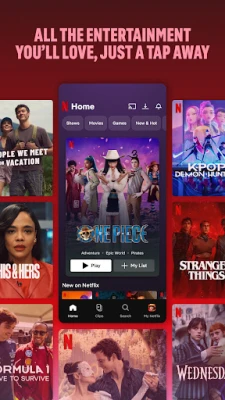
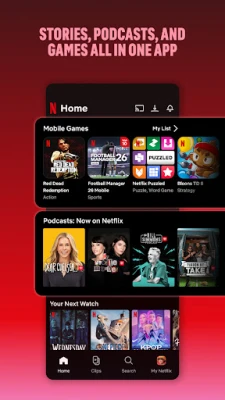
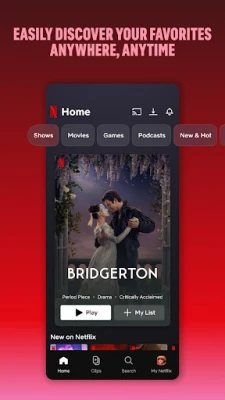
Netflix is a subscription‑based streaming service that offers a vast library of movies, TV series, documentaries, and original productions. The Android app brings the full catalog to smartphones and tablets, allowing you to watch anytime, anywhere.
Key features
- Extensive library – Thousands of titles across genres and languages.
- Offline viewing – Download selected titles to watch without an internet connection.
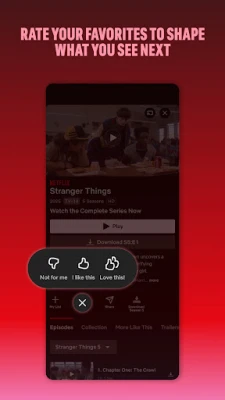
- Personalized recommendations – AI‑driven suggestions based on your watch history and ratings.
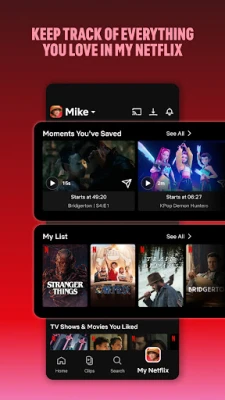
- Multiple profiles – Create up to five profiles for family members, each with its own watchlist.
- Parental controls – Set maturity ratings and PIN protection for kids.
How the application works
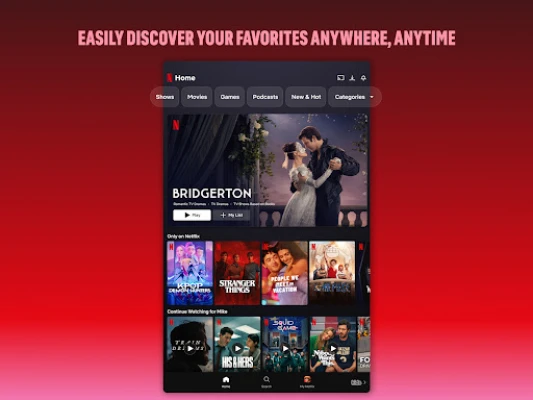
After installing, sign in with your Netflix account or start a free trial. Browse the home screen, use the search bar, or explore curated categories. Tap a title to start streaming instantly, or tap the download icon to save it for later.
Installation information
The app is available on the Google Play Store. Tap “Install,” wait for the download, and open the app to begin setup. The installation size is around 150 MB, and additional space is required for downloaded content.
Compatibility
Requires Android 7.0 (Nougat) or newer. Optimized for phones and tablets of various screen sizes. Supports HD streaming up to 1080p; 4K HDR is available on compatible devices with a Netflix Premium plan.
Things to know before installing
- A stable internet connection is needed for streaming; Wi‑Fi is recommended for high‑quality playback.
- Data usage can be controlled in Settings – choose Low, Medium, High, or Auto.
- Some titles may not be available in all regions due to licensing.
Frequently asked questions
- Can I watch Netflix without a subscription? No, a paid membership is required to access content.
- How many devices can I use at once? The number depends on your plan – Basic (1), Standard (2), Premium (4).
- Is there a limit to how many titles I can download? Yes, up to 100 titles per device and 10,000 total across all devices.
Rate the App
User Reviews













Popular Apps










 Games
Games Entertainment
 Communication
 E-mail
 Security
 Tools
Tools Media
Media Internet
 Finance
 Design
 Education
 Android Firmwares
 Travel & Local
 Android
 Windows
 Linux
Linux