
Latest Version
Latest
June 20, 2026
Mojang
Education
Android
607
Free
com.mojang.minecraftedu
Report a Problem
More About Minecraft Education – Classroom Learning App
What is Minecraft Education?
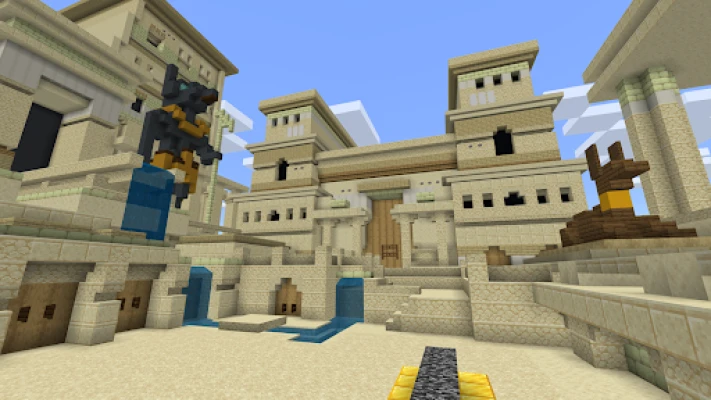
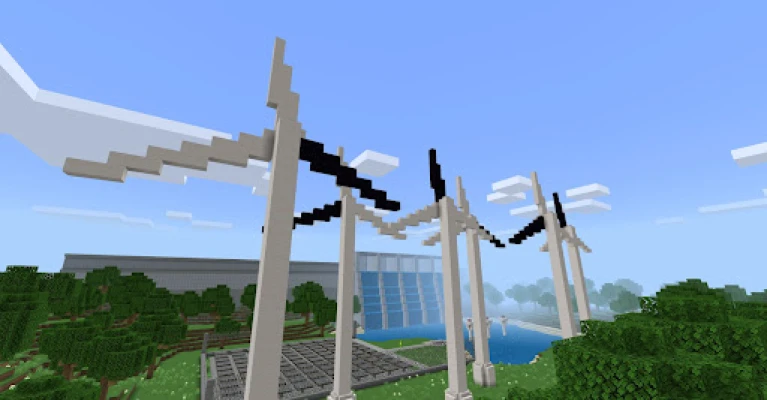
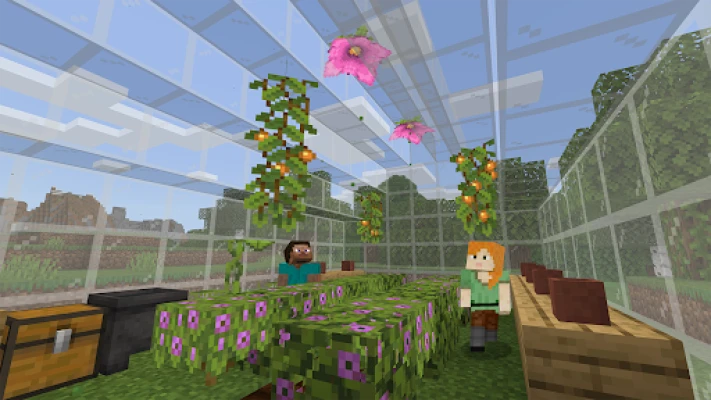
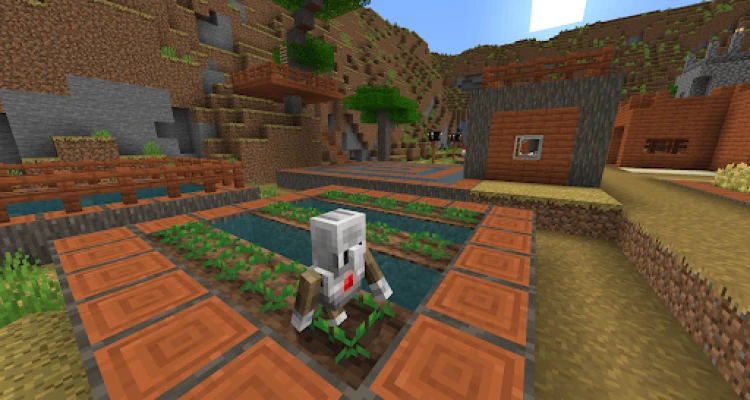
Minecraft Education is a classroom‑focused version of the popular sandbox game, designed to turn block‑building into a structured learning experience. Teachers can create or use pre‑made lesson worlds that align with national standards, while students explore, collaborate, and solve problems in a safe, moderated environment.
Key features
- Curriculum‑aligned lessons – Hundreds of ready‑to‑use modules covering math, science, language arts, history and coding.
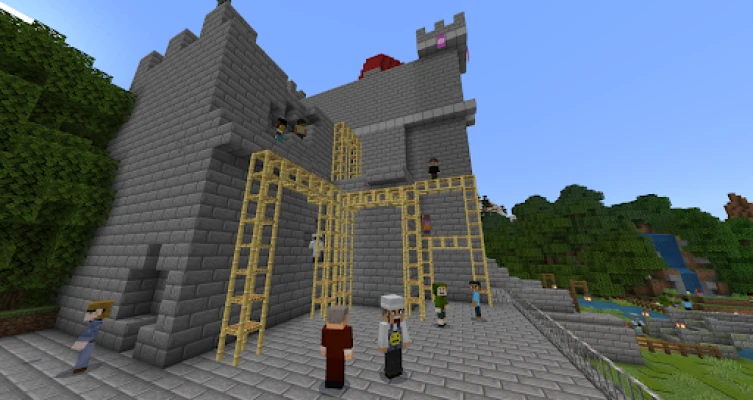
- Multiplayer collaboration – Students join the same world from tablets, laptops or desktops, enabling real‑time teamwork.
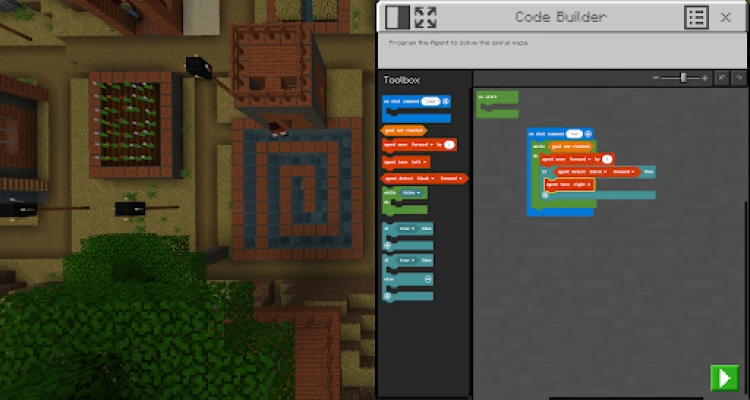
- Code Builder – Integrated coding interface supports block‑based, JavaScript and Python scripts that run directly in‑game.
- Immersive Reader – Built‑in text‑to‑speech and translation tools help learners with reading difficulties.
- Teacher controls – Classroom mode lets educators manage permissions, assign tasks and monitor progress.
- Microsoft integration – Seamless connection with Teams, OneNote and Flipgrid for assessment and sharing.
How the application works
After signing in with a school Microsoft 365 account, teachers select a lesson or start a blank world. They can place NPCs, set objectives and define resource packs. Students then log in, receive the assigned world, and begin exploring. Challenges often involve gathering materials, building structures, or writing code to automate tasks. Progress is saved to the cloud, allowing teachers to review completed work and provide feedback.
Installation information
The app is available from the Google Play Store. Install it on Android tablets or phones running Android 6.0 (Marshmallow) or newer. Once installed, launch the app, sign in with the school account, and accept the classroom permissions.
Compatibility
Supported devices include Android smartphones, tablets, and Chrome OS devices that meet the minimum OS version. The app works best on devices with at least 2 GB RAM and a modern GPU for smooth rendering of blocky environments.
Things to know before installing
- A valid Microsoft 365 Education subscription is required for full teacher features.
- Student accounts are managed by the school’s admin portal.
- Internet access is needed for initial sign‑in and cloud saves, but lessons can be cached for offline play.
Frequently asked questions
- Is Minecraft Education free? The app itself is free to download, but schools need an active Microsoft 365 Education license to unlock classroom tools.
- Can I use my personal Google account? No. Access is tied to a school‑issued Microsoft account to ensure proper data governance.
- What age range is supported? The platform is designed for K‑12, with lesson difficulty adjustable for different grades.
- Is there support for other languages? Yes, the interface and many lesson packs are available in multiple languages, and Immersive Reader adds translation support.
Rate the App
User Reviews











Popular Apps










 Games
Games Entertainment
 Communication
 E-mail
 Security
 Tools
Tools Media
Media Internet
 Finance
 Design
 Education
 Android Firmwares
 Travel & Local
 Android
 Windows
 Linux
Linux