

Latest Version
Latest
August 13, 2026
LEGO System A/S
Entertainment
Android
260
Free
com.lego.supermario
Report a Problem
More About LEGO® Super Mario™ – Companion App for Creative Play
What is the LEGO® Super Mario™ app?
The LEGO® Super Mario™ app is a free companion tool designed to work with the LEGO® Super Mario™ building sets. It provides digital support that helps builders of all ages get the most out of their physical bricks, from step‑by‑step 3D instructions to interactive play tracking.
Main features
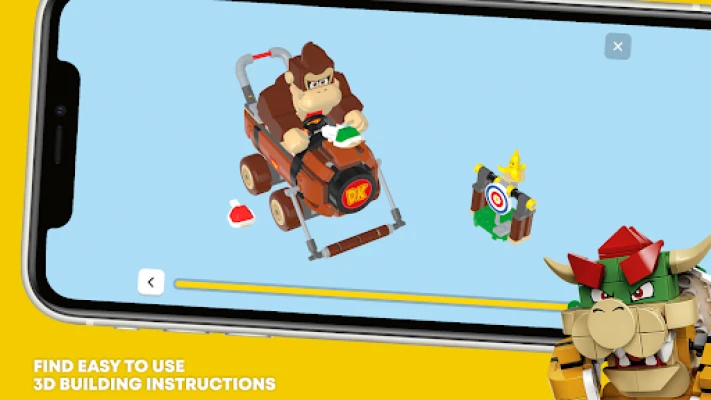
- 3D building instructions – View each construction step in three dimensions, making it easier to follow complex builds.
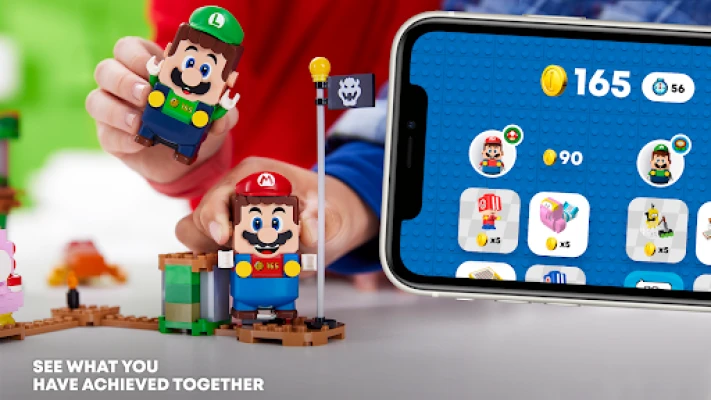
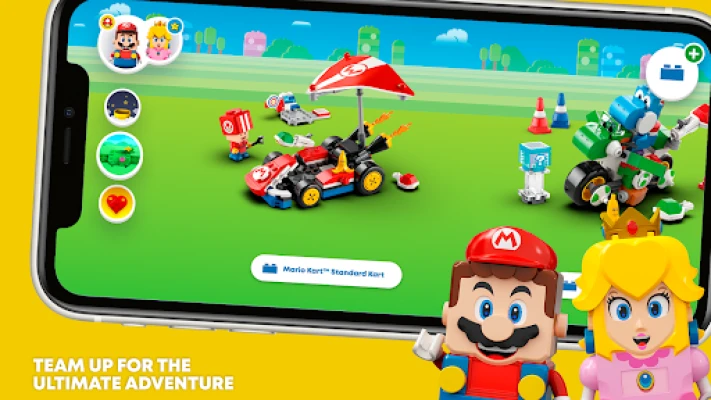
- Bluetooth connectivity – Pair the app with LEGO® Mario™, Luigi™ or Peach™ figures to sync in‑game actions with the physical set.
- Level progress tracking – Record coins collected, enemies defeated and obstacles cleared when you play with the real‑world sets.
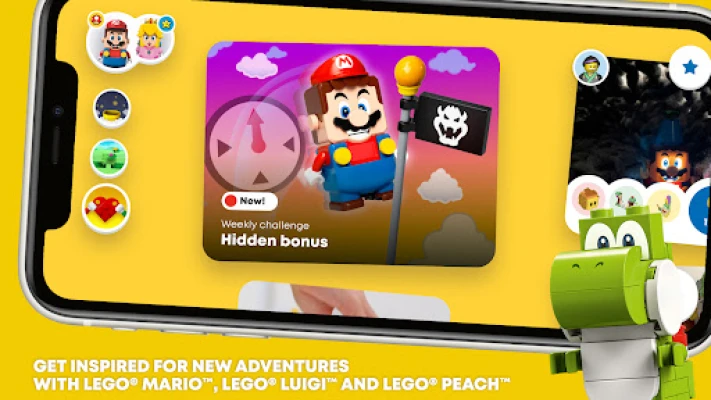
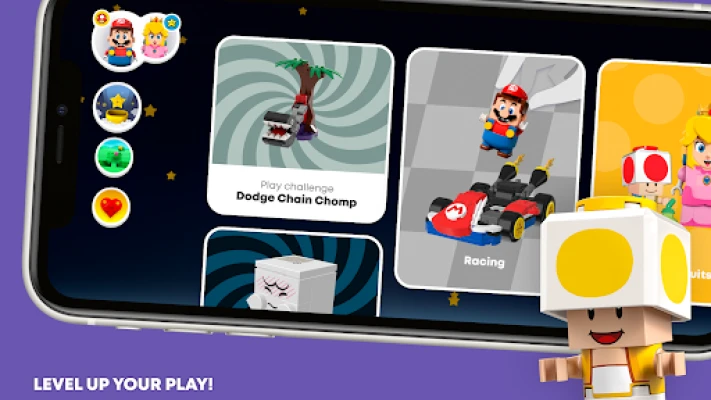
- Play challenges – Access a rotating set of challenges that encourage creative ways to use the bricks and characters.
- Digital collection – Add owned sets to a personal library, helping you keep track of what you have and what you might want next.
How it works
After installing the app, you can create or sign in to a LEGO® Account. This account stores your progress and synchronises it across devices. When you start a new build, the app presents a 3D model of the set and highlights each piece as you assemble it. If you own a Bluetooth‑enabled figure, the app will guide you through the pairing process, allowing the character’s movements to be reflected in the app’s level‑tracking screen.
Practical uses
The app is useful for:
- Kids who need visual guidance while building.
- Parents who want a safe, ad‑free environment for their children’s play.
- Collectors who wish to keep a digital inventory of their LEGO® Super Mario™ sets.
- Anyone looking for fresh ideas on how to remix levels and create new challenges.
Installation information
Search for "LEGO® Super Mario™" in the Google Play Store, then tap Install. The app is free and does not require a purchase to download. After installation, open the app and follow the on‑screen prompts to set up your LEGO® Account.
Things to know before installing
- The app works best with a stable internet connection for account sync and content updates.
- Bluetooth must be enabled on the device to pair with LEGO® figures.
- All content is provided by LEGO System A/S; there are no third‑party advertisements.
Who may find it useful?
Fans of LEGO® building, parents seeking an educational play companion, and collectors who enjoy tracking their set progress will all benefit from the app’s features.
Frequently asked questions
Do I need a LEGO® Super Mario™ set to use the app?
No. The app can be installed and explored without a set, but many features—such as Bluetooth pairing and level tracking—require the physical bricks.
Is the app safe for children?
Yes. The app does not contain third‑party ads and all content is curated by LEGO System A/S.
Can I share my creations?
The app includes a gallery where you can save moments from your builds. Sharing is limited to the app’s internal community and does not involve external links.
Rate the App
User Reviews















Popular Apps










 Games
Games Entertainment
 Communication
 E-mail
 Security
 Tools
Tools Media
Media Internet
 Finance
 Design
 Education
 Android Firmwares
 Travel & Local
 Android
 Windows
 Linux
Linux