

Latest Version
Latest
September 15, 2026
GTI TECHNOLOGIES L.L.C
Education
Android
7
Free
com.katon360eduapps.classroom360
Report a Problem
More About Katon360 Classroom – Digital Classroom Management
What is Katon360 Classroom?
Katon360 Classroom is a free Android application created by GTI TECHNOLOGIES L.L.C. It provides a digital hub for schools, allowing teachers, learners, administrators, and parents to interact, share resources, and manage everyday classroom activities from a mobile device.
Main features
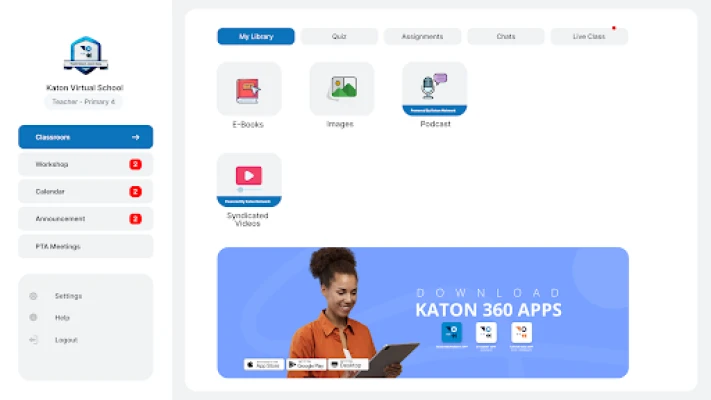
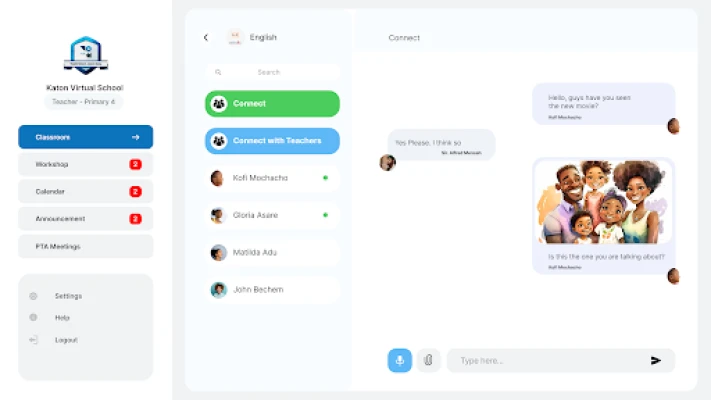
- Central classroom hub – A single screen where teachers post announcements, share files, and schedule events.
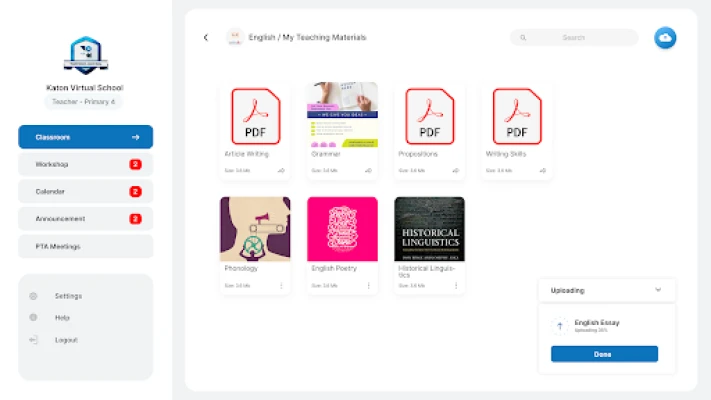
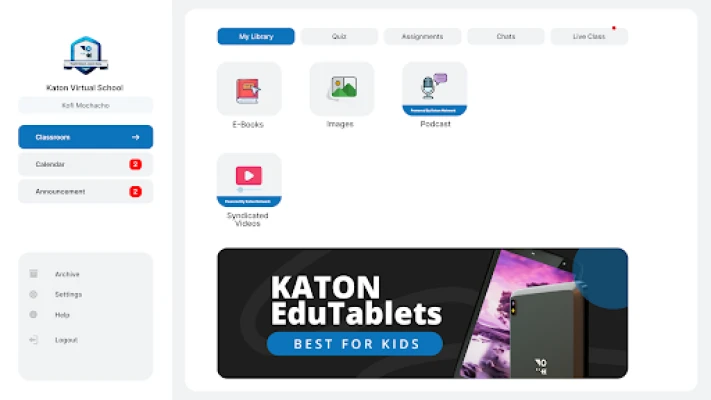
- Resource library – Stores e‑books, audio clips, videos and other teaching materials that can be accessed offline.
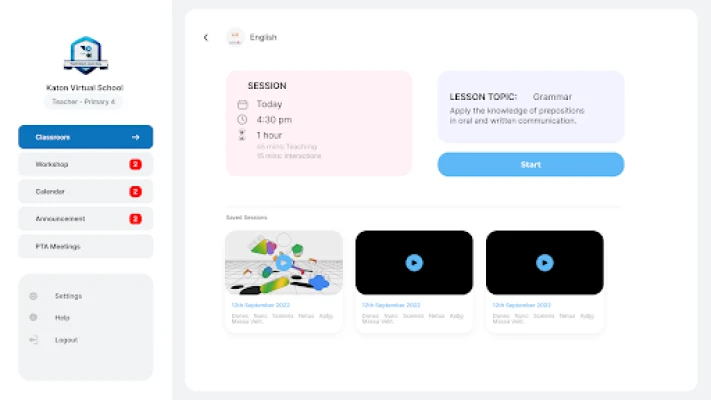
- Live class support – Enables real‑time video or audio sessions, with options for participants to raise hands, ask questions, and control their own microphone or camera.
- Quizzes and assignments – Teachers can create assessments, set deadlines, and receive automatic grading or manual feedback.
- Student‑teacher chat – A built‑in messaging channel for quick academic questions without leaving the app.
- Dashboard for administrators – Manage class lists, teacher profiles, subject allocations and school branding in one place.
- Notifications and calendar – Push alerts keep everyone informed about upcoming exams, meetings, or school events.
- Parent‑teacher interaction – Parents can view progress reports, join virtual PTA meetings, and communicate directly with teachers.
How it works
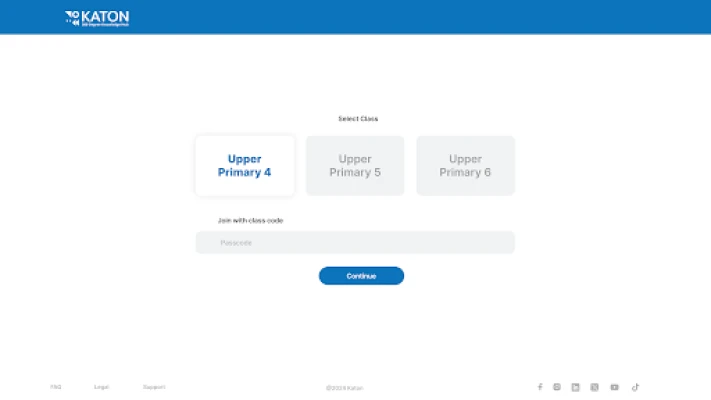
After installing the app, users create an account linked to their school. Teachers set up classes, upload materials, and schedule live sessions. Students join the appropriate class, download resources, and submit work through the same interface. Administrators oversee the entire ecosystem, adjusting permissions and customizing the look to match the school’s identity.
Practical uses
- Delivering remote lessons when students cannot attend in person.
- Organizing homework and tracking completion rates.
- Sharing multimedia content such as recorded lectures or instructional podcasts.
- Facilitating quick clarification of doubts via the chat feature.
- Keeping parents up‑to‑date on attendance, grades, and upcoming events.
Installation information
The app is available through the Google Play Store. Search for Katon360 Classroom or use the package name com.katon360eduapps.classroom360. Tap “Install” and follow the on‑screen prompts to grant the necessary permissions for storage and network access.
Things to know before installing
- The app requires an internet connection for live classes, syncing of assignments, and push notifications.
- Data is stored on the provider’s servers; schools should review their privacy policy to ensure compliance with local regulations.
- Device storage is needed for offline access to downloaded resources.
Who may find it useful?
Educators looking for a unified platform to manage coursework, students who need a single place for lessons and assignments, school administrators seeking streamlined communication, and parents who want visibility into their child’s academic life will all benefit from Katon360 Classroom.
Frequently asked questions
Is the app really free?
Yes, Katon360 Classroom can be downloaded and used without a purchase fee. Some optional premium services may be offered by the developer, but the core classroom functionality is free.
Can I use the app on tablets?
The application is built for Android devices, so it works on both phones and tablets that meet the minimum system requirements.
How secure is the data?
Data transmission is encrypted, and the developer states that standard security measures are applied. Schools should verify the specific security policies with GTI TECHNOLOGIES L.L.C.
Do I need a separate account for each role?
Users create a single account that is assigned a role (teacher, student, parent, or administrator) by the school’s administrator.
Rate the App
User Reviews















Popular Apps










 Games
Games Entertainment
 Communication
 E-mail
 Security
 Tools
Tools Media
Media Internet
 Finance
 Design
 Education
 IT Tools
 Travel & Local
 Android
 Windows
 Linux
Linux