

Latest Version
Latest
August 23, 2026
Allm Inc.
MEDICAL
Android
151
Free
jp.co.skillupjapan.join
Report a Problem
More About Join – Secure Collaboration for Healthcare Professionals
What is Join?
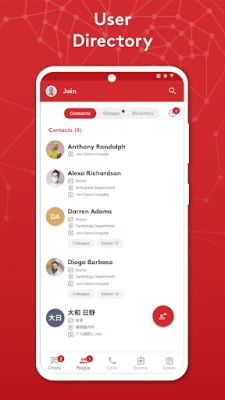
Join is a mobile application designed for doctors, nurses and other healthcare professionals who need a reliable way to exchange patient information while staying within privacy regulations. Developed by Allm Inc., the app focuses on secure communication and easy access to diagnostic images directly from an Android device.
Main features
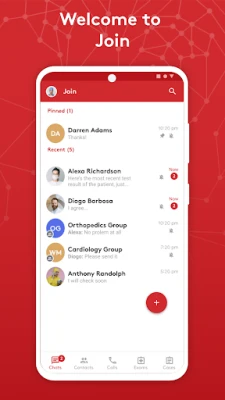
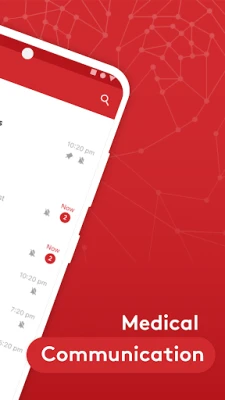
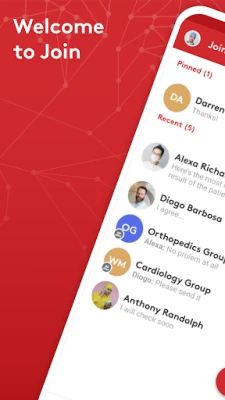
- Secure messaging – One‑to‑one and group chats are encrypted, allowing teams to discuss cases without exposing sensitive data.
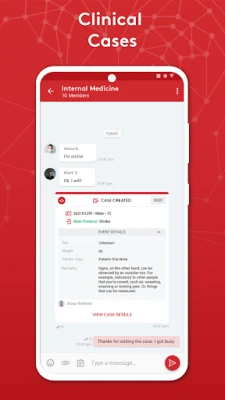
- DICOM image sharing – Users can send and receive high‑resolution CT or MRI scans within the chat interface, eliminating the need to switch between separate viewers.
- Integration options – When connected to a hospital’s internal systems such as PACS or EMR, Join can display electronic health records, lab results and prescriptions alongside the conversation.
- Live video streams – The app supports streaming from intensive care units, operating rooms or patient rooms, helping clinicians stay informed in real time.
How it works
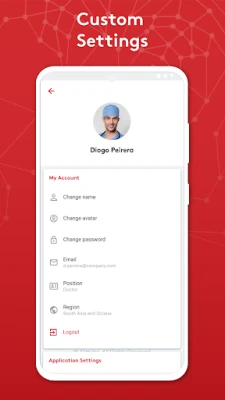
After installing Join, users create an account linked to their professional credentials. The app can be linked to a hospital’s internal network, where it accesses PACS or EMR services through secure VPN tunnels. All data transmitted between devices and the cloud is protected with TLS/SSL encryption, and stored messages are encrypted on the device. A passcode is required each time the app starts, adding an extra layer of protection.
Practical uses
- Consulting with specialists in another department or facility without leaving the bedside.
- Reviewing imaging studies while on rounds, reducing the time spent navigating separate systems.
- Coordinating emergency responses by sharing live video from critical care areas.
- Documenting and discussing treatment plans within a secure, auditable chat history.
Who may find Join useful?
Join is aimed at clinicians who regularly need to share patient data with colleagues, including:
- Hospital physicians and surgeons
- Radiologists and imaging technicians
- Nurses and intensive‑care staff
- Medical researchers collaborating across institutions
Things to know before installing
- Join is free to download and use, but access to internal hospital systems may require additional configuration by IT staff.
- The app requests permissions needed for secure communication, such as network access and device storage for temporary image caching.
- Battery usage may increase if background services like GPS are enabled for location‑based features.
Frequently asked questions
Is the data I share truly private?
All messages and images are encrypted in transit and at rest on the device. Access to the app is protected by a user‑defined passcode.
Can I use Join without a hospital network?
Yes, the core messaging and image‑sharing functions work independently, though integration with PACS or EMR requires a connection to the institution’s network.
What Android versions are supported?
The app runs on standard Android devices that meet the minimum system requirements defined by the developer. Specific version details are listed in the Play Store listing.
Rate the App
User Reviews








Popular Apps










 Games
 Entertainment
 Communication
 E-mail
 Security
 Tools
 Media
 Internet
 Finance
 Design
 Education
 Android Firmwares
 Travel & Local
 Android
 Windows
 Linux