


Latest Version
Latest
August 17, 2026
MINHAJ PUBLICATIONS
Education
Android
54
Free
com.irfan_ul_quran.android
Report a Problem
More About Irfan-ul-Quran – Arabic Text with English Translation
What is Irfan-ul-Quran?
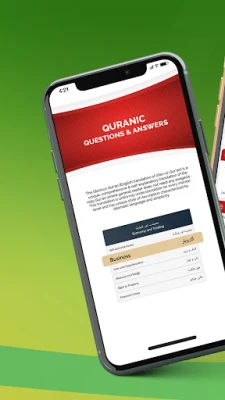
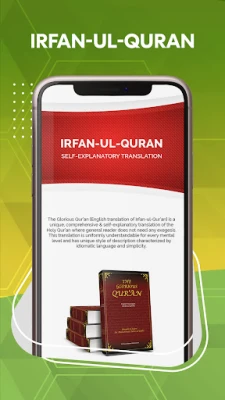
Irfan-ul-Quran is a free Android application that presents the Holy Qur’an in its original Arabic script together with an English translation prepared by Shaykh‑ul‑Islam Dr. Muhammad Tahir‑ul‑Qadri. The app is published by MINHAJ PUBLICATIONS and is intended for readers who want to study the Qur’an on a mobile device.
Main features
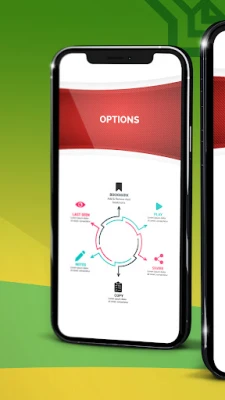
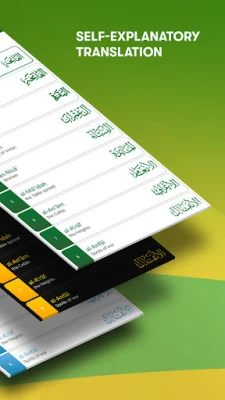
- Arabic text with side‑by‑side translation – each verse is displayed in Arabic with the corresponding English rendering.
- Night‑mode display for comfortable reading in low‑light environments.
- Adjustable text size so users can choose a comfortable reading size.
- Bookmarking allows quick return to verses of interest.
- Search function lets users locate verses by chapter and verse numbers or by keywords.
How it works
When the app is opened, the main screen shows a list of the Qur’an’s chapters (surahs). Selecting a chapter opens the verses, each paired with the English translation. Users can swipe or tap to move between verses, use the search bar to find specific passages, and tap the bookmark icon to save a verse for later reference. The night‑mode toggle is available in the settings menu, and text size can be adjusted there as well.
Practical uses
The application is useful for personal study, memorisation, or group discussion. Because the translation is presented alongside the Arabic, readers can compare the original wording with the English explanation without needing a separate commentary. The bookmarking feature helps users keep track of verses they wish to revisit, and the search capability makes it easy to locate themes or specific words across the entire text.
Installation information
The app can be installed directly from the Google Play Store. It requires a standard Android device with sufficient storage for the app bundle and the text resources. No additional downloads are necessary after installation.
Things to know before installing
- The app is free of charge and does not require a subscription.
- It does not contain advertisements or in‑app purchases.
- All content is provided offline after the initial download, so an internet connection is only needed for the first install.
Who may find it useful?
Anyone interested in reading the Qur’an in Arabic with an English translation can benefit from Irfan-ul-Quran. This includes students of Islamic studies, teachers, community members preparing for sermons or lessons, and individuals seeking personal reflection.
Frequently asked questions
- Is the translation based on a particular school of thought? The translation follows the work of Shaykh‑ul‑Islam Dr. Muhammad Tahir‑ul‑Qadri, who aimed for a clear, modern English rendering while staying close to the Arabic meaning.
- Can I share verses from the app? Yes, the app includes a share option that lets users copy or send selected verses through other applications.
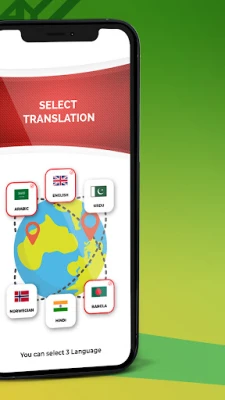
- Does the app support other languages? The primary offering is Arabic text with English translation; additional language options are not listed in the current version.
Rate the App
User Reviews















Popular Apps










 Games
Games Entertainment
 Communication
 E-mail
 Security
 Tools
Tools Media
Media Internet
 Finance
 Design
 Education
 Android Firmwares
 Travel & Local
 Android
 Windows
 Linux
Linux