

Latest Version
Latest
August 29, 2026
BUD TECHNOLOGIES
Design
Android
135
Free
com.pointone.robloxeditor
Report a Problem
More About Skinzy: Skin Editor for Roblox
What is Skinzy?
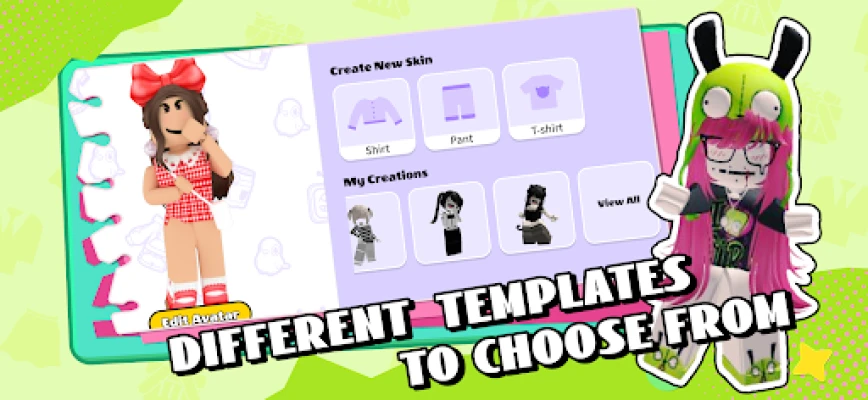
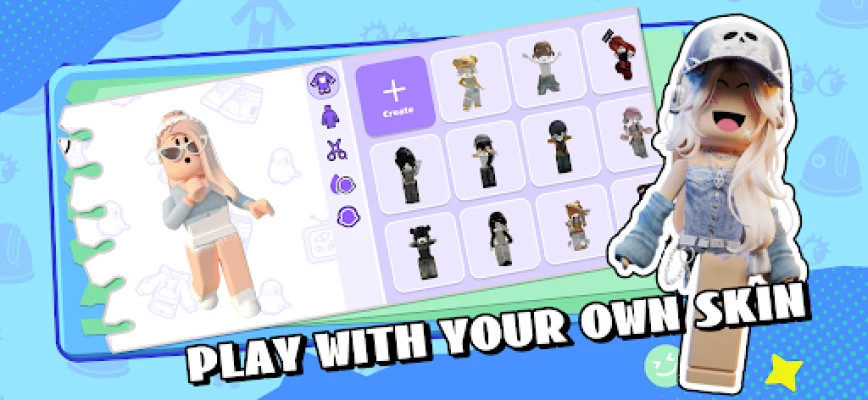
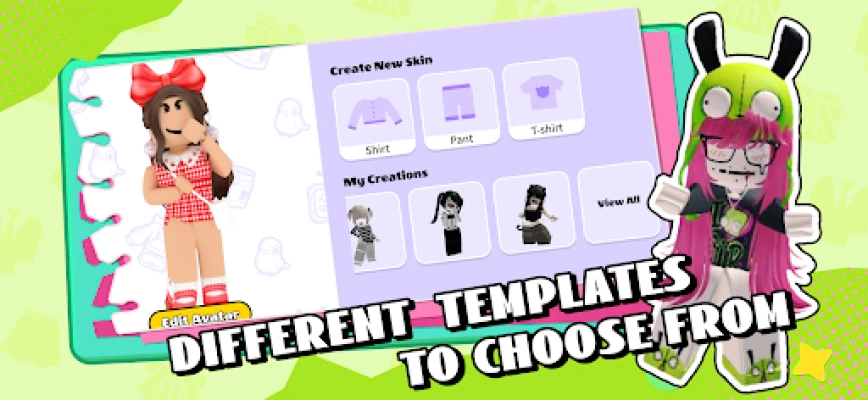
Skinzy is a free Android app from BUD TECHNOLOGIES that lets Roblox players design, edit, and preview custom skins for their avatars. It provides a dedicated workspace where you can work with pixel‑art textures and see how they will look on a 3D model before applying them in the game.
Main features
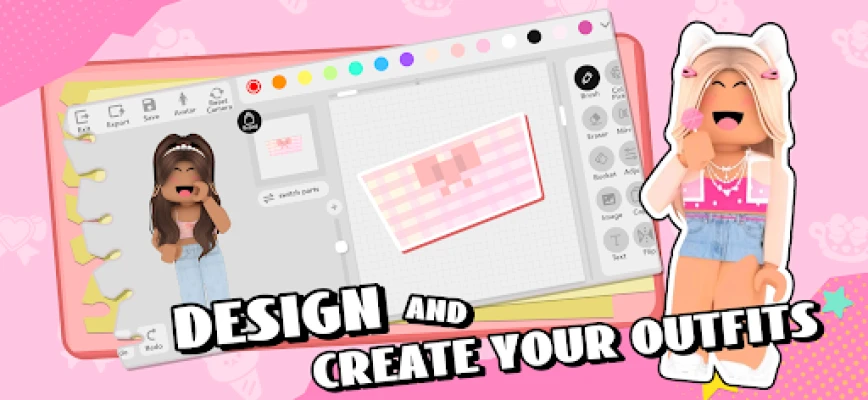
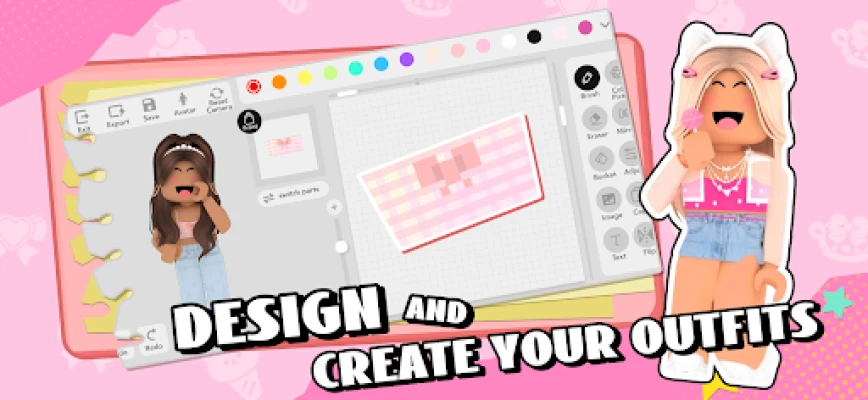
- Pixel‑level editing – Draw, erase, and recolor individual pixels to craft detailed patterns.
- Crop and resize tools – Adjust imported images to fit Roblox’s skin dimensions without losing quality.
- Real‑time 3D preview – View your design on a rotating avatar model as you edit, so you can spot alignment issues instantly.
- Layer management – Work with separate layers for body parts, accessories, or shading, then merge them when you’re ready.
- Export options – Save your finished skin to your device and import it into Roblox through the standard upload process.
How it works
After installing the app, you start a new project by selecting a blank canvas or loading an existing skin file. The toolbar offers basic drawing tools, a color picker, and shape utilities. When you’re satisfied with the design, tap the preview button to see the skin wrapped around a 3D avatar. If adjustments are needed, you can return to the canvas, make changes, and preview again. Once complete, use the export function to save the file in the format required by Roblox.
Practical uses
- Design unique outfits for personal use or to share with friends.
- Create themed skins for events, role‑play scenarios, or community contests.
- Experiment with color palettes and patterns before committing to an in‑game purchase.
Installation information
Skinzy is available as a free download from the Appitika store. Simply tap the install button, grant any standard permissions required for file access, and launch the app once installation finishes.
Compatibility
The app runs on Android devices that meet the minimum system requirements for standard Android applications. Specific version numbers are not listed, but the app is designed for modern Android releases.
Things to know before installing
- Skinzy does not include pre‑made skins; it is a creation tool only.
- You will need a Roblox account to upload and apply the skins you create.
- All edits are performed locally on your device; no cloud storage is provided by the app.
Who may find it useful?
Roblox players who enjoy customizing their avatars, hobbyist pixel artists, and community creators who want a quick way to prototype skins without desktop software will benefit from Skinzy.
Frequently asked questions
Do I need an internet connection to use Skinzy?
No. All editing functions work offline. An internet connection is only required when you upload the finished skin to Roblox.
Can I import images from my gallery?
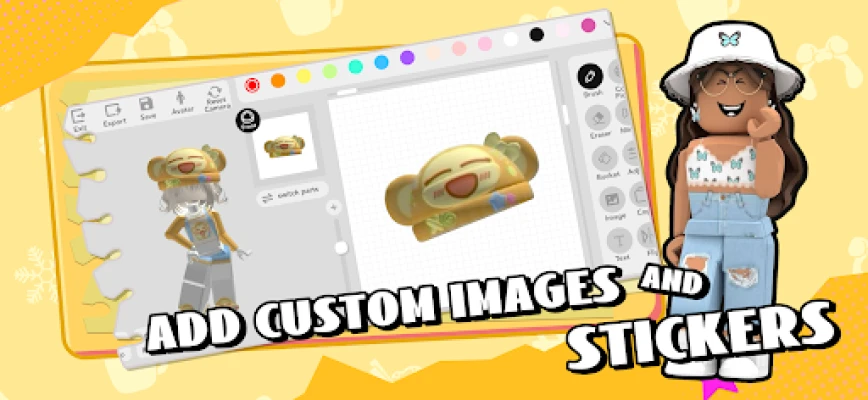
Yes. The app allows you to load images from your device’s gallery and adapt them to Roblox’s skin layout.
Is there a limit to how many skins I can create?
There is no built‑in limit; you can create as many skins as your device’s storage permits.
Rate the App
User Reviews










Popular Apps










 Games
 Entertainment
 Communication
 E-mail
 Security
 Tools
 Media
 Internet
 Finance
 Design
 Education
 Android Firmwares
 Travel & Local
 Android
 Windows
 Linux