
Latest Version
Latest
September 09, 2026
Canva
Design
Android
23
Free
com.canva.editor
Report a Problem
More About Canva: AI Photo & Video Editor
What is Canva?
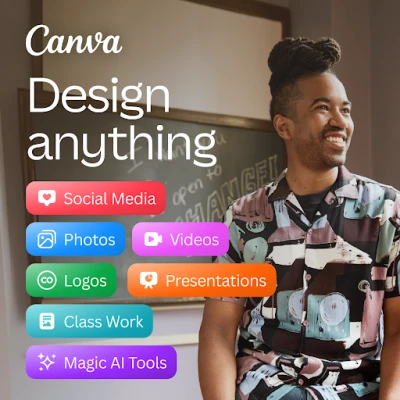
Canva is a versatile design app that lets you craft visual content directly on your Android phone. Whether you need a quick social‑media post, a polished flyer, or a short video, Canva provides a range of templates and AI‑assisted tools to streamline the creative process.
Main features
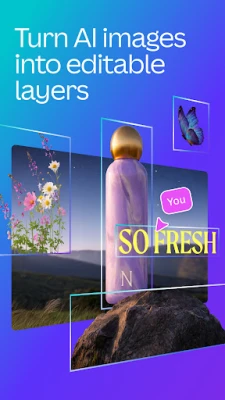
- AI art generator – Turn simple text prompts into custom images that can be used in designs.
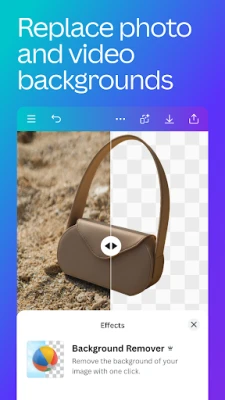
- Photo editor – Crop, rotate, adjust brightness, contrast, saturation, and apply filters. A background eraser helps isolate subjects.
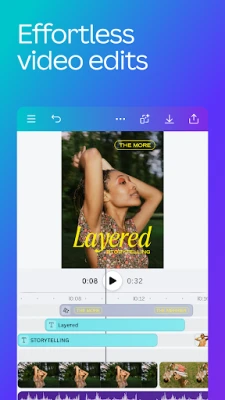
- Video editor – Trim clips, add transitions, overlay music, and insert subtitles. Simple animation effects are available for a dynamic finish.
- Template library – Hundreds of ready‑made layouts for social media, presentations, invitations, resumes, and more.
- Collage maker – Combine multiple photos into grids or free‑form arrangements with drag‑and‑drop simplicity.
- Text tools – Add and style text with a wide selection of fonts, colors, and effects.
How it works
After installing the app, you can start a new project by selecting a template or a blank canvas. The interface is organized into intuitive tabs: Photos, Videos, Text, and Elements. When you tap the AI art button, you type a description of the image you need; the AI generates a visual that can be placed directly into your design. All edits are saved automatically, and you can export the final file as an image, PDF, or video.
Practical uses
- Design eye‑catching Instagram stories or Facebook posts without leaving your phone.
- Create marketing flyers, business cards, or event invitations for personal or small‑business projects.
- Produce short promotional videos or tutorials using the built‑in video editor.
- Assemble photo collages for personal albums, gifts, or social sharing.
Installation information
The app is available for free on the Google Play Store. Search for "Canva: AI Photo & Video Editor" or use the package name com.canva.editor to locate it. The download size varies with device and Android version; ensure you have sufficient storage and a stable internet connection.
Things to know before installing
- The core app is free, but some premium templates and advanced AI features may require an in‑app purchase or subscription.
- Access to cloud storage is provided for saving projects; the amount of free storage may be limited.
- Performance depends on device specifications; older phones may experience slower rendering for high‑resolution video edits.
Who may find it useful?
Canva appeals to a broad audience: social‑media enthusiasts, small‑business owners, students preparing presentations, and anyone who wants to create visual content without learning complex design software.
Frequently asked questions
Do I need an internet connection to use Canva?
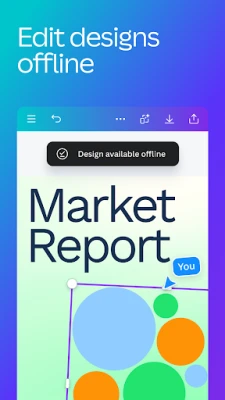
Basic editing can be done offline after templates are downloaded, but AI generation, cloud sync, and some premium assets require an internet connection.
Can I export designs in high resolution?
Yes, the app supports exporting images and videos at the resolution selected in the export settings.
Is there a watermark on free exports?
The free version does not add a watermark to exported designs, though certain premium elements may carry branding unless purchased.
Rate the App
User Reviews









Popular Apps










 Games
Games Entertainment
 Communication
 E-mail
 Security
 Tools
Tools Media
Media Internet
 Finance
 Design
 Education
 IT Tools
 Travel & Local
 Android
 Windows
 Linux
Linux