

Latest Version
August 29, 2026
Mosaic Community Church South
LIFESTYLE
Android
100
Free
com.subsplashconsulting.s_W9BGZ3
Report a Problem
More About Mosaic South End – Community & Sermon App
What is Mosaic South End?
Mosaic South End is a mobile application created by Mosaic Community Church South. It serves members and visitors who want easy access to church resources, such as recorded sermons, Bible reading plans, and community updates, directly from their Android device.
Main Features
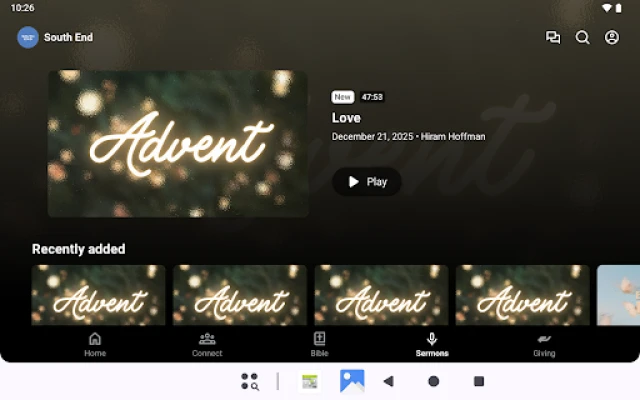
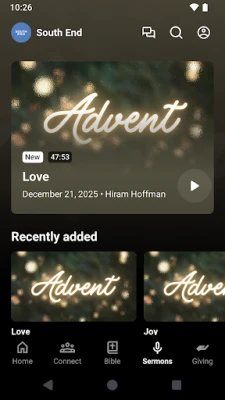
- Sermon Library – Stream or download past sermons for personal study or group listening.
- Bible Reading Plans – Follow structured reading plans that guide daily scripture engagement.
- Online Giving – Contribute securely to the church’s ministries through built‑in donation options.
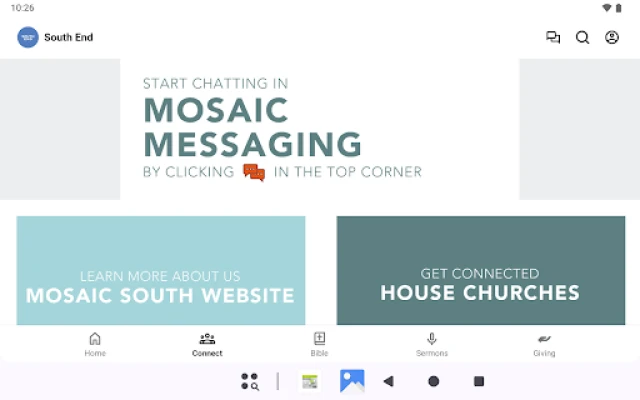
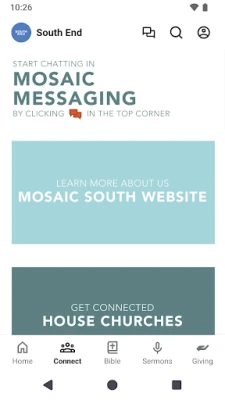
- Community Messaging – Communicate with other members through in‑app messaging tools.
- Event Calendar – View upcoming worship services, small groups, and special events.
How It Works
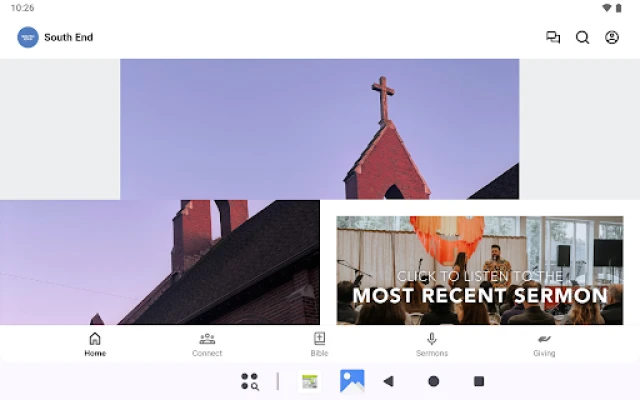
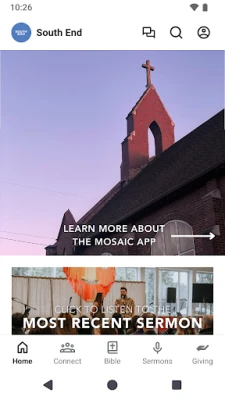
After installing the app, users create a simple profile or sign in with an existing church account. The home screen presents the latest sermon, a highlighted reading plan, and a snapshot of upcoming events. Navigation tabs let you switch between media, giving, and community sections. All content is streamed from the church’s servers, and you can choose to download sermons for offline listening.
Practical Uses
- Listen to a sermon while commuting or during a workout.
- Follow a daily Bible plan without needing a physical booklet.
- Give tithes or offerings from anywhere, without visiting the church office.
- Stay informed about service times, youth gatherings, and volunteer opportunities.
- Connect with fellow members for prayer requests or group discussions.
Installation Information
The app is available for free on the Google Play Store. Search for “Mosaic South End” or use the package name com.subsplashconsulting.s_W9BGZ3 to locate it. Tap “Install” and allow the app to download. Once installed, open the app and follow the on‑screen prompts to set up your profile.
Things to Know Before Installing
- The app requires an internet connection for streaming sermons and syncing updates.
- Some features, such as offline downloads, may need additional storage space.
- All donations are processed through the church’s secure payment gateway; no personal financial data is stored on the device.
Who May Find It Useful?
Regular attendees of Mosaic Community Church South End, new visitors seeking information, and anyone interested in accessing Christian teaching on the go will benefit from this app. It is also helpful for members who travel frequently and want to stay connected to the church’s spiritual life.
Frequently Asked Questions
Do I need a church account to use the app?
No. You can explore sermons and reading plans without an account, but creating a profile enables personalized features like giving and messaging.
Can I download sermons for offline listening?
Yes. After streaming a sermon, you can tap the download icon to save it locally for later playback.
Is my personal information safe?
The app follows standard Android security practices. Payment information is handled by the church’s trusted payment processor, not stored on the device.
How often is new content added?
New sermons and event updates are typically posted shortly after each service or announcement.
Rate the App
User Reviews











Popular Apps










 Games
 Entertainment
 Communication
 E-mail
 Security
 Tools
 Media
 Internet
 Finance
 Design
 Education
 Android Firmwares
 Travel & Local
 Android
 Windows
 Linux