

Latest Version
Latest
August 13, 2026
Secret Phone, Inc
Communication
Android
300
Free
com.beint.zangi
Report a Problem
More About Zangi – Private Messenger
What is Zangi?
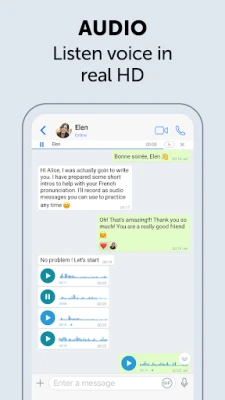
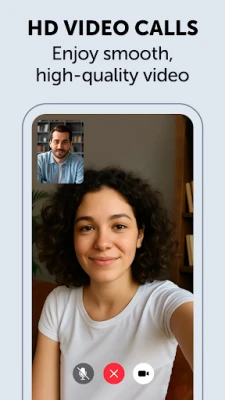
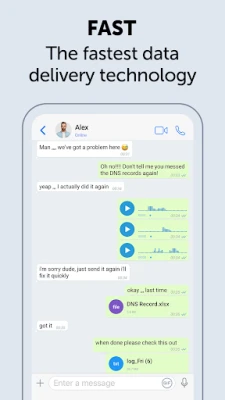
Zangi is a free messaging app from Secret Phone, Inc that lets you communicate without linking a SIM card or sharing a phone number. All conversations, voice calls, video calls and file transfers stay on your device, giving you full control over your data.
Main features
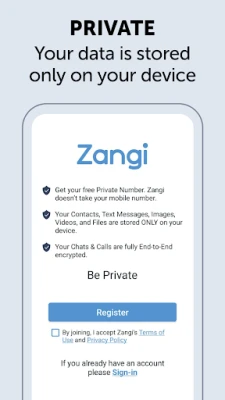
- Phone‑number‑free registration – Create an account using only a chosen Zangi number.
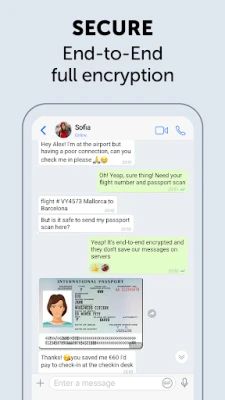
- End‑to‑end encryption – Texts, media, voice and video calls are protected with AES‑GCM 256 encryption.
- Local data storage – Your messages and files are stored solely on your phone; the app does not upload them to external servers.
- Selective contact sharing – Only people who know your exact Zangi number can reach you.
- Low‑bandwidth friendly – Works on slower connections without sacrificing core functionality.
How it works
When you first open Zangi, you are prompted to pick a unique Zangi number. This identifier replaces a traditional phone number for all inbound and outbound communication. The app generates the necessary cryptographic keys locally, then uses them to encrypt every data packet before it leaves your device. Because the encrypted payload never passes through a central server for storage, only the intended recipient can decrypt and read the content.
Practical uses
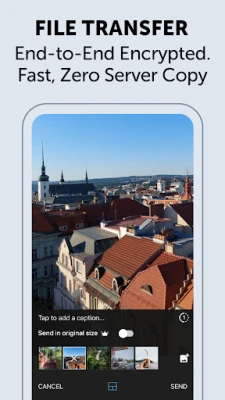
Whether you need a discreet channel for personal conversations, a secure line for business collaborators, or a way to stay in touch while traveling without a local SIM, Zangi offers a straightforward solution. Its file‑sharing capability lets you exchange documents, photos or videos without exposing them to cloud services.
Installation information
Zangi is available as a free download from the Google Play Store. Simply search for the package name com.beint.zangi, tap Install, and follow the on‑screen prompts to set up your account.
Things to know before installing
- The app does not require access to your contacts list, but you will need to share your Zangi number manually with people you wish to communicate with.
- Because messages are stored locally, backing up your chat history requires a manual export or a third‑party backup solution.
- All encryption is performed on‑device; ensure your phone’s operating system is kept up to date for the best security posture.
Who may find Zangi useful?
Individuals concerned about privacy, journalists, activists, remote workers, and anyone who prefers not to expose a personal phone number can benefit from Zangi’s approach.
Frequently asked questions
- Do I need an internet connection? Yes, Zangi requires data connectivity (Wi‑Fi or mobile data) for messaging and calls.
- Can I use Zangi on multiple devices? The app is designed for a single device; using the same Zangi number on several phones may lead to message duplication.
- Is there a limit to the size of files I can send? File size limits follow the standard constraints of Android’s sharing mechanisms; very large files may need to be split.
Rate the App
User Reviews















Popular Apps










 Games
Games Entertainment
 Communication
 E-mail
 Security
 Tools
Tools Media
Media Internet
 Finance
 Design
 Education
 Android Firmwares
 Travel & Local
 Android
 Windows
 Linux
Linux