

Latest Version
Latest
August 13, 2026
Secret Phone, Inc
Communication
Android
459
Free
com.beint.zangi
Report a Problem
More About Zangi – Private Messenger
What is Zangi?
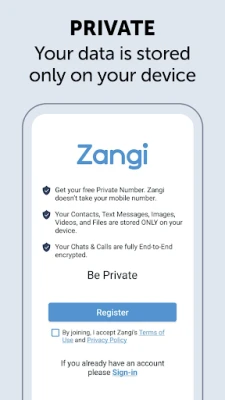
Zangi is a free messaging application developed by Secret Phone, Inc. It focuses on privacy by allowing users to register without a SIM card or phone number. All communication—text, voice, video and file sharing—is handled within the app without requiring personal contact information.
Main features
- Phone‑number‑free registration: Create an account using only a Zangi number, keeping your real phone number private.
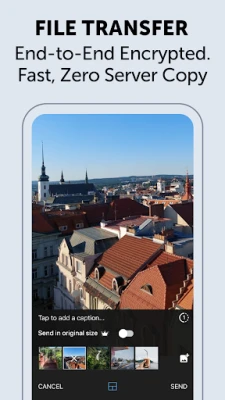
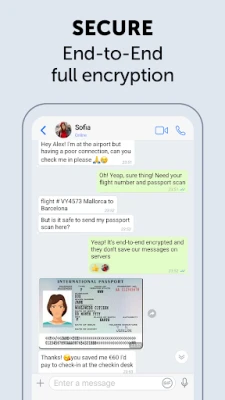
- End‑to‑end encryption: Messages, calls and shared media are encrypted with AES‑GCM 256, ensuring that only the participants can read the content.
- Direct connections: Conversations are stored locally on your device, so Zangi does not retain your chats on external servers.
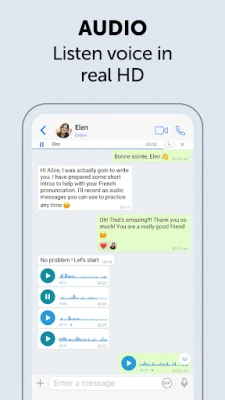
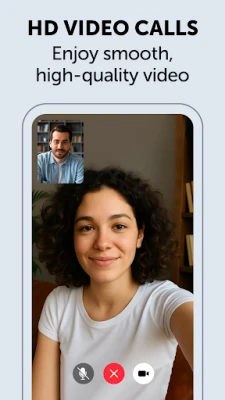
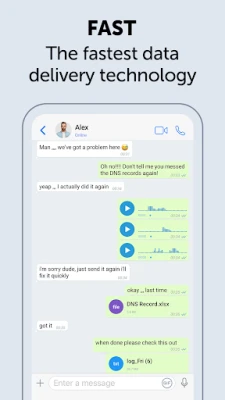
- Multiple communication modes: Text chat, voice calls, video calls and file transfers are all supported within a single interface.
- Low bandwidth tolerance: The app is designed to work even on slower connections, making it usable in a variety of network conditions.
How it works
After downloading Zangi, you create a profile by choosing a unique Zangi number. This identifier is the only address other users need to reach you. Because the app does not require access to your contacts or SIM card, you can keep your personal phone number completely separate from your Zangi identity. All messages are encrypted on the device before they leave, travel through the network, and are decrypted only on the recipient’s device.
Practical uses
- Secure communication for friends and family who prefer not to share phone numbers.
- Professional conversations where confidentiality is required, such as consulting or remote teamwork.
- Situations where you need a disposable messaging channel without exposing personal data.
Installation information
Zangi is available as a free download from the Google Play Store. Search for the package name com.beint.zangi or the app title to locate it. The installation process follows the standard Android app installation steps.
Things to know before installing
- The app stores conversation history locally; backing up chats requires manual export.
- Because registration does not use a phone number, recovery of a lost account depends on the backup method you choose.
- While Zangi does not collect personal data, you should still review the permissions it requests during installation.
Who may find Zangi useful?
Anyone who values privacy and wants to keep their personal phone number separate from online messaging will benefit from Zangi. It is especially suitable for users who are concerned about data collection, surveillance, or unwanted contacts.
Frequently asked questions
Do I need a SIM card to use Zangi?
No. Zangi works without a SIM card; you only need an internet connection.
Is my data stored on Zangi’s servers?
No. All messages and files remain on the devices involved in the conversation.
Can I make voice and video calls?
Yes, Zangi supports both voice and video calling in addition to text messaging.
Is the app free?
Yes, Zangi is offered as a free application.
Rate the App
User Reviews















Popular Apps










 Games
Games Entertainment
 Communication
 E-mail
 Security
 Tools
Tools Media
Media Internet
 Finance
 Design
 Education
 Android Firmwares
 Travel & Local
 Android
 Windows
 Linux
Linux