
Latest Version
Latest
August 13, 2026
Zalo Group
Communication
Android
285
Free
com.zing.zalo
Report a Problem
More About Zalo – Free Messaging and Calls for Android
What is Zalo?
Zalo is a free Android application developed by Zalo Group that focuses on instant messaging and voice/video calls. It aims to provide a reliable way for users to stay in touch, whether they are sending a quick text, sharing a photo, or having a live conversation.
Main Features
- Text messaging – Send and receive messages in real time.
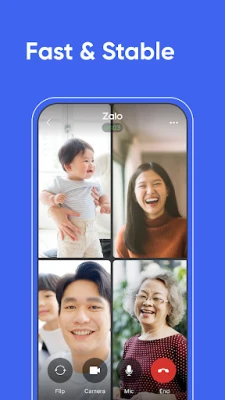
- Voice and video calls – Make one‑to‑one calls without needing a separate phone line.
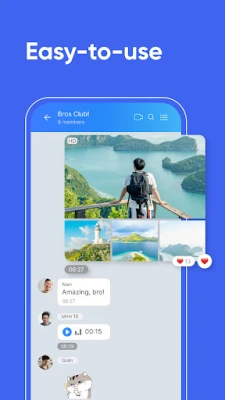
- Media sharing – Attach photos, videos, and other files directly within chats.
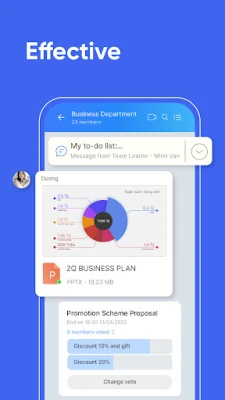
- Group chats – Create conversation groups for families, friends, or work teams.
- Cross‑platform access – Use Zalo on a phone, tablet, or desktop computer, keeping conversations synchronized.
How It Works
After installing Zalo from the Google Play Store, you register with a phone number. The app links your contacts to help you find friends who already use Zalo. Messages and calls are routed over the internet, which can reduce costs compared with traditional carrier services. The interface is organized around a chat list, making it easy to start a new conversation or join an existing group.
Practical Uses
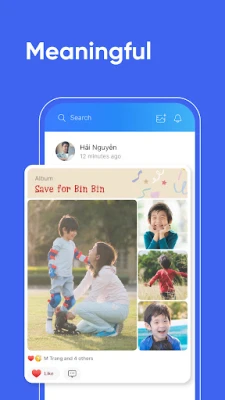
- Staying connected with family – Share daily updates, photos, and voice notes.
- Coordinating with coworkers – Use group chats for quick project discussions.
- Travel communication – Send messages over Wi‑Fi or mobile data without incurring extra SMS fees.
Installation Information
Zalo is available for free on the Google Play Store. Search for "Zalo" or use the package name com.zing.zalo to locate the correct app. Tap Install and follow the on‑screen prompts to grant the necessary permissions, such as access to contacts and microphone for calls.
Things to Know Before Installing
- Internet connection is required for messaging and calling.
- The app may request permission to access your contacts, storage, and microphone; these are needed for core functions.
- Data usage depends on the volume of media shared and call duration.
Who May Find Zalo Useful?
Anyone who wants a straightforward way to chat and call without relying on carrier‑based SMS or voice plans can benefit from Zalo. It is especially handy for users who already have friends or family on the platform, as the network effect makes connecting easier.
Frequently Asked Questions
Is Zalo free to use?
Yes, the app can be downloaded and used without a purchase fee. Standard data charges from your mobile or Wi‑Fi provider still apply.
Can I use Zalo on a computer?
Yes, Zalo offers a desktop client that syncs with the mobile app, allowing you to continue conversations from a PC or laptop.
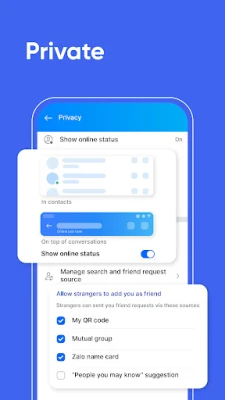
How secure are my messages?
Zalo includes encryption for data transmitted between devices, but the exact security specifications are defined by the developer.
Rate the App
User Reviews















Popular Apps










 Games
Games Entertainment
 Communication
 E-mail
 Security
 Tools
Tools Media
Media Internet
 Finance
 Design
 Education
 Android Firmwares
 Travel & Local
 Android
 Windows
 Linux
Linux