
Latest Version
September 06, 2026
Google LLC
Communication
Android
9
Free
com.google.android.wearable.app
Report a Problem
More About Wear OS by Google Smartwatch
What is Wear OS by Google?
Wear OS by Google is the companion app that links a Wear OS smartwatch with an Android phone. It enables the watch to receive notifications, access Google services, and run apps that enhance daily productivity and health monitoring.
Main features
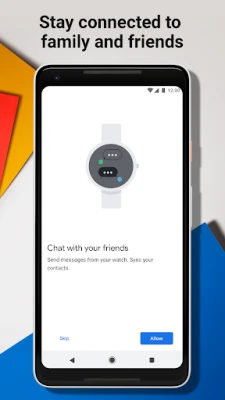
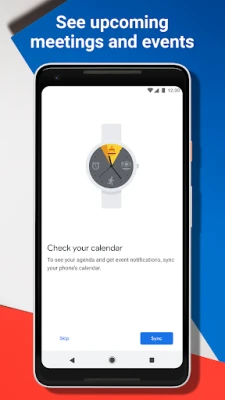
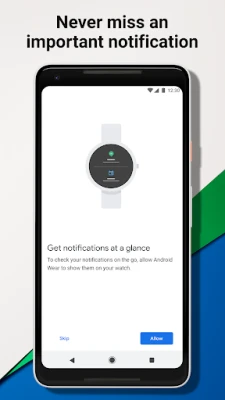
- Notification sync – View texts, emails, calls and app alerts directly on your wrist.
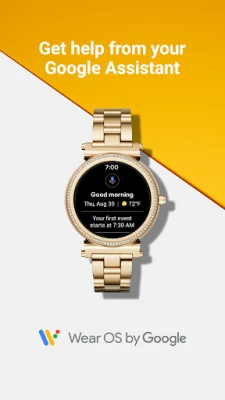
- Google Assistant integration – Ask questions, set reminders, check weather or control smart‑home devices without pulling out your phone.
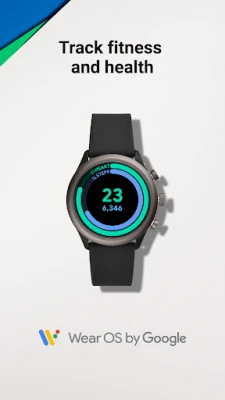
- Fitness tracking – Monitor steps, heart rate, and activity goals that are recorded by the watch.
- Music control – Play, pause or skip tracks from supported music apps using the watch interface.
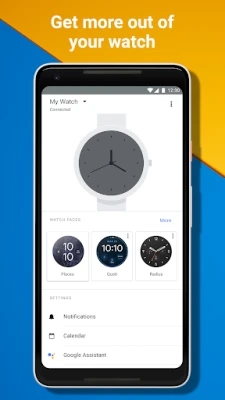
- Watch face customization – Choose from a variety of watch faces and adjust complications to show the information you need most.
How it works
After installing the app, you pair your Wear OS device with your phone via Bluetooth. The app handles the initial setup, pushes software updates to the watch, and keeps data synchronized. Once paired, the watch operates independently for many tasks, but the app continues to manage notifications, app installations, and settings.
Practical uses
- Quickly glance at incoming messages while on the move.
- Ask Google Assistant for directions or calendar events without stopping.
- Track daily activity and view progress toward fitness goals.
- Control music playback during workouts or commutes.
- Switch watch faces to match personal style or activity mode.
Installation information
The app is available for free from the Google Play Store. Search for "Wear OS by Google" or use the package name com.google.android.wearable.app. Tap Install, then follow the on‑screen prompts to pair your smartwatch.
Things to know before installing
- Compatibility depends on the specific Wear OS watch model and the Android version of your phone.
- Some features, such as Google Assistant, may not be available in all regions or languages.
- Bluetooth must be enabled on the phone for initial pairing and ongoing communication.
Who may find it useful?
Anyone who owns a Wear OS smartwatch and wants seamless integration with their Android device will benefit. The app is especially handy for users who rely on notifications, fitness tracking, or voice‑activated assistance throughout the day.
Frequently asked questions
Do I need a Google account?
Yes, a Google account is required to access services like Google Assistant, sync contacts, and download watch faces.
Can I use the app with an iPhone?
The Wear OS companion app is designed for Android phones. iPhone users need a different setup process that does not involve this app.
How are updates handled?
When a new version of Wear OS is released, the app notifies you and can download the update directly to the watch.
Rate the App
User Reviews












Popular Apps










 Games
Games Entertainment
 Communication
 E-mail
 Security
 Tools
Tools Media
Media Internet
 Finance
 Design
 Education
 IT Tools
 Travel & Local
 Android
 Windows
 Linux
Linux