

Latest Version
Latest
September 18, 2026
BrowserWorks
Communication
Android
7
Free
net.waterfox.android.release
Report a Problem
More About Waterfox: Private Web Browser for Android
What is Waterfox?
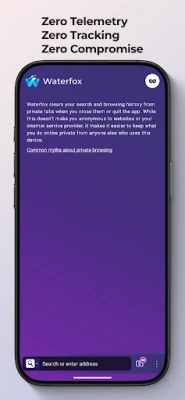
Waterfox is an Android web browser built by BrowserWorks with privacy as its core principle. Unlike many mainstream browsers, it does not collect telemetry or serve sponsored content, aiming to give users a browsing experience that respects their data.
Main features
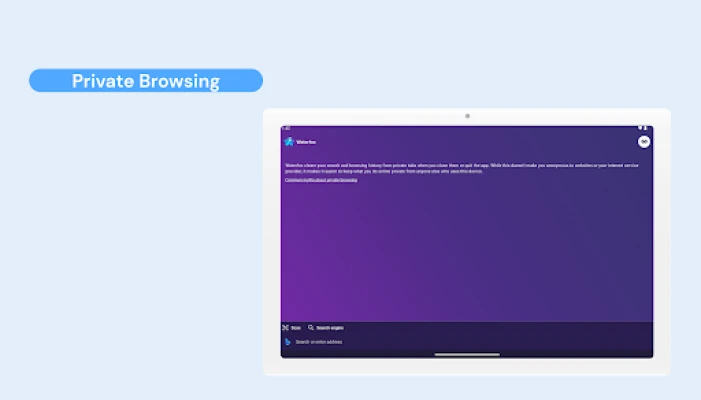
- Privacy first – No built‑in tracking, no data collection, and optional use of privacy‑oriented search engines.
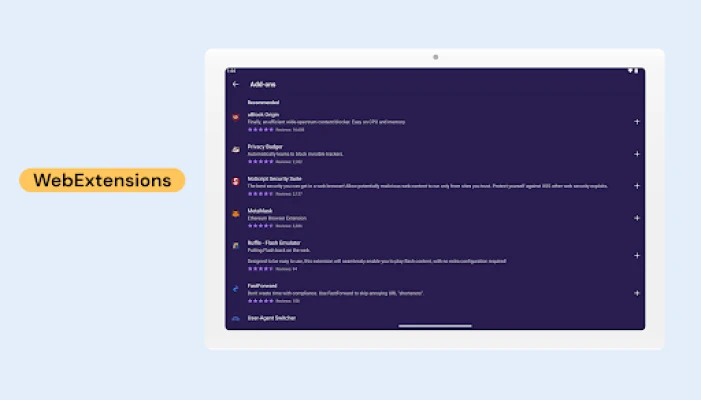
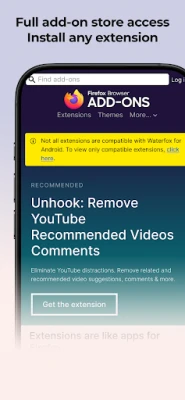
- Add‑on support – Users can install extensions from the Mozilla Add‑ons store or load .xpi files directly.
- Performance optimizations – The browser is compiled from source with advanced compiler flags, which can translate into smoother page loads and lower battery usage.
- Security enhancements – Includes site isolation (Fission) and DNS‑over‑HTTPS with an optional Ultra Protection mode that leverages Oblivious HTTP.
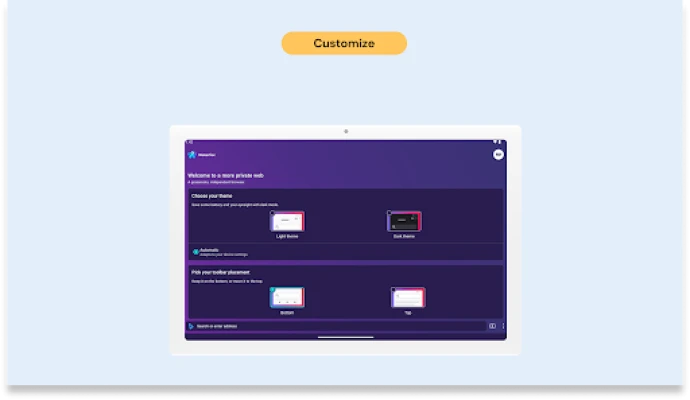
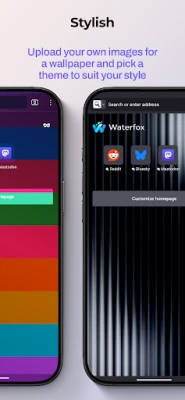
- Customization – Offers multiple menu layouts, choice of privacy‑focused search providers, and support for modern image formats such as JPEG‑XL.
How it works
Waterfox uses the same rendering engine as Firefox (Gecko) but is built from the ground up for Android. By compiling the core components themselves, the developers maintain tighter control over the code base, which helps avoid unwanted telemetry. The browser also respects the about:config interface, allowing power users to tweak advanced settings.
Practical uses
Anyone who wants a full‑featured browser without the typical data‑harvesting practices will find Waterfox useful. It is suitable for:
- Travelers who need a reliable browser that conserves battery life.
- Privacy‑conscious users who prefer search engines like DuckDuckGo or Startpage.
- Developers and power users who rely on extensions and custom configurations.
Installation information
The app can be installed from the Google Play Store. After installation, the initial setup lets you choose a default search engine and configure privacy options such as DNS‑over‑HTTPS. Extensions can be added later through the built‑in add‑on manager.
Things to know before installing
- The app does not include a built‑in ad blocker; users can add one via extensions if desired.
- Because it avoids telemetry, some analytics‑based features found in other browsers (e.g., personalized recommendations) are not present.
- Compatibility with very old Android versions is not guaranteed; the Play Store will indicate the minimum required OS.
Who may find it useful?
Waterfox is aimed at users who value control over their browsing data, want the flexibility of Firefox‑compatible add‑ons, and appreciate a browser that is tuned for performance on mobile devices.
Frequently asked questions
Does Waterfox collect any personal data?
No. The browser is designed to operate without sending usage statistics or personal information back to the developer.
Can I use my existing Firefox extensions?
Yes. Waterfox supports extensions from the Mozilla Add‑ons repository and also allows manual installation of .xpi files.
Is the browser compatible with all Android devices?
Compatibility depends on the Android version required by the Play Store listing. Devices meeting that requirement can install and run the app.
Rate the App
User Reviews




![[US] Social Network – Real‑time local connections](https://www.appitika.com/images/17896840845838641.webp)









Popular Apps










 Games
Games Entertainment
 Communication
 E-mail
 Security
 Tools
Tools Media
Media Internet
 Finance
 Design
 Education
 IT Tools
 Travel & Local
 Android
 Windows
 Linux
Linux