
Latest Version
Latest
September 05, 2026
Guru AI Lab
Communication
Android
1
Free
walkie.talkie.talk
Report a Problem
More About Walkie Talkie, Push to Talk – Free Voice Chat
What is Walkie Talkie, Push to Talk?
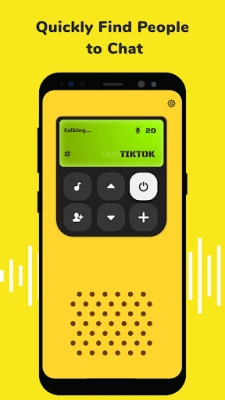
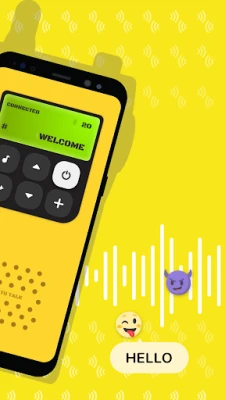
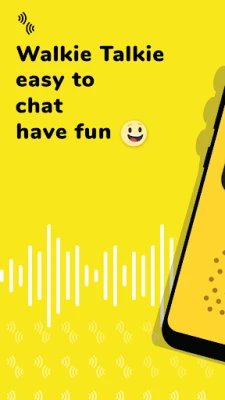
Walkie Talkie, Push to Talk is a free Android application that turns your device into a virtual walkie‑talkie. By joining a channel, you can press a button and speak directly to anyone else who is listening on the same channel. The app focuses on low‑latency voice transmission, making it feel like a traditional two‑way radio.
Main features
- One‑tap voice transmission – Press a button, speak, and release to stop.
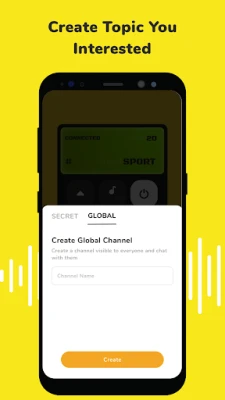
- Custom channel names – Create or join channels using letters, numbers, or a mix of both.
- Public channels – Join open channels that have no limit on the number of participants.
- Real‑time voice quality – Optimized for clear, immediate communication.
- User management tools – Mute, block, or report participants if needed.
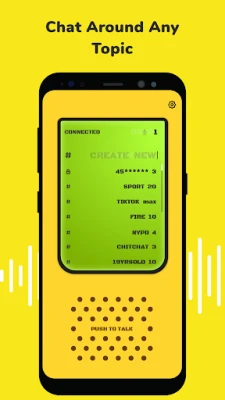
- Channel browsing – View a list of available channels and see who is currently online.
How it works
After installing the app, you create or select a channel name. Once you’re on a channel, the interface shows a simple push‑to‑talk button. Holding the button activates your microphone and streams your voice to all other users on that channel. When you release the button, transmission stops automatically. The app works over any data connection, whether you are on Wi‑Fi or mobile networks.
Practical uses
- Coordinate with friends during outdoor activities such as hiking, biking, or festivals.
- Stay in touch with teammates while playing multiplayer games that benefit from quick voice cues.
- Organize small group events without needing to exchange phone numbers.
- Use as a lightweight alternative to traditional voice call apps when you only need brief, instant communication.
Installation information
The app is distributed as a free download. Simply search for "Walkie Talkie, Push to Talk" in the Google Play Store, tap Install, and follow the on‑screen prompts. No additional purchases are required.
Things to know before installing
- The app requires a microphone and speaker (or headphones) to send and receive voice.
- Because it relies on internet connectivity, voice quality may vary with network speed.
- Public channels are open to anyone, so use the mute or block features if you encounter unwanted chatter.
Who may find it useful?
Anyone who needs quick, group voice communication without the overhead of a phone call can benefit. This includes hobbyists, event organizers, gamers, and small teams that prefer a walkie‑talkie style interaction.
Frequently asked questions
Do I need an account?
No. The app lets you join channels anonymously; however, you can create a profile to manage followers if you wish.
Can I use the app on a tablet?
Yes, the interface adapts to larger screens, so tablets are supported.
Is there a limit to how many people can be on a channel?
Public channels have no fixed participant limit, though performance may depend on network conditions.
What data does the app use?
Only the voice data needed for real‑time transmission is sent. No personal data is required unless you choose to create a profile.
Rate the App
User Reviews














Popular Apps










 Games
Games Entertainment
 Communication
 E-mail
 Security
 Tools
Tools Media
Media Internet
 Finance
 Design
 Education
 IT Tools
 Travel & Local
 Android
 Windows
 Linux
Linux