

Latest Version
Latest
August 28, 2026
Vyke Holding Limited
Communication
Android
115
Free
com.vyke.vtl
Report a Problem
More About Vyke – Second Phone & Extra Phone Numbers
What is Vyke?
Vyke is a mobile application that creates virtual phone numbers, often called a second line, on your Android device. By assigning additional numbers to a single handset, the app lets you separate personal, work, travel or online‑selling communications while keeping your primary number private.
Main Features
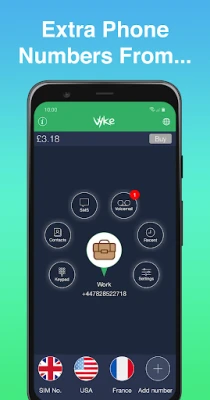
- Multiple virtual numbers – Up to four extra numbers can be managed from one interface.
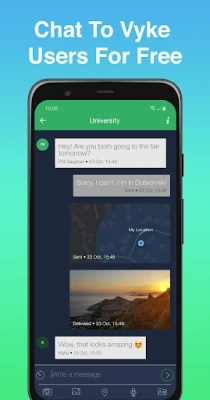
- Free internal messaging – Vyke users can call or chat with each other at no cost.
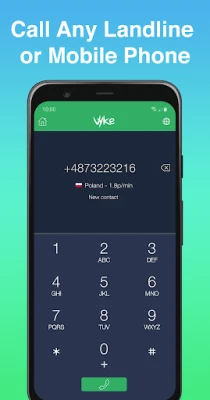
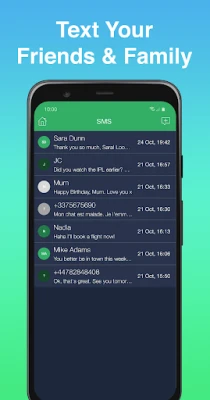
- Low‑cost outbound calls and SMS – Calls and text messages to regular mobile or landline numbers are priced competitively.
- Voicemail per line – Each virtual number has its own voicemail box.
- Selective activation – You can turn each number on or off, or route it directly to voicemail.
- Privacy controls – Choose which contacts see your primary number and which see a virtual line.
How It Works
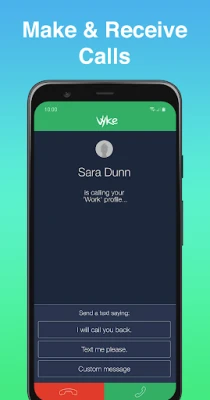
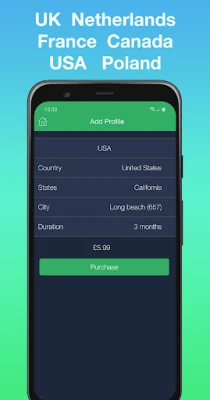
After installing Vyke, you select a country and request a virtual number. The app assigns the number and links it to your existing mobile data or Wi‑Fi connection. Calls and messages are routed through Vyke’s servers, appearing to the recipient as if they come from the virtual number. Incoming calls are delivered to the app, where you can answer, forward, or send to voicemail based on the settings you choose for each line.
Practical Uses
- Online dating – Keep your personal number hidden until you feel comfortable sharing it.
- Marketplace selling – Provide a separate contact line for buyers without exposing your main phone.
- Travel – Obtain a local virtual number to avoid roaming fees and receive calls as if you were in the destination country.
- Small business – Manage customer inquiries on a dedicated line while keeping your personal device uncluttered.
- Spam reduction – Use a disposable number for sign‑ups and stop unwanted marketing calls.
Installation Information
Vyke is available as a free download from the Google Play Store. The installation process follows the standard Android app workflow: tap “Install,” grant the required permissions for phone and contacts access, and launch the app to begin setting up your virtual numbers.
Things to Know Before Installing
- The app requires an active internet connection (mobile data or Wi‑Fi) to place and receive calls.
- Charges for outbound calls and SMS depend on the destination country and the selected rate plan.
- Virtual numbers are tied to the Vyke service; losing access to the account may affect the ability to receive calls on those numbers.
Who May Find Vyke Useful?
Anyone who needs to compartmentalize different aspects of their communication can benefit from Vyke. This includes frequent travelers, freelancers, online sellers, dating app users, and anyone looking to protect their personal number from unwanted exposure.
Frequently Asked Questions
Do I need a second SIM card?
No. Vyke creates software‑based numbers that work over your existing data connection.
Can I receive calls when I’m offline?
Calls are delivered to the app, so you need an internet connection to receive them. Offline callers will hear a standard “unavailable” tone.
Is my personal number visible to contacts?
You control which number is shown to each contact. By default, only the virtual number you share is displayed.
Are there any hidden fees?
The app itself is free, but standard rates apply for outbound calls and SMS according to the pricing plan you select.
Rate the App
User Reviews















Popular Apps










 Games
 Entertainment
 Communication
 E-mail
 Security
 Tools
 Media
 Internet
 Finance
 Design
 Education
 Android Firmwares
 Travel & Local
 Android
 Windows
 Linux