

Latest Version
Latest
September 02, 2026
Vivaldi Technologies
Communication
Android
9
Free
com.vivaldi.browser.automotive
Report a Problem
More About Vivaldi Browser on Automotive – Web Browsing for Android Automotive OS
What is Vivaldi Browser on Automotive?
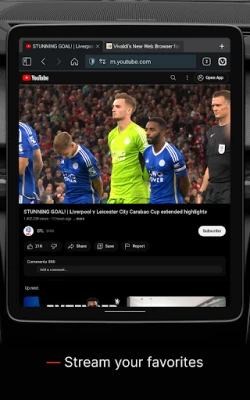
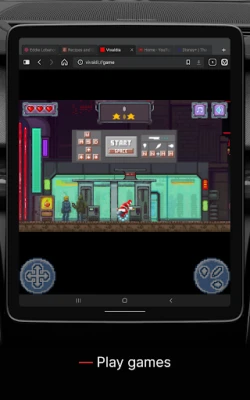
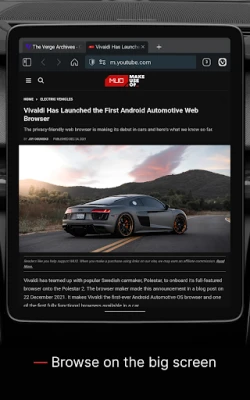
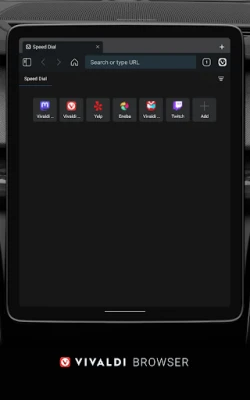
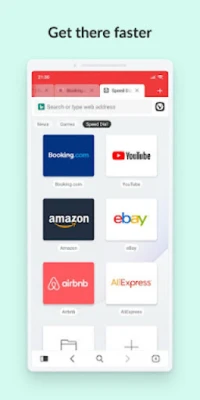
Vivaldi Browser on Automotive is a web browser created specifically for the Android Automotive operating system. It brings the same flexibility and customization that Vivaldi users expect on desktop and mobile devices to the car’s infotainment screen.
Main features
- Full‑screen web browsing – Access any website directly from the vehicle’s display.
- Sync across devices – When you sign in, bookmarks, open tabs and reading lists can be synchronized with Vivaldi on other platforms.
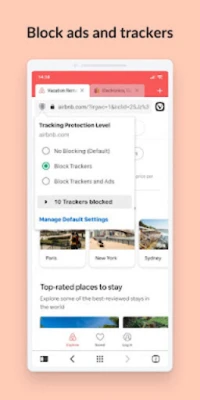
- Privacy tools – Built‑in ad blocking and tracking protection help keep your browsing experience clean.
- Reading list and notes – Save articles for later and add quick notes without leaving the browser.
- Voice‑friendly interface – Designed for easy use while seated, with large touch targets and support for voice commands where the car’s system provides them.
How it works
The app runs as a native component of Android Automotive, integrating with the car’s touch screen, steering‑wheel controls and, where available, voice assistants. When the vehicle is in motion, the browser limits playback to audio‑only content to comply with safety guidelines, while full visual browsing is available when the car is parked.
Practical uses
- Check navigation‑related sites or traffic updates while the car is stationary.
- Catch up on news, podcasts or music streams during a break.
- Access work‑related portals or cloud‑based tools before a meeting, then continue on a phone or computer via sync.
Installation information
The app can be installed from the Android Automotive app store on compatible vehicles. After installation, launch it from the infotainment home screen and follow the on‑screen prompts to sign in or create a Vivaldi account for sync features.
Compatibility
Vivaldi Browser on Automotive requires a vehicle that runs Android Automotive OS. Specific version requirements are defined by the car manufacturer’s software update schedule.
Things to know before installing
- Internet connectivity depends on the vehicle’s built‑in data plan or a paired smartphone hotspot.
- Full visual browsing is only available while the car is parked; driving mode restricts the display to audio‑only content.
- Syncing data uses Vivaldi’s cloud service, which requires an internet connection and a Vivaldi account.
Who may find it useful?
Drivers who want a consistent browsing experience across their devices, commuters who use the car as a mobile office, and anyone who appreciates Vivaldi’s customization and privacy focus will benefit from this automotive version.
Frequently asked questions
Is a Vivaldi account required?
No, you can browse without an account, but signing in enables sync of bookmarks, tabs and reading lists.
Can I use the browser while driving?
Visual browsing is disabled while the vehicle is moving; audio‑only playback continues for supported media.
Does the browser support extensions?
Extensions are not available in the automotive version; core features such as ad blocking and tracking protection are built in.
Rate the App
User Reviews















Popular Apps










 Games
Games Entertainment
 Communication
 E-mail
 Security
 Tools
Tools Media
Media Internet
 Finance
 Design
 Education
 IT Tools
 Travel & Local
 Android
 Windows
 Linux
Linux