

Latest Version
Latest
September 05, 2026
Renault Group
Communication
Android
56
Free
com.vivaldi.browser.automotive.renault
Report a Problem
More About Vivaldi Browser – Renault’s In‑Car Web Experience
What is Vivaldi Browser for Renault?
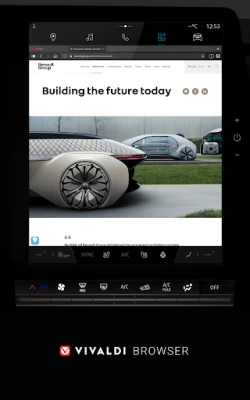
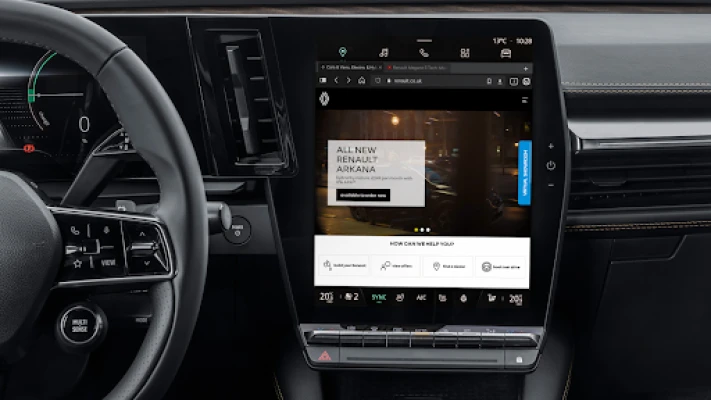
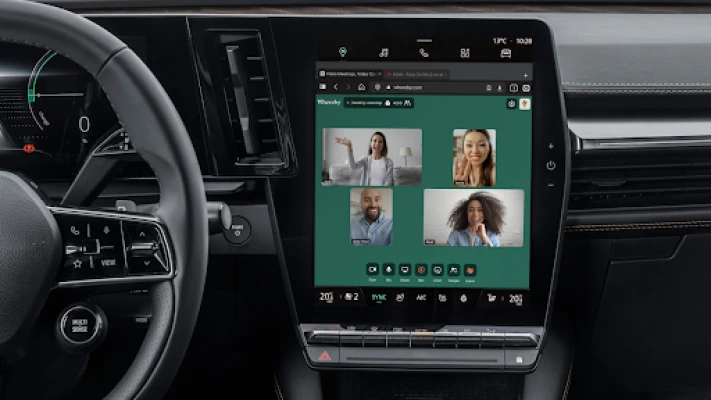
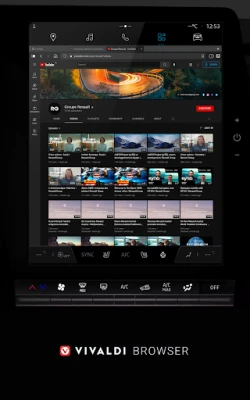
Vivaldi Browser is a mobile‑optimized web browser that has been adapted for use in Renault cars. Developed by the Renault Group, it brings a full‑featured browsing experience to the vehicle’s infotainment system, letting drivers and passengers stay connected without needing a separate device.
Main Features
- Private browsing – Incognito tabs keep your history, cookies and temporary files local to the car, ensuring that sessions are not stored after you close them.
- Built‑in ad and tracker blocker – The browser blocks intrusive ads and common tracking scripts, which can also improve page load times.
- Flexible tab management – Choose between a traditional tab bar or a swipe‑based tab switcher that lets you quickly locate open, private or recently closed tabs.
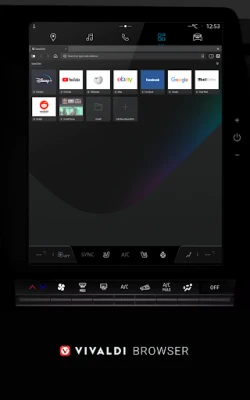
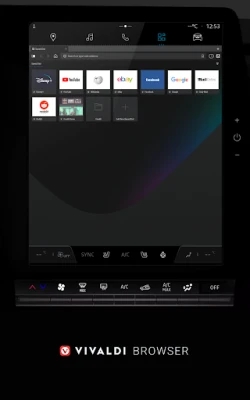
- Speed Dials and bookmarks – Pin your favorite sites to the new‑tab page for one‑tap access, and organise them into folders.
- Integrated tools – Take notes while you browse and sync them across devices, and switch search engines on the fly using short nicknames.
How It Works in the Car
The browser runs within the car’s infotainment interface, using the built‑in touchscreen and voice controls where available. It is designed to minimise driver distraction: most actions can be performed with a few taps, and the layout adapts to the screen size of the vehicle’s display.
Practical Uses
- Check traffic updates or weather forecasts before starting a journey.
- Access streaming services or news sites while parked.
- Look up quick information, such as charging station locations for electric models.
- Take notes during a trip and have them automatically available on your phone or computer later.
Installation Information
The app is distributed through the Renault infotainment system’s app store. Installation follows the standard process for automotive apps: select the app, confirm any required permissions, and wait for the download to complete. No additional steps are needed after installation.
Compatibility
Vivaldi Browser is packaged specifically for Renault vehicles that support the automotive version of Android. It is not intended for standard Android phones or tablets.
Things to Know Before Installing
- Internet connectivity depends on the vehicle’s data connection or a paired smartphone.
- Some websites may display differently due to the screen’s aspect ratio.
- While the browser includes an ad blocker, certain sites may require you to disable it for full functionality.
Who May Find It Useful?
Owners of Renault models equipped with the compatible infotainment system, especially those who spend a lot of time on the road and prefer a dedicated browser rather than using a phone’s screen.
Frequently Asked Questions
Is the browser safe to use while driving?
The interface is designed to be simple and to limit interaction while the vehicle is moving. Voice commands and large touch targets help reduce the need to look away from the road.
Can I sync my bookmarks with the desktop Vivaldi browser?
Syncing is supported through Vivaldi’s account system, allowing bookmarks and notes to be shared across devices that run the standard Vivaldi client.
Do I need a Renault account to use the browser?
A Renault account may be required for initial setup and to access certain personalised services, but basic browsing works without it.
Rate the App
User Reviews















Popular Apps










 Games
Games Entertainment
 Communication
 E-mail
 Security
 Tools
Tools Media
Media Internet
 Finance
 Design
 Education
 Android Firmwares
 Travel & Local
 Android
 Windows
 Linux
Linux