

Latest Version
Latest
September 15, 2026
FathomTel, Inc.
Communication
Android
22
Free
com.unlistedmobile.unlisted
Report a Problem
More About Unlisted – Second Phone Number
What is Unlisted?
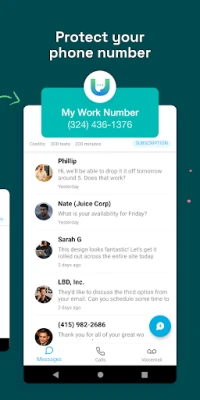
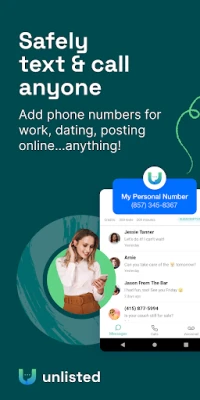
Unlisted is a mobile app that lets you create an additional phone number that works alongside your existing mobile line. The extra number can be used for calling, texting, picture messaging, voicemail and call forwarding, all through an internet connection.
Main features
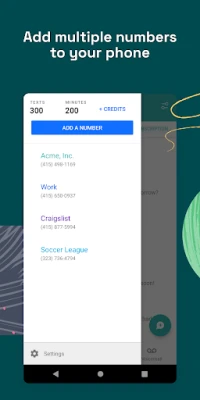
- Separate number – Keep personal and professional communications distinct.
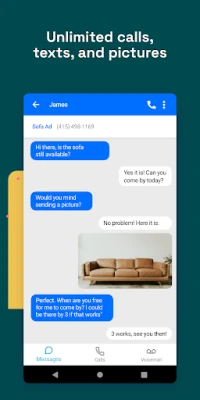
- Messaging – Send and receive SMS and MMS without using your carrier plan.
- Voice calls – Make and receive calls over Wi‑Fi or mobile data.
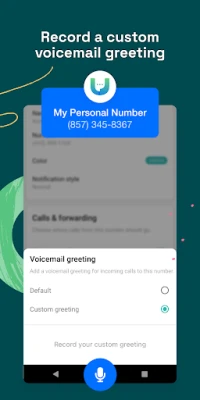
- Voicemail – Dedicated voicemail inbox for the secondary line.
- Call forwarding – Forward calls from the new number to any phone you choose.
How it works
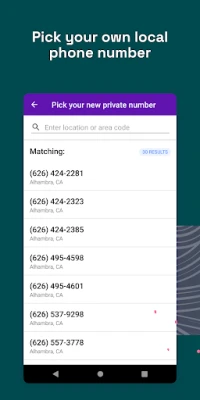
After installing the app, you choose a new number from the available pool of U.S. and Canadian area codes. The app registers the number on its service platform and links it to your device. All communication is routed through the app’s servers using Voice over IP (VoIP) technology, so you can stay connected even without a cellular voice plan for the secondary line.
Practical uses
People use Unlisted for a variety of everyday scenarios:
- Online dating – Share a temporary number instead of your personal one.
- Freelancing – Provide clients with a dedicated contact line.
- Classified ads – Communicate with buyers or sellers on platforms like Craigslist without exposing your real phone.
- Business outreach – Give customers a local‑area code number for a more professional presence.
Installation information
The app is available for free on the Google Play Store. Search for the package name com.unlistedmobile.unlisted or the title “Unlisted – Second Phone Number” and tap Install. After installation, open the app and follow the on‑screen prompts to select a number and set up your profile.
Things to know before installing
- Internet connection is required for calls and messages; the app does not use your carrier’s voice minutes.
- Charges may apply for purchasing a new number or for certain usage plans; the app itself is free to download.
- Because the service relies on VoIP, call quality can vary with network speed.
Who may find Unlisted useful?
Anyone who wants to protect their personal phone number can benefit from Unlisted. This includes sales professionals, freelancers, job seekers, online sellers, and anyone who frequently shares contact information in public forums.
Frequently asked questions
Do I need a separate SIM card?
No. The secondary number works entirely within the app using your existing device and internet connection.
Can I keep the same number forever?
Yes, you can retain the number as long as you maintain an active plan or balance according to the app’s pricing structure.
Is my data private?
The developer states a commitment to privacy and does not sell user data. For detailed policies, refer to the app’s privacy notice within the settings.
Rate the App
User Reviews















Popular Apps










 Games
Games Entertainment
 Communication
 E-mail
 Security
 Tools
Tools Media
Media Internet
 Finance
 Design
 Education
 Android Firmwares
 Travel & Local
 Android
 Windows
 Linux
Linux