

Latest Version
August 23, 2026
UCWeb Singapore Pte. Ltd.
Communication
Android
145
Free
com.UCMobile.intl
Report a Problem
More About UC Browser – Safe, Fast, Private Browsing
What is UC Browser?
UC Browser is a mobile web browser developed by UCWeb Singapore Pte. Ltd. It is designed to give Android users a fast and secure way to surf the internet. The app focuses on performance, privacy features and a set of tools that help you manage media and data while browsing.
Main features
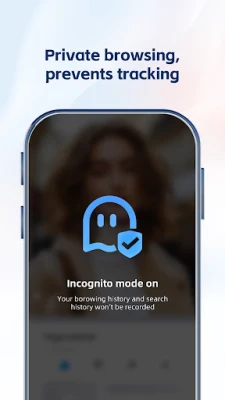
- Private browsing mode – Browse without leaving a trace in the local history or cache.
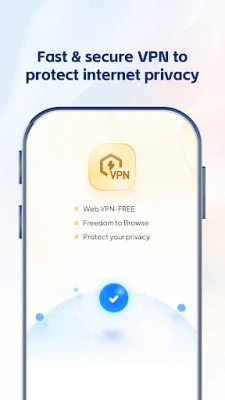
- Built‑in VPN – Encrypts traffic and masks your IP address for a more private connection.
- Ad blocker – Removes most web ads and pop‑ups, which can speed up page loads and reduce distractions.
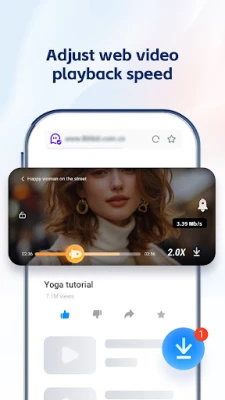
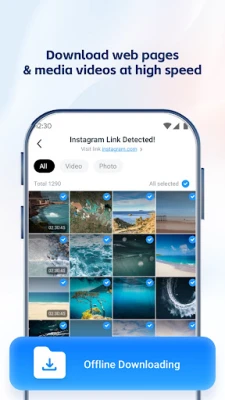
- Video downloader – Allows you to save online videos for offline playback.
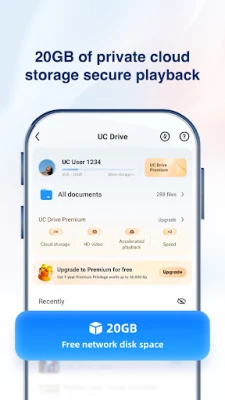
- Cloud storage integration – Offers a cloud drive for storing downloaded videos and other files.
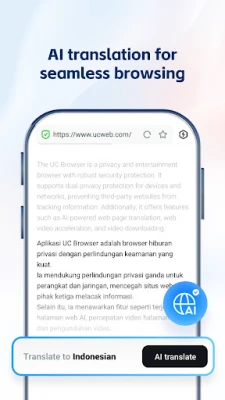
- Integrated translation – Translate web pages and selected text without leaving the browser.
- Smart search – A search interface that suggests results based on your input and recent activity.
How it works
The browser uses a lightweight rendering engine optimized for mobile networks. When you enable the VPN, the app routes traffic through secure servers, which can also help you reach content that may be restricted in your region. The ad blocker works by filtering known advertising domains before the page is rendered, which reduces bandwidth usage and speeds up loading times. Video downloading is handled by a separate module that extracts the media stream from supported sites and saves it to your device or to the integrated cloud drive.
Practical uses
- Traveling abroad – Use the VPN to access familiar services and protect your connection on public Wi‑Fi.
- Saving data – Blocking ads and downloading videos for offline viewing can lower mobile data consumption.
- Multilingual browsing – Translate foreign‑language pages instantly, useful for research or casual reading.
- Quick media access – Store favorite videos in the cloud drive and stream them on any device linked to the same account.
Installation information
The app is distributed as a free download from the Google Play Store. Installation follows the standard Android process: tap “Install,” grant the requested permissions, and launch the app from your app drawer. Because the package name is com.UCMobile.intl, you can also locate the app in alternative Android marketplaces if needed.
Things to know before installing
- Permissions – The browser may request access to storage for downloading files and to network state for VPN operation.
- Battery usage – Continuous VPN usage can increase power consumption, especially on older devices.
- Data privacy – While the VPN encrypts traffic, the provider’s privacy policy determines how connection logs are handled. Review the policy if privacy is a primary concern.
Who may find UC Browser useful?
Anyone who wants a single app that combines fast web browsing with built‑in privacy tools will benefit from UC Browser. It is especially handy for users who frequently download video content, travel often, or need on‑the‑fly translation of web pages.
Frequently asked questions
Is the VPN free to use?
The VPN feature is included at no extra cost, but the speed and server selection may differ from premium VPN services.
Can I use the ad blocker on all websites?
The ad blocker works on most sites that serve ads through common networks. Some sites may display ads that are not filtered.
Does the browser support multiple tabs?
Yes, UC Browser allows you to open several tabs and switch between them easily.
Rate the App
User Reviews















Popular Apps










 Games
 Entertainment
 Communication
 E-mail
 Security
 Tools
 Media
 Internet
 Finance
 Design
 Education
 Android Firmwares
 Travel & Local
 Android
 Windows
 Linux