

Latest Version
August 18, 2026
Truecaller
Communication
Android
133
Free
com.truecaller
Report a Problem
More About Truecaller: Spam Call Blocker – Identify and Stop Unwanted Calls
What is Truecaller?
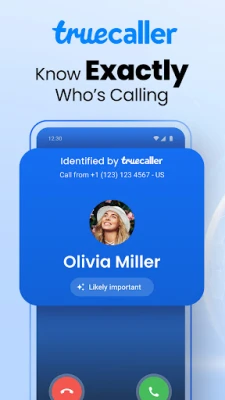
Truecaller is a free Android app that provides caller identification and spam‑call blocking. When a call arrives, the app shows the caller’s name (if it’s in the community‑maintained database) and flags numbers that have been reported as spam or fraud.
Main features
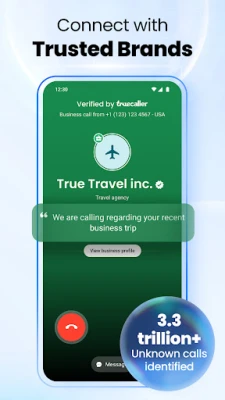
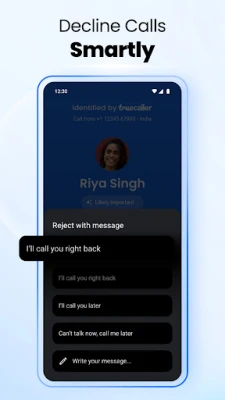
- Caller ID – Displays the name or business associated with an incoming number, even if the number isn’t saved in your contacts.
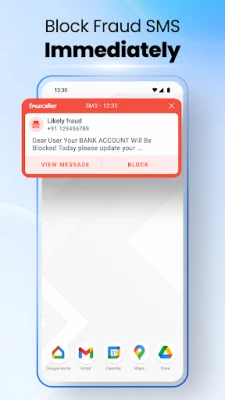
- Spam detection – Highlights suspected telemarketing, robocall, or scam numbers based on reports from millions of users.
- Block list – Lets you add numbers to a personal block list, preventing future calls from those sources.
- Reverse lookup – Allows you to search a phone number manually to learn more about the caller.
How it works
The app relies on a community‑driven database that aggregates user reports about unknown numbers. When a call comes in, Truecaller checks the number against this database and shows a label such as “Spam,” “Scam,” or the caller’s name if it is recognized. You can tap the label to block the number instantly.
Practical uses
Truecaller is useful for anyone who receives frequent unsolicited calls. It helps you:
- Reduce interruptions by automatically silencing known spam numbers.
- Identify legitimate business calls that would otherwise appear as unknown.
- Maintain a personal block list for persistent callers.
Installation information
The app is available through the Google Play Store. Search for “Truecaller: Spam Call Blocker” or use the package name com.truecaller. After downloading, grant the permissions required for call‑screening and contact access so the app can display caller information.
Things to know before installing
- The app needs permission to read your contacts and monitor incoming calls in order to provide identification and blocking.
- Truecaller stores some data on its servers to keep the spam database up to date. Review the privacy policy in the app for details.
- Because the service relies on community reports, the accuracy of a label may vary for newly created numbers.
Who may find it useful?
Anyone who wants to manage unwanted calls will benefit, especially:
- Professionals who need to stay focused without constant interruptions.
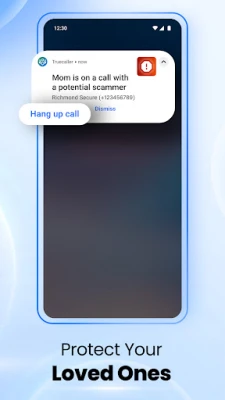
- Elderly users who may be targeted by phone scams.
- Small‑business owners who receive many sales calls.
Frequently asked questions
Do I need an internet connection for caller ID?
Truecaller queries its online database for each incoming call, so a data connection is required for real‑time identification. Cached results may appear for numbers you have looked up previously.
Can I use Truecaller without a Google account?
The app can function without linking to a Google account, but signing in allows you to back up your block list and call history.
Is the app completely free?
Truecaller is offered as a free download. Some optional premium features may be available through in‑app purchases, but the core caller ID and spam‑blocking functions are free.
Rate the App
User Reviews















Popular Apps










 Games
Games Entertainment
 Communication
 E-mail
 Security
 Tools
Tools Media
Media Internet
 Finance
 Design
 Education
 Android Firmwares
 Travel & Local
 Android
 Windows
 Linux
Linux