
Latest Version
Latest
September 16, 2026
The Tor Project
Communication
Android
15
Free
org.torproject.torbrowser_alpha
Report a Problem
More About Tor Browser (Alpha) – Private Mobile Browsing
What is Tor Browser (Alpha)?
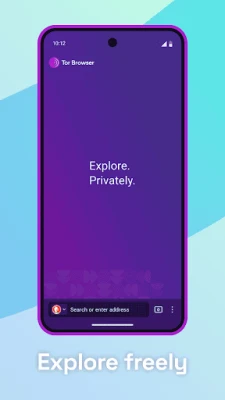
Tor Browser (Alpha) is a mobile web browser built by The Tor Project. It routes your traffic through the Tor network, a global system of volunteer‑run relays that encrypts data multiple times before it reaches its destination. The goal is to make it difficult for anyone monitoring your connection to see which sites you visit.
Main features
- Multi‑layered encryption – Your traffic is encrypted three times as it passes through the Tor network.
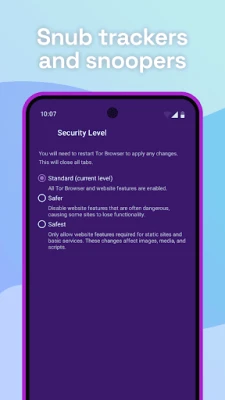
- Tracker isolation – Each site you visit is opened in a separate context, preventing third‑party trackers from linking your activity across sites.
- Automatic cookie clearing – Cookies are removed when you close a tab, reducing persistent identifiers.
- Fingerprint resistance – The browser tries to make all users appear similar to limit fingerprinting based on device or browser details.
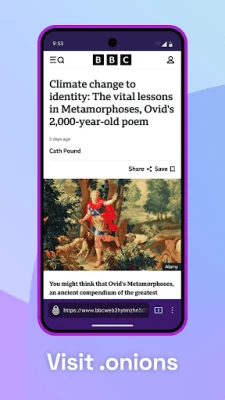
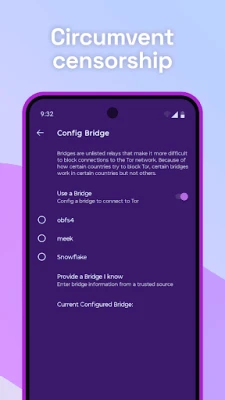
- Access to blocked content – By routing traffic through relays in different countries, the browser can help you reach sites that might be restricted by your local ISP or network.
How it works
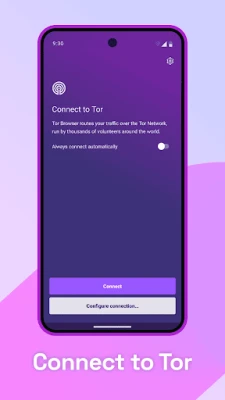
When you launch Tor Browser, it connects to the Tor network and builds a circuit of three relays: an entry guard, a middle relay, and an exit node. Your request is encrypted before it leaves your device, travels through each relay where a layer is peeled away, and finally reaches the destination site in decrypted form. The response follows the same path in reverse, keeping the content encrypted while in transit.
Practical uses
The browser is useful for anyone who wants to:
- Protect their browsing habits from network observers, such as public Wi‑Fi operators or ISPs.
- Access information that may be censored or blocked in their region.
- Reduce the amount of data that advertisers and trackers can collect about them.
Installation information
The app is distributed as a free download. Because it is an alpha build, the version may change frequently as new features are tested and bugs are addressed. Users should download the latest release from a trusted source that hosts the official package.
Things to know before installing
- The browser may be slower than a typical mobile browser due to the multiple relays and encryption steps.
- Some websites that block known Tor exit nodes may not load correctly.
- Because it is an alpha version, occasional crashes or UI quirks can be expected.
- Donations support The Tor Project’s ongoing development, but using the app does not require a payment.
Who may find it useful?
Journalists, activists, researchers, and everyday users who value privacy can benefit from Tor Browser. It is also helpful for travelers who need to bypass restrictive networks or for anyone concerned about surveillance on public connections.
Frequently asked questions
Is Tor Browser safe to use?
It is built by The Tor Project, a well‑known nonprofit focused on privacy. The software is open source, allowing the community to review its code.
Will my ISP know I am using Tor?
They can see that you are connecting to the Tor network, but they cannot see the specific sites you visit.
Can I use Tor Browser for banking or other sensitive logins?
While Tor provides anonymity, some services may block Tor exit nodes. Use caution and consider a regular browser for sites that require a stable IP address.
Rate the App
User Reviews















Popular Apps










 Games
Games Entertainment
 Communication
 E-mail
 Security
 Tools
Tools Media
Media Internet
 Finance
 Design
 Education
 IT Tools
 Travel & Local
 Android
 Windows
 Linux
Linux