

Latest Version
Latest
August 14, 2026
Mozilla Thunderbird
Communication
Android
254
Free
net.thunderbird.android
Report a Problem
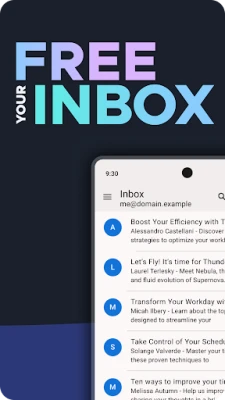
More About Thunderbird: Free Your Inbox – Open‑Source Email for Android
What is Thunderbird for Android?
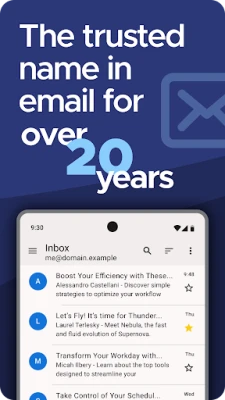
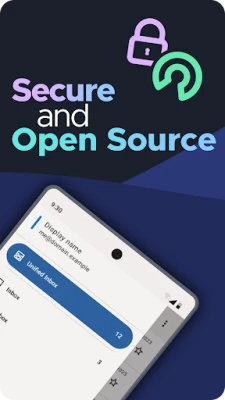
Thunderbird is an open‑source email client developed by the Mozilla Thunderbird team. It brings the same emphasis on privacy, standards‑based email handling, and extensibility that the desktop version is known for, to Android devices.
Main features
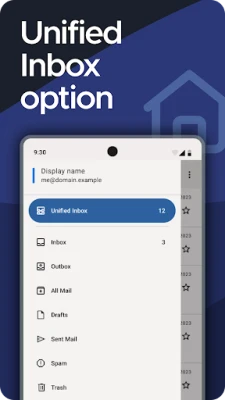
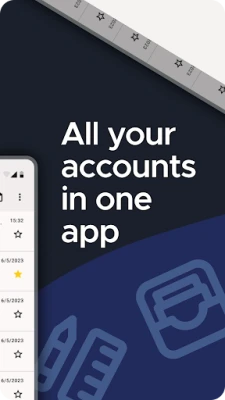
- Unified inbox – View messages from all configured accounts in one list, or switch to per‑account views.
- Support for IMAP and POP3 – Connect to most major email providers without needing a separate app.
- OpenPGP encryption – When paired with the OpenKeychain app, Thunderbird can encrypt and decrypt messages using PGP/MIME.
- Custom sync options – Choose between push‑style instant sync, scheduled intervals, or manual refresh.
- Search – Search both locally stored messages and server‑side folders to find what you need quickly.
- Multilingual interface – The app is translated by volunteers into many languages.
How it works
After installing the app, you add an email account by entering your address and password. Thunderbird automatically detects the appropriate server settings for common providers, or you can enter IMAP/POP3 details manually. Once configured, the client synchronises messages according to the sync schedule you choose. The interface groups messages by account, with a toggle for the unified view.
Practical uses
- Consolidate work, personal, and school email accounts into a single, tidy interface.
- Maintain privacy by avoiding proprietary services that harvest data.
- Secure sensitive communications with OpenPGP when you need end‑to‑end encryption.
- Search across all accounts without switching apps, saving time during busy days.
Installation information
The app is distributed as a free download from the Google Play Store. Because it is open source, the source code is publicly available for review and contribution.
Compatibility
Thunderbird for Android works with any device that can run the Google Play version of the app. It supports standard email protocols (IMAP, POP3) and therefore works with services such as Gmail, Outlook.com, Yahoo Mail, iCloud, and most corporate email systems that expose these protocols.
Things to know before installing
- While the core app is free, optional encryption requires the separate OpenKeychain app.
- Sync frequency can affect battery usage; choose a schedule that matches your needs.
- Because the app does not include its own webmail service, you will need existing email accounts to connect.
Who may find it useful?
Anyone who prefers a single, ad‑free email client that respects privacy will benefit from Thunderbird. It is especially appealing to users who already trust Mozilla’s desktop products, developers who appreciate open‑source software, and anyone needing encrypted email on Android.
Frequently asked questions
Is Thunderbird free?
Yes. The app is released under a free license and does not require a subscription.
Can I use multiple accounts?
Yes. You can add as many IMAP or POP3 accounts as you like and switch between them or use the unified inbox.
Do I need an internet connection to read saved messages?
Messages that have been downloaded are stored locally and can be read offline. New messages require a connection to sync.
How does Thunderbird protect my privacy?
The client does not collect or sell personal data. It connects directly to your email provider and, when used with OpenKeychain, can encrypt messages end‑to‑end.
Rate the App
User Reviews















Popular Apps










 Games
Games Entertainment
 Communication
 E-mail
 Security
 Tools
Tools Media
Media Internet
 Finance
 Design
 Education
 Android Firmwares
 Travel & Local
 Android
 Windows
 Linux
Linux