

Latest Version
Latest
August 28, 2026
Vexeron Technology Pvt.Ltd
Media
Android
147
Free
com.uralshare.video.player
Report a Problem
More About Telegram Player – Simple Video Streaming for Android
What is Telegram Player?
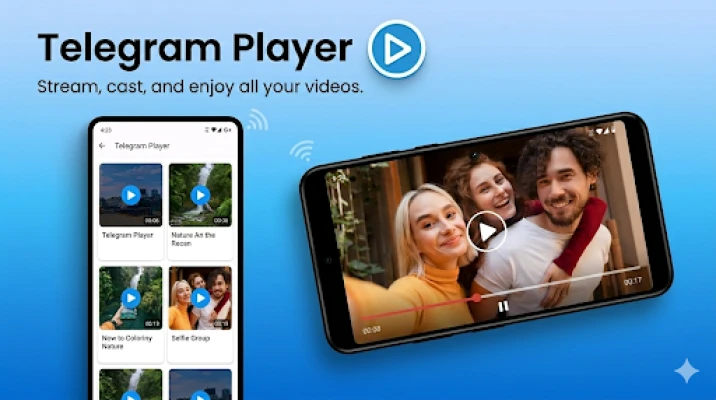
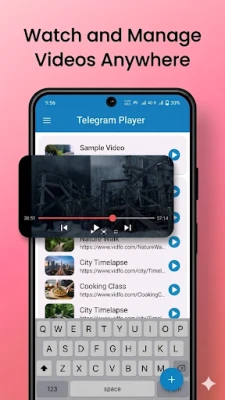
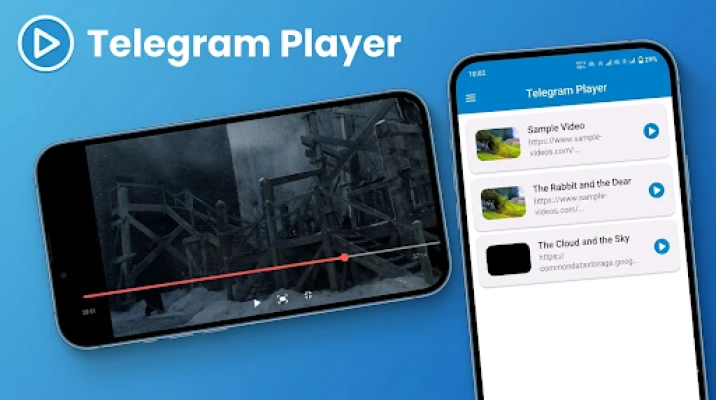
Telegram Player is a free Android application developed by Vexeron Technology Pvt.Ltd. It focuses on playing video content that is accessible through direct download links. Rather than requiring you to store large files on your device, the app streams the video straight from the source, keeping storage use low and playback fast.
Main Features
- URL‑based streaming: Paste any supported video link and start watching instantly.
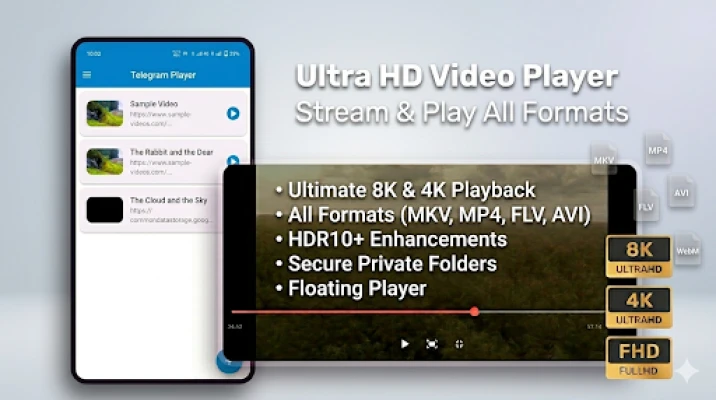
- Broad format support: Works with a variety of common video containers and codecs, reducing the need for separate conversion tools.
- Lightweight design: The interface is minimalistic, which helps preserve battery life and keeps the app responsive on older devices.
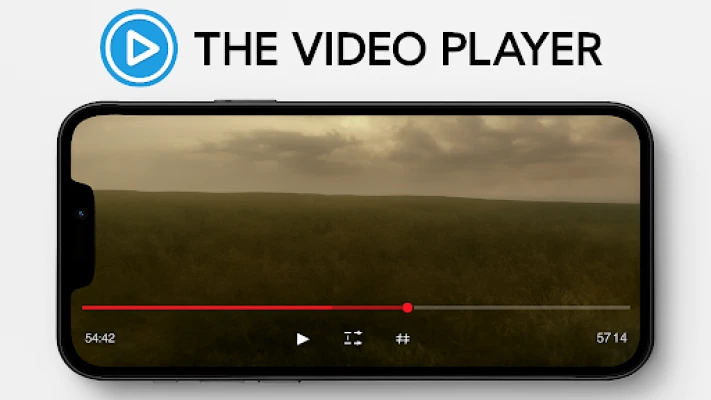
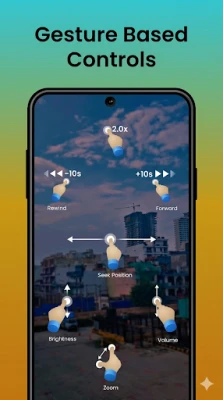
- Easy controls: Standard playback controls, volume adjustment, and screen‑orientation handling are built in.
How It Works
When you open Telegram Player, you are presented with a simple input field. Enter the full URL of the video you want to watch and tap the play button. The app then establishes a connection to the source, buffers a short segment, and begins playback. Because the video is streamed, you can start watching before the entire file is downloaded, which is especially useful on slower connections.
Practical Uses
Telegram Player is handy in several everyday scenarios:
- Learning on the go: Stream tutorial videos shared via messaging apps without cluttering your device.
- Quick entertainment: Watch short clips, trailers, or live streams that are hosted on direct‑link platforms.
- Testing video links: Verify that a URL points to a functional video before deciding to download it with another tool.
Installation Information
The app can be installed from the standard Android marketplace. After downloading, grant any required permissions for network access, then launch the app and start adding video URLs.
Compatibility
Telegram Player is built for Android devices. While specific version requirements are not listed, the lightweight nature of the app makes it suitable for a wide range of smartphones and tablets, including older models.
Things to Know Before Installing
- The app streams content; a stable internet connection is needed for smooth playback.
- It does not store videos locally unless you use a separate downloader.
- Playback quality depends on the source video and your network speed.
Who May Find It Useful?
Anyone who frequently receives video links via messaging platforms, social media, or email will appreciate the quick‑start streaming experience. The app is also suitable for users who want to keep their device storage free while still accessing a variety of video content.
Frequently Asked Questions
Do I need a Telegram account to use the app?
No. The name reflects the ability to handle links often shared on Telegram, but the app works with any direct video URL.
Can I adjust video quality?
Quality is determined by the source file. The app does not provide manual bitrate selection, but it will play the highest quality stream the link offers.
Is there a way to download videos for offline viewing?
Telegram Player focuses on streaming only. For offline storage you would need a dedicated downloader.
Rate the App
User Reviews











Popular Apps










 Games
 Entertainment
 Communication
 E-mail
 Security
 Tools
 Media
 Internet
 Finance
 Design
 Education
 Android Firmwares
 Travel & Local
 Android
 Windows
 Linux