

Latest Version
September 13, 2026
Microsoft Corporation
Media
Android
0
Free
com.microsoft.amp.apps.bingnews
Report a Problem
More About MSN – Your Personalized News and Information Hub
What is MSN?
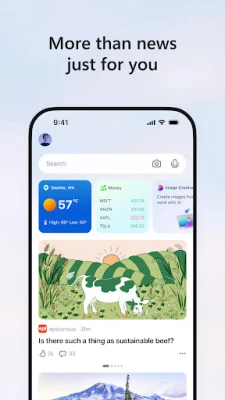
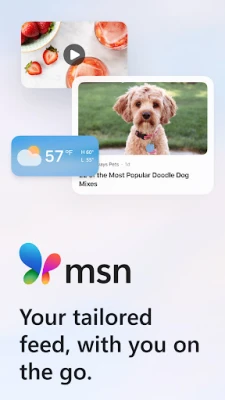
MSN is a free Android application developed by Microsoft Corporation that brings together news, weather, finance, and short video clips in a single, easy‑to‑navigate feed. The app curates content from a wide range of publishers, allowing you to stay informed without juggling multiple sources.
Main Features
- Personalized news feed – The home screen adapts to your interests, showing stories that matter most to you.
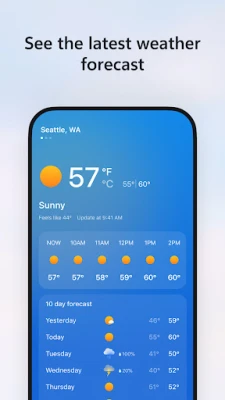
- Live weather updates – Hourly forecasts, 10‑day outlooks, air‑quality indexes and UV information are presented alongside your news.
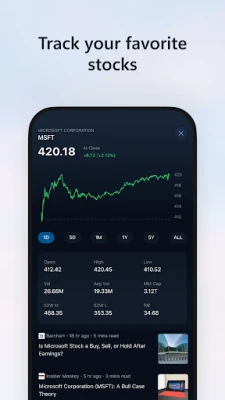
- Financial snapshot – Quick access to market trends, stock quotes and business headlines.
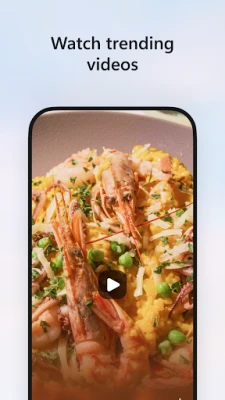
- Short‑form video – A scrollable video strip offers brief clips covering breaking news, viral moments and trending topics.
- Trusted sources – Content is sourced from thousands of established publishers, ensuring a mix of perspectives.
How It Works
When you first open MSN, the app asks for basic preferences such as topics of interest and location. Using this information, it builds a feed that updates in real time. You can tap any headline to read the full article, watch a video, or explore related stories. The interface is designed for quick glances as well as deeper reading.
Practical Uses
- Check the day’s top headlines while commuting.
- Get a quick weather snapshot before heading out.
- Monitor favorite stocks without opening a dedicated finance app.
- Watch short news videos during a break.
Installation Information
The app is available through the Google Play Store. Search for "MSN" or use the package name com.microsoft.amp.apps.bingnews. Installation follows the standard Android process: tap Install, grant any required permissions, and launch the app.
Things to Know Before Installing
- The app may request permission to access location in order to provide local weather and news.
- Internet connectivity is required for content updates and video playback.
- Data usage can be managed in the app’s settings, allowing you to limit video streaming on cellular networks.
Who May Find It Useful?
Anyone who wants a single place to catch up on current events, weather, and market information will benefit from MSN. It is especially handy for users who prefer a concise, visually‑rich feed rather than navigating multiple news sites.
Frequently Asked Questions
Do I need a Microsoft account?
No. The app works without signing in, though signing in can sync preferences across devices.
Can I customize the topics I see?
Yes. Settings let you add or remove categories such as sports, technology, entertainment, and more.
Is the app free?
MSN is offered at no cost. It may display ads, which help keep the service free.
How does MSN handle my privacy?
Microsoft’s privacy policy applies. The app collects data needed for personalization and analytics, and you can review or adjust these settings within the app.
Rate the App
User Reviews














Popular Apps










 Games
Games Entertainment
 Communication
 E-mail
 Security
 Tools
Tools Media
Media Internet
 Finance
 Design
 Education
 IT Tools
 Travel & Local
 Android
 Windows
 Linux
Linux