

Latest Version
September 15, 2026
NguyenTienSara
Communication
Android
3
Free
com.secure.incognito.browser.fast.downloader
Report a Problem
More About Swift Private Video Browser – Fast, Incognito Browsing & Download
What is Swift Private Video Browser?
Swift Private Video Browser is a free Android application developed by NguyenTienSara. It combines a web‑browser with a built‑in video downloader, focusing on speed and privacy. The app is designed for users who want a fast browsing experience without leaving traces on their device.
Main features
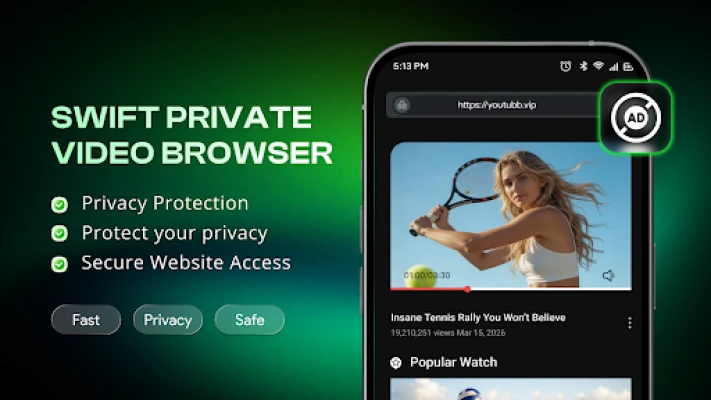
- Incognito browsing – No history, cookies, or cache are stored after a session ends.
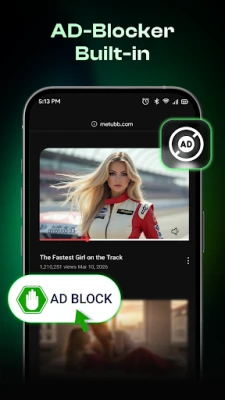
- Tracker blocking – Basic protection against common web trackers.
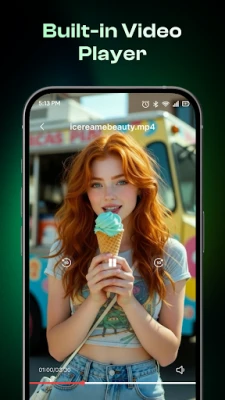
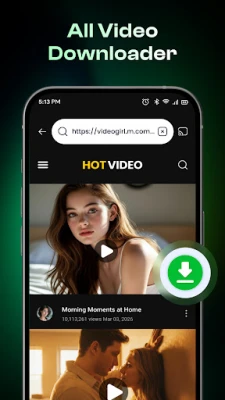
- One‑tap video download – Detects media on supported sites and lets you save it with a single tap.
- Background downloading – Files continue to download while you keep browsing.
- File vault – Downloaded videos are kept within the app, separate from other media folders.
- Lightweight design – Minimal impact on battery and storage.
How it works
When you open a web page, the browser renders it using its own engine. If the page contains a video that the downloader can recognize, a download button appears. Tapping the button starts the download, which can run in the background. All downloaded files are stored in a private folder that is only accessible through the app’s file manager.
Practical uses
- Save videos from social platforms for offline viewing.
- Browse sites without leaving browsing history on a shared device.
- Keep downloaded media organized in a single, hidden location.
Installation information
The app can be installed from the standard Android package installer. It requires the usual permissions for internet access and storage management, which are requested at runtime.
Things to know before installing
- The app does not claim to be a full‑featured browser; its focus is on speed and privacy.
- Video downloading works on sites that the built‑in detector supports; it may not capture every media source.
- Because the app stores files in a private folder, you will need to use the built‑in file manager to move or share them.
Who may find it useful?
Anyone who wants a simple, fast browser that does not retain browsing data and who occasionally needs to download videos without using a separate downloader app. It is especially handy for users who share devices or who prefer to keep media files out of the main gallery.
Frequently asked questions
Is the browser completely anonymous?
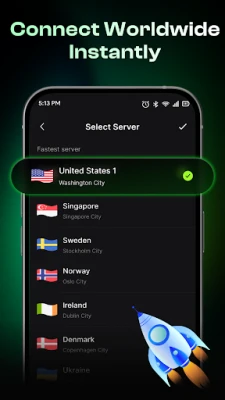
It does not store local browsing data, but network‑level anonymity depends on your internet connection and any VPN or proxy you may use.
Can I download videos from any website?
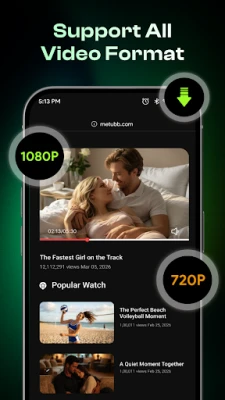
The downloader works with many popular video‑hosting sites, but it may not support every site or every video format.
Where are downloaded files saved?
Files are saved in a private directory managed by the app. You can view, rename, move, or delete them using the app’s built‑in file manager.
Does the app consume a lot of battery?
The design aims to be lightweight, so battery impact should be comparable to other simple browsers.
Rate the App
User Reviews















Popular Apps










 Games
Games Entertainment
 Communication
 E-mail
 Security
 Tools
Tools Media
Media Internet
 Finance
 Design
 Education
 IT Tools
 Travel & Local
 Android
 Windows
 Linux
Linux