



Latest Version
Latest
September 18, 2026
Save Status, Video & Image Downloader
Communication
Android
11
Free
statussaver.statusdownloader.downloadstatus.videoimagesaver
Report a Problem
More About Status Saver - Video Saver
What is Status Saver - Video Saver?
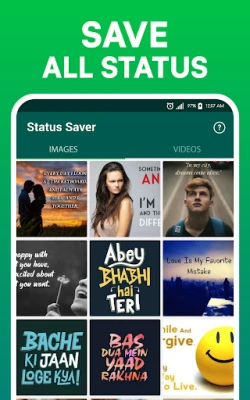
Status Saver - Video Saver is a lightweight Android utility that lets you store images and video clips shared as status updates by your contacts. The app provides a straightforward way to keep those moments in your own gallery for later viewing or sharing.
Main features
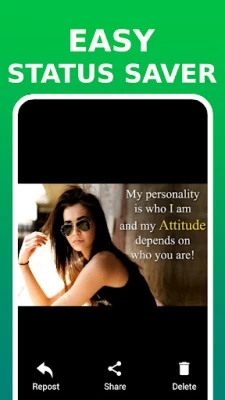
- Easy saving: One‑tap download of status photos and videos.
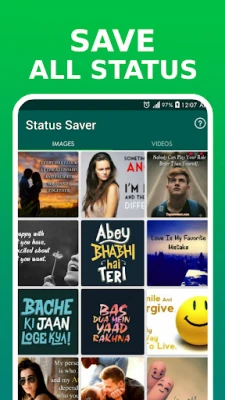
- Separate tabs: Distinguish between images and videos for quick navigation.
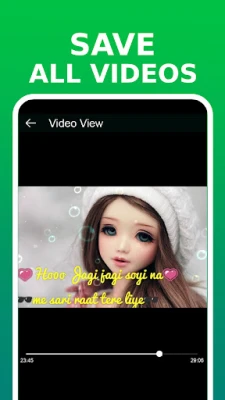
- Offline playback: Saved videos can be watched without an internet connection.
- Built‑in gallery: View downloaded media within the app before moving them to your device’s main gallery.
- Minimal footprint: Designed to be small and run smoothly on a range of Android devices.
How it works
- Open the app and grant the permissions it requests for storage access.
- Navigate to the status view of your messaging app to see the latest updates from contacts.
- Return to Status Saver – the app automatically lists the available photos and videos.
- Select the items you want and tap the download icon.
- The media is saved to a dedicated folder on your device, ready for offline viewing or sharing.
Practical uses
Many users like to keep memorable moments—such as a friend's travel video or a creative photo—beyond the 24‑hour limit of status updates. This app makes it easy to build a personal collection without needing to screenshot or record the screen.
Installation information
The application is distributed as a free download from the Google Play Store. Simply search for the app name, tap Install, and follow the on‑screen prompts. No additional fees or in‑app purchases are required.
Things to know before installing
- The app requires permission to read and write to your device’s storage in order to save media files.
- It works with status updates from the default messaging app that supports status features; compatibility with third‑party clients may vary.
- Saved content is stored locally; the app does not upload or share your files.
Who may find it useful?
Anyone who regularly views status updates and wants to keep particular photos or videos for personal use—friends, family members, or content creators—will benefit from this tool.
Frequently asked questions
Do I need an internet connection to view saved media?
No. Once a status item is downloaded, it can be played or viewed offline.
Can I save multiple items at once?
Yes, the app allows you to select several photos or videos and download them in a single action.
Is there a limit to how many statuses I can store?
The app does not impose a hard limit; storage is constrained only by the free space available on your device.
Rate the App
User Reviews















Popular Apps










 Games
Games Entertainment
 Communication
 E-mail
 Security
 Tools
Tools Media
Media Internet
 Finance
 Design
 Education
 IT Tools
 Travel & Local
 Android
 Windows
 Linux
Linux