

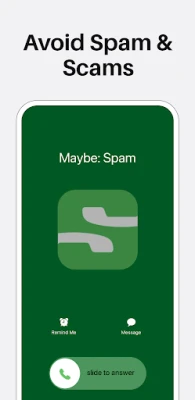
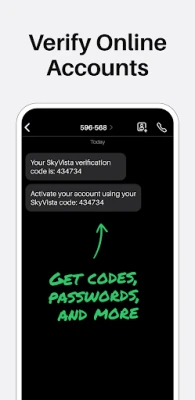
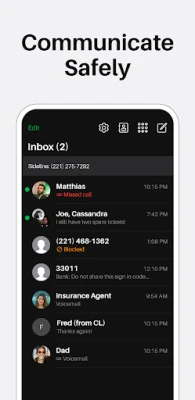
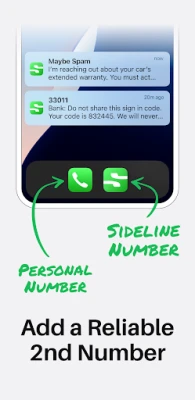
Latest Version
Latest
August 22, 2026
Pinger, Inc
Communication
Android
84
Free
com.sideline.phone.number
Report a Problem
More About Sideline: 2nd Phone Line App – Private Calls & Texts
What is Sideline?
Sideline is a free Android app from Pinger, Inc. that gives you an additional phone number that works alongside the number already on your device. The extra line can be used for calls and SMS, helping you keep personal and professional communications distinct.
Main capabilities
- Separate number: Send and receive calls and messages from a second line without needing a second handset.
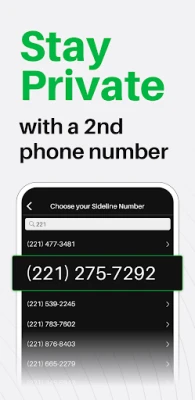
- Area‑code choice: Choose a number with the area code that best fits your needs.
- Number porting: If you already own a number you want to keep, you can transfer it into Sideline.
- Standard carrier quality: Calls are routed through your carrier’s cellular network, so they sound like regular calls.
How it works
After installing Sideline, the app guides you through the setup of a new number. Once the number is assigned, the app integrates with the native dialer and messaging interfaces, allowing you to select which line to use for each interaction. The app does not replace your primary number; it simply adds a parallel channel.
Practical uses
- Freelancers can give clients a dedicated business line while keeping their personal number private.
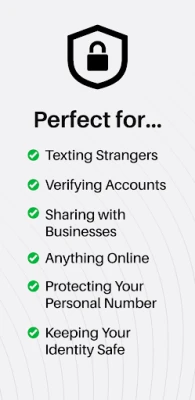
- Online sellers can share a contact number with buyers without exposing personal details.
- Job seekers can use a separate line for interview scheduling and networking.
- Anyone who wants to protect their privacy when posting a number on classifieds or dating sites.
Installation & setup
Download Sideline from the Google Play Store, open the app, and follow the on‑screen prompts to select an area code or port an existing number. The process requires a brief verification step, after which the second line becomes active and ready for use.
Things to consider before installing
- The app relies on your mobile carrier’s network, so you need a cellular connection for calls and texts.
- While the core functionality is free, additional premium options may be offered within the app.
- Permissions requested typically include access to phone, contacts, and SMS to enable seamless integration.
Who may find Sideline useful?
Small business owners, independent contractors, gig‑economy workers, and anyone who frequently separates work from personal life can benefit from having a dedicated second number without carrying two phones.
Frequently asked questions
Do I need a separate SIM card?
No. Sideline works as a virtual line that shares the same SIM and cellular plan as your primary number.
Can I receive voicemail on the second line?
Yes. The app includes a voicemail feature that stores messages for the Sideline number.
Is the second number tied to my carrier?
The number is provided by Sideline but uses your carrier’s network for call routing, so you do not incur additional carrier fees beyond any data usage.
Rate the App
User Reviews















Popular Apps










 Games
 Entertainment
 Communication
 E-mail
 Security
 Tools
 Media
 Internet
 Finance
 Design
 Education
 Android Firmwares
 Travel & Local
 Android
 Windows
 Linux