

Latest Version
Latest
September 08, 2026
Municorn
Communication
Android
30
Free
com.municorn.secondPhone
Report a Problem
More About Second Phone Number – Free eSIM Virtual Line
What is Second Phone Number?
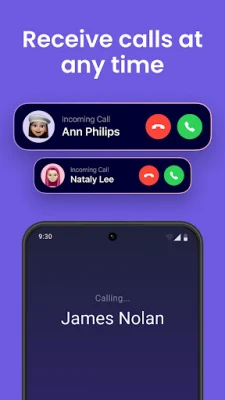
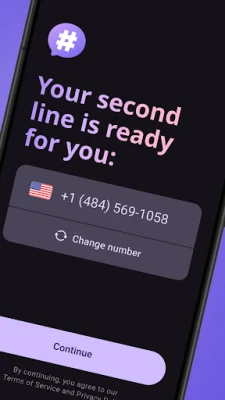
Second Phone Number is a free Android app that lets you create and use a virtual phone line on your device. The app provides an eSIM‑based number that works alongside your regular mobile number, enabling you to send and receive calls, SMS and chat messages without needing an extra SIM card.
Main features
- Instant virtual line: Generate a second number directly in the app.
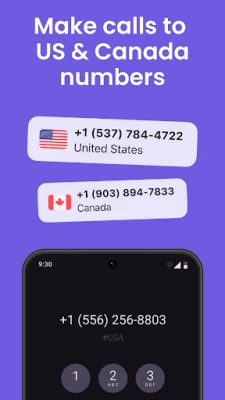
- Call and text: Make voice calls and send SMS from the virtual line.
- Privacy control: Keep your personal number hidden when communicating with contacts, services or online platforms.
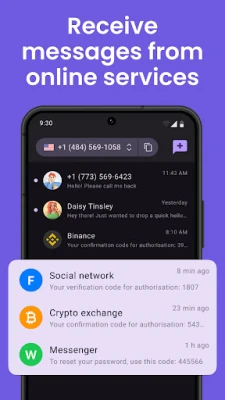
- International reach: Use the virtual number for receiving verification codes and messages from many countries.
- Contact sync: Access your existing contacts to start conversations without manual entry.
- Spam handling: Block unwanted calls or messages on the secondary line.
How it works
After installing the app, you create a virtual profile by selecting a country code and confirming the number through a short verification step. Once the number is active, the app routes incoming calls and messages through the eSIM service, displaying them inside the app’s interface. Outgoing calls and texts are sent using the virtual number, so the recipient sees the secondary line instead of your primary mobile number.
Practical uses
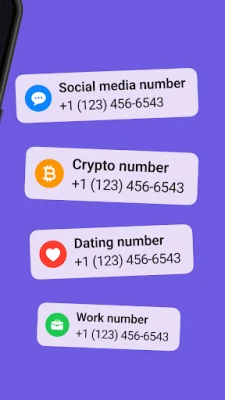
- Separate business communications from personal contacts.
- Provide a temporary number for online marketplaces, dating apps or rental services.
- Receive verification codes for accounts that require a phone number.
- Maintain privacy when contacting unknown parties.
Installation information
The app is available for free on the Google Play Store. Search for "Second Phone Number" by Municorn, tap Install, and grant the permissions required for call and messaging functions. No additional hardware or physical SIM is needed.
Things to know before installing
- The app requires an internet connection (Wi‑Fi or mobile data) to register the virtual number and to handle calls and messages.
- Standard carrier rates may apply for outgoing calls, depending on your plan.
- Availability of virtual numbers can vary by region.
Who may find it useful?
Freelancers, small‑business owners, frequent online sellers, travelers, and anyone who wants to keep their personal phone number private can benefit from a secondary virtual line.
Frequently asked questions
Do I need a physical SIM for the second number?
No. The app uses an eSIM‑based virtual line, so a single device can host both your primary and secondary numbers.
Can I choose the country code?
Yes. During setup you can select from the list of supported country codes.
Is the app truly free?
The core functionality—creating a virtual number and basic calling/texting—is provided at no cost. Some premium services or international calling rates may incur charges.
Rate the App
User Reviews















Popular Apps










 Games
Games Entertainment
 Communication
 E-mail
 Security
 Tools
Tools Media
Media Internet
 Finance
 Design
 Education
 Android Firmwares
 Travel & Local
 Android
 Windows
 Linux
Linux