


Latest Version
Latest
August 29, 2026
Dingtone Phone
Communication
Android
100
Free
me.dingtone.app.im
Report a Problem
More About Second Number for Call & Text – Add a Private Phone Line
What is Second Number for Call & Text?
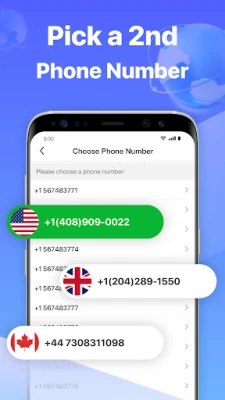
Second Number for Call & Text is an Android app that lets you create an additional phone number that works alongside your existing mobile line. The extra number can be used for voice calls and SMS messages without needing a second device or a new SIM card.
Main capabilities
- Separate contact channel – Keep personal, work, or online‑shopping conversations distinct from your primary number.
- Wi‑Fi and data‑based communication – Calls and texts are routed over an internet connection, so you can stay in touch even when cellular coverage is limited.
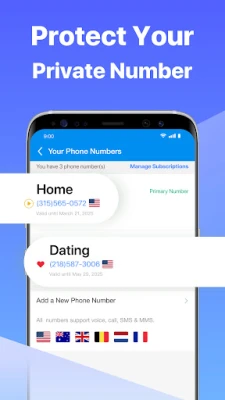
- Multiple numbers – The app supports more than one secondary number, allowing you to switch between them as needed.
- Temporary numbers – Obtain short‑term numbers for verification codes or one‑off registrations.
How it works
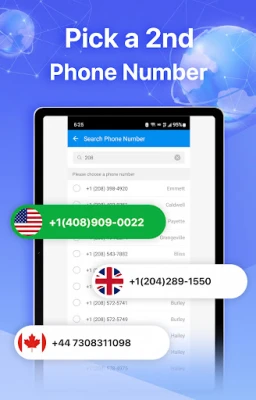
After installing the app, you create an account and select a number from the available pool. The chosen number is linked to your Dingtone account, which handles call routing and SMS delivery through the app’s servers. When you place a call or send a message, the recipient sees the secondary number, not your personal mobile number. Incoming calls and texts arrive in the app’s interface, where you can answer, reply, or forward them.
Practical uses
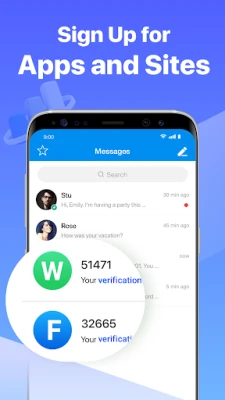
- Privacy for online services – Use a disposable number when signing up for social media, dating platforms, or any service that requires phone verification.
- Business communication – Keep client interactions separate from personal chats, making it easier to track professional conversations.
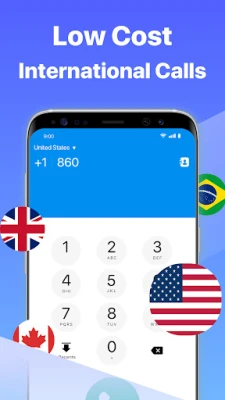
- Travel convenience – Obtain a local number in a new country to avoid roaming fees while still receiving calls and texts over data.
- Buying and selling – Protect your primary number when dealing with strangers on marketplace apps.
Installation and setup
The app is available through the Google Play Store. After downloading, launch the app, follow the on‑screen prompts to register, and choose a secondary number. No additional hardware or SIM cards are required.
Things to consider before installing
- The app relies on an internet connection for all calls and messages, so a stable Wi‑Fi or mobile data plan is essential.
- Some features, such as purchasing premium numbers or calling certain international destinations, may involve in‑app purchases.
- Because the service routes calls through its own servers, call quality can vary based on network conditions.
Who might benefit?
Anyone who wants to separate different aspects of their digital life can find value in this tool. It is especially useful for freelancers, frequent travelers, online shoppers, and users who are concerned about sharing their personal phone number.
Frequently asked questions
Do I need a separate SIM card?
No. All calls and texts are handled within the app using your existing internet connection.
Can I receive calls when the app is closed?
Incoming calls are queued on the server and will ring when you reopen the app, provided you have an active internet connection.
Is the app free to use?
The base functionality is free, but certain numbers or premium calling rates may require payment.
Is my personal number hidden?
When you use the secondary number, the recipient sees only that number. Your primary mobile number is not disclosed unless you choose to share it.
Rate the App
User Reviews















Popular Apps










 Games
 Entertainment
 Communication
 E-mail
 Security
 Tools
 Media
 Internet
 Finance
 Design
 Education
 Android Firmwares
 Travel & Local
 Android
 Windows
 Linux