

Latest Version
Latest
September 10, 2026
CloudMosa Inc
Communication
Android
13
Free
com.cloudmosa.puffinTV
Report a Problem
More About Puffin TV Browser – Web Browsing for Android TV
What is Puffin TV Browser?
Puffin TV Browser is a web‑browser application built specifically for Android TV devices. It brings a full‑featured browsing experience to large‑screen environments such as smart TVs and set‑top boxes, allowing users to navigate the web from the comfort of their living room.
Main features
- Optimized for TV screens – The interface is designed for remote navigation, with large icons and clear text that are easy to read from a distance.
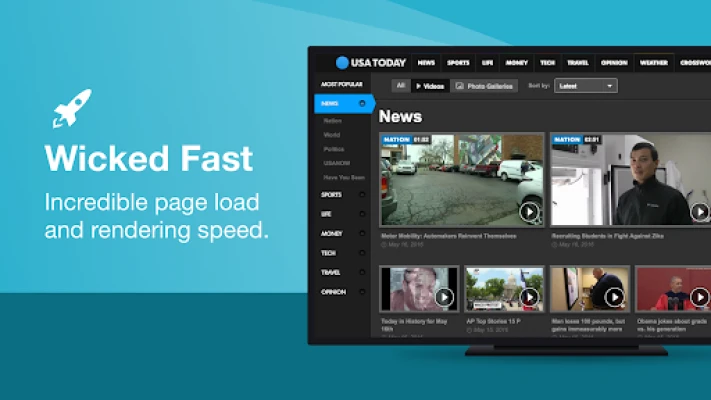
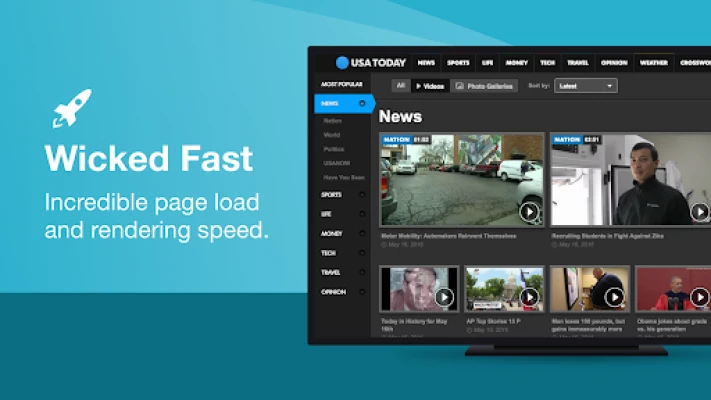
- Fast loading speeds – Puffin leverages cloud‑based processing to accelerate page rendering, which can be especially helpful on devices with limited hardware resources.
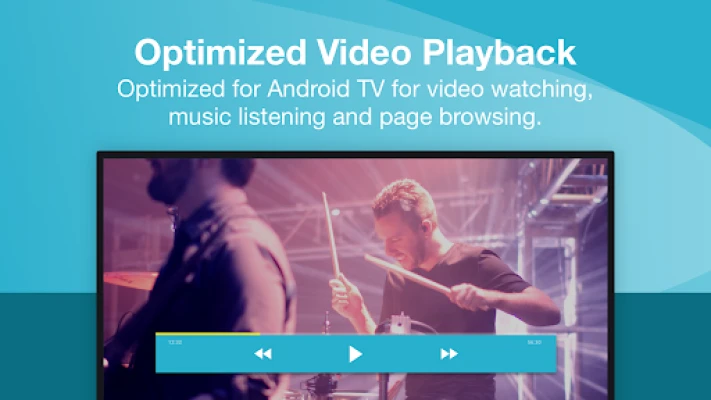
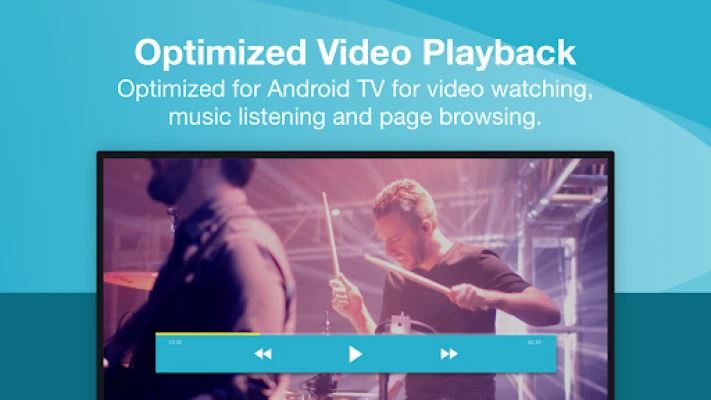
- Video playback support – The browser includes built‑in handling for popular video formats, providing smoother streaming on TV displays.
- Adjustable playback speed – Users can control the speed of video playback directly within the browser.
- Remote control integration – The companion Puffin TV Remote app (available separately) lets users control browsing actions with a smartphone or tablet.
- Full web experience – Standard web technologies such as HTML5, CSS, and JavaScript are supported, enabling most modern sites to function correctly.
How it works
When you launch Puffin TV Browser on your Android TV, the app presents a simplified home screen with a search bar and quick‑access tiles. Navigation is performed with the TV remote’s directional pad, select button, and back button. For text entry, the on‑screen keyboard can be used, or you can pair the Puffin TV Remote app to type on a mobile device.
Behind the scenes, Puffin routes web requests through its own servers, which handle the heavy lifting of page rendering. The processed content is then streamed to your TV, reducing the load on the local hardware and often resulting in quicker page loads.
Practical uses
- Streaming video sites that are not natively supported by your TV’s apps.
- Accessing web‑based news, weather, or social media without needing a separate computer.
- Viewing documentation, recipes, or tutorials while cooking or working on a project.
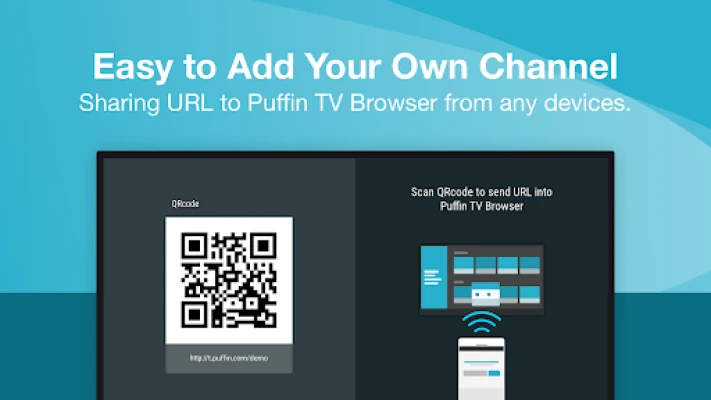
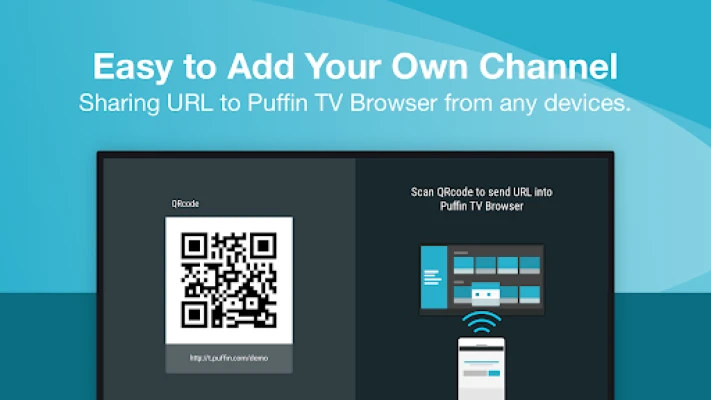
- Sending a link from a phone or tablet to the TV for a larger, shared viewing experience.
Installation information
Search for “Puffin TV Browser” in the Google Play Store on your Android TV device. Tap the Install button and wait for the download to complete. The app requires an internet connection for both installation and normal operation.
Things to know before installing
- The browser relies on cloud servers located in the United States and Singapore; content availability may vary based on regional restrictions.
- Some networks or institutions may block access to Puffin’s servers, which could affect functionality.
- Because the app streams processed pages, a stable broadband connection is recommended for the best experience.
Who may find it useful?
Anyone who wants to browse the web on a TV without connecting a separate computer can benefit from Puffin TV Browser. It is particularly handy for households that use their TV as a central media hub, for users who prefer remote‑friendly navigation, and for anyone looking for a lightweight alternative to full‑screen desktop browsers on limited‑power devices.
Frequently asked questions
Do I need a separate remote app?
No, the TV remote can be used for basic navigation. However, the optional Puffin TV Remote app provides a more convenient way to type and control the browser from a smartphone or tablet.
Is the browser free?
The base application is offered at no cost. Additional subscription options may be available for premium features, but the core browsing functionality can be used without a paid plan.
Can I watch YouTube videos?
Yes, the browser supports standard video playback, including YouTube, though performance depends on the speed of your internet connection and the availability of the video in your region.
Will it work on older Android TV models?
Puffin TV Browser is designed to run on a range of Android TV devices. Compatibility may vary based on the specific hardware and Android version installed on the device.
Rate the App
User Reviews
Other Apps in This Category













Popular Apps










 Games
Games Entertainment
 Communication
 E-mail
 Security
 Tools
Tools Media
Media Internet
 Finance
 Design
 Education
 IT Tools
 Travel & Local
 Android
 Windows
 Linux
Linux