

Latest Version
Latest
September 11, 2026
Phoner Holdings LLC
Communication
Android
12
Free
com.appsverse.phoner
Report a Problem
More About Phoner: Second Phone Number – Private Calls & Texts
What is Phoner?
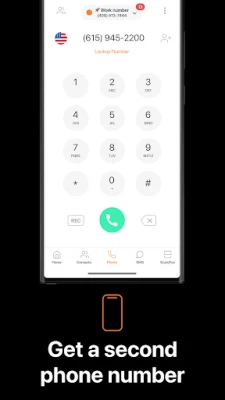
Phoner, developed by Phoner Holdings LLC, is a free Android utility that lets you create and manage additional phone numbers on a single device. The extra numbers can be used for calls and SMS without exposing your primary mobile line, giving you a simple way to separate personal, business, or occasional communications.
Main capabilities
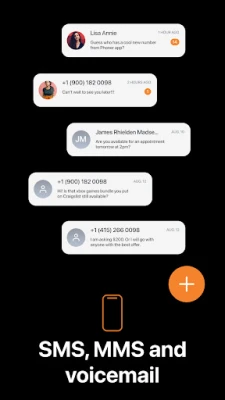
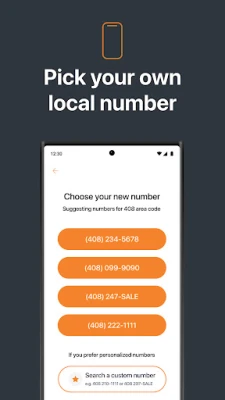
- Multiple virtual numbers – Obtain separate numbers that work like regular lines for both voice and text.
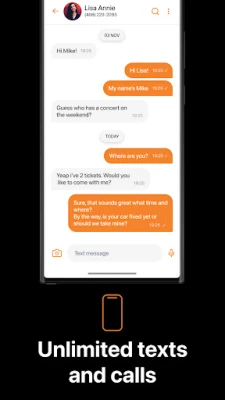
- Privacy‑focused messaging – Send and receive messages through a number that isn’t tied to your main SIM.
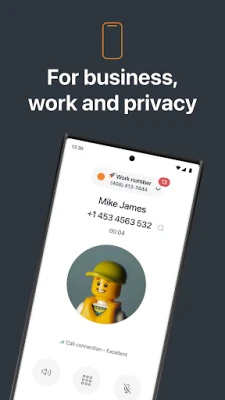
- Call handling – Place outbound calls and receive inbound calls on any of the virtual numbers you have added.
- Number management – Switch between numbers, discard a number you no longer need, and request a new one when required.
How it works
After installing Phoner, you create a virtual line inside the app. The service assigns a phone number that routes calls and SMS through the app’s backend, then delivers them to your device. From the user’s perspective the experience mirrors a regular phone line: you can dial, answer, and reply using the standard Android dialer and messaging interfaces that Phoner integrates with.
Practical uses
- Business contacts – Give clients a dedicated number that keeps your personal line private.
- Online marketplaces – Share a temporary number when buying or selling items, reducing spam and unwanted follow‑up.
- Travel – Use a local virtual number while abroad without needing a new SIM card.
- Professional roles – Lawyers, drivers, freelancers, and others can separate work communications from personal ones.
Installation & setup
Download Phoner from the Google Play Store, grant the required permissions for phone and SMS handling, and follow the in‑app prompts to create your first virtual number. The initial setup typically takes a few minutes and does not require any additional hardware.
Things to consider before installing
- Since the app routes calls through its own servers, a stable internet connection (mobile data or Wi‑Fi) is needed for reliable performance.
- Standard carrier rates may apply for data usage, but voice and SMS are handled by the app rather than your mobile plan.
- Check local regulations regarding virtual numbers, as some regions have specific rules about call forwarding and number assignment.
Who might find Phoner useful?
Anyone who wants to keep their primary number private while still being reachable can benefit from Phoner. This includes professionals who need a work line, frequent online sellers, travelers, and anyone who values a clear separation between different spheres of communication.
Frequently asked questions
Is Phoner really free?
The core functionality of creating and using a secondary number is offered at no cost. Some optional premium features may be available as in‑app purchases, but the basic service does not require payment.
Do I need a second SIM card?
No. Phoner provides virtual numbers that operate over data, so a single physical SIM is sufficient.
Can I keep a number indefinitely?
Numbers remain active as long as you continue using the app. If a number is unused for an extended period, it may be recycled according to the service’s policy.
Is my data secure?
Phoner handles calls and messages through encrypted channels. While the app does not claim any official certifications, it follows standard industry practices for data transmission.
Rate the App
User Reviews
Other Apps in This Category














Popular Apps










 Games
Games Entertainment
 Communication
 E-mail
 Security
 Tools
Tools Media
Media Internet
 Finance
 Design
 Education
 IT Tools
 Travel & Local
 Android
 Windows
 Linux
Linux