


Latest Version
Latest
September 09, 2026
Codela Studio
Communication
Android
8
Free
me.numiva.app
Report a Problem
More About Numsify: Virtual Number & SMS – Get a Second Phone Number
What is Numsify?
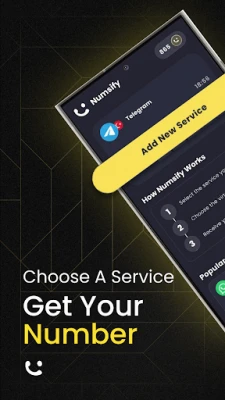
Numsify is a mobile application that provides users with virtual phone numbers that can receive SMS messages and one‑time passwords (OTPs). The service works entirely over the internet, so you don’t need a physical SIM card or a separate contract to use a second number.
Main capabilities
- Receive verification codes instantly – When a service sends an OTP to the virtual number, the message appears in the app within seconds.
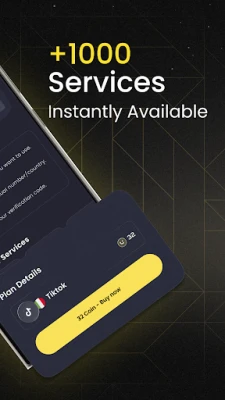
- Support for many platforms – The numbers can be used for popular services such as messaging apps, social networks, e‑commerce sites, and streaming platforms, wherever a phone number is required for sign‑up or two‑factor authentication.
- Temporary and reusable numbers – Choose a short‑term number for a single registration or keep a longer‑term number for ongoing use.
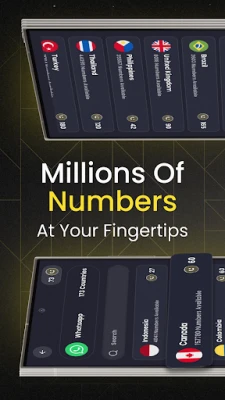
- Global coverage – Numbers are available from a range of countries, allowing you to select a region that matches the service you are accessing.
How it works
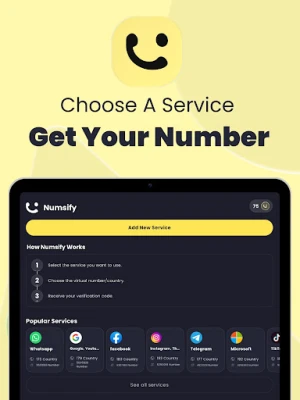
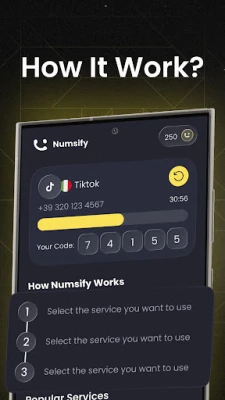
After installing Numsify, you open the app and browse the list of available virtual numbers. Once you select a number, it is assigned to your account and displayed in the interface. Any SMS sent to that number is routed to the app, where you can read the full message and copy the verification code if needed. The process is fully automated; you do not need to manage any hardware or carrier settings.
Practical uses
- Signing up for new online services without exposing your personal phone.
- Completing two‑factor authentication (2FA) when a service requires an SMS code.
- Keeping a separate line for business communications while using your primary device for personal calls.
- Testing apps that need phone verification during development.
Installation information
The app is distributed as a free download from the Google Play Store. Search for Numsify: Virtual Number & SMS or use the package name me.numiva.app to locate it. Installation follows the standard Android process: tap “Install,” grant any required permissions, and launch the app.
Things to consider before installing
- Internet connection – Since the service relies on cloud‑based numbers, a stable data or Wi‑Fi connection is required.
- Number availability – Some countries may have limited numbers, and certain services may block virtual numbers.
- Privacy policy – Review the developer’s privacy statement to understand how message data is stored and used.
Who may find Numsify useful?
Anyone who needs a quick, disposable phone number for online verification can benefit from Numsify. This includes frequent travelers, freelancers managing multiple client accounts, developers testing registration flows, and users who simply want to keep their personal number private.
Frequently asked questions
Do I need to pay for a virtual number?
Numsify is offered as a free app, but some numbers or extended usage may involve in‑app purchases or credits. The app’s store listing provides details on any optional costs.
Can I keep a number permanently?
Yes, you can retain a number for as long as you need, provided you maintain any required balance or subscription associated with that number.
Is the app safe to use?
The app operates within Android’s security framework. It requests only the permissions needed to receive messages and display them. Always keep the app updated through the Play Store to benefit from the latest security patches.
Rate the App
User Reviews














Popular Apps










 Games
Games Entertainment
 Communication
 E-mail
 Security
 Tools
Tools Media
Media Internet
 Finance
 Design
 Education
 IT Tools
 Travel & Local
 Android
 Windows
 Linux
Linux