


Latest Version
Latest
August 15, 2026
textPlus
Communication
Android
233
Free
me.nextplus.smsfreetext.phonecalls
Report a Problem
More About Nextplus: Phone # Text + Call
What is Nextplus?
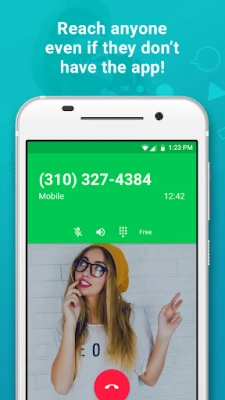
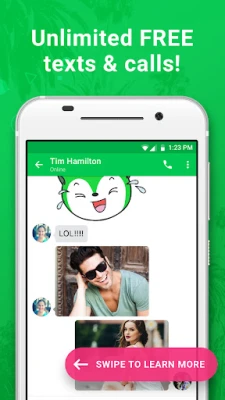
Nextplus is a free Android app that provides a complete phone experience without requiring a cellular contract. By assigning you a virtual phone number, the app lets you send SMS messages and place voice calls to regular phone numbers, all from your Android device.
Main features
- Free texting – send and receive unlimited SMS to any mobile or landline number.
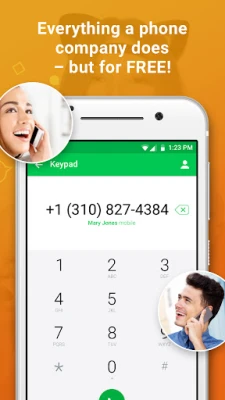
- Free calling – make outgoing calls and receive incoming calls without a carrier plan.
- Ad‑supported model – the service is funded by optional banner ads or short videos; you can remove ads with a small one‑time payment.
- Cross‑device sync – conversations stay in sync if you use the app on multiple Android devices.
- Rich media – include emojis, stickers, GIFs and voice notes in your messages.
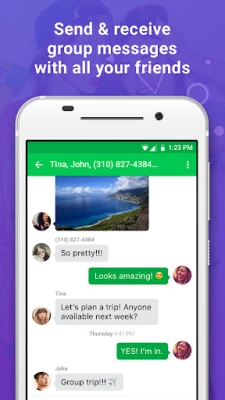
- Group messaging – send a single message to multiple contacts at once.
How it works
When you first launch Nextplus, the app assigns you a free virtual phone number. This number is used as the sender for all outgoing texts and calls. The app routes your communications through partner networks, covering the cost with advertising revenue. You can choose to watch a short video or view a banner ad before a call or message, or you can pay a modest fee to disable ads entirely.
Practical uses
- Stay in touch while traveling abroad without incurring roaming charges.
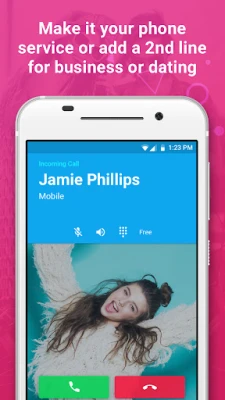
- Maintain a separate number for online marketplaces, dating apps, or temporary projects.
- Communicate on a tablet or other Android device that lacks cellular hardware.
Installation information
Download Nextplus from the Google Play Store, then follow the on‑screen prompts to grant the required permissions for phone and SMS access. After setup, you can start texting or calling immediately.
Things to know before installing
- The service relies on an internet connection (Wi‑Fi or mobile data) to function.
- Emergency calls (e.g., 911) are not supported through the app.
- Ad removal is optional and not required for basic functionality.
Who may find it useful?
Anyone who wants a secondary phone number, wants to avoid traditional carrier fees, or needs a communication solution on a device without cellular capability can benefit from Nextplus.
Frequently asked questions
Do I need a SIM card?
No. The app works over any internet connection.
Is the app truly free?
The core texting and calling features are free; ads fund the service. You can pay to remove ads if you prefer an ad‑free experience.
Can I keep my existing contacts?
Yes. You can import contacts from your phone’s address book and use them as usual.
Rate the App
User Reviews















Popular Apps










 Games
Games Entertainment
 Communication
 E-mail
 Security
 Tools
Tools Media
Media Internet
 Finance
 Design
 Education
 Android Firmwares
 Travel & Local
 Android
 Windows
 Linux
Linux