

Latest Version
Latest
September 06, 2026
AutoBizLine, Inc.
Communication
Android
34
Free
com.mysecondline.app
Report a Problem
More About My 2nd Line Text Call Number – Free Second‑Line Phone App
What is My 2nd Line Text Call Number?
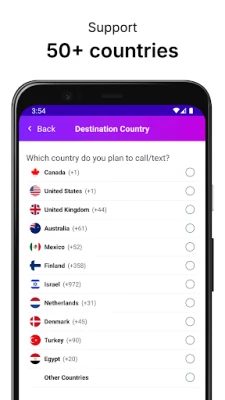
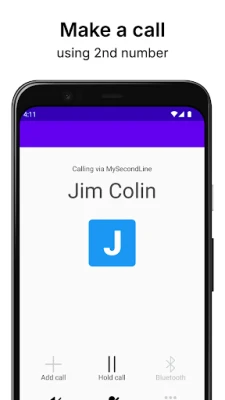
My 2nd Line Text Call Number is a free Android application that lets you create an additional telephone line on your existing device. The app provides a dedicated number that works alongside your primary mobile number, allowing you to send and receive calls and SMS messages without needing a second handset.
Main features
- Separate number: Keep personal and professional conversations apart by using a distinct line.
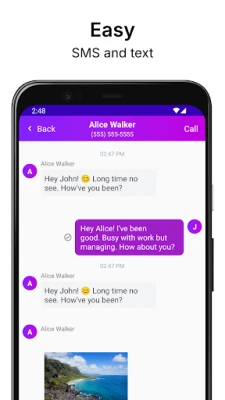
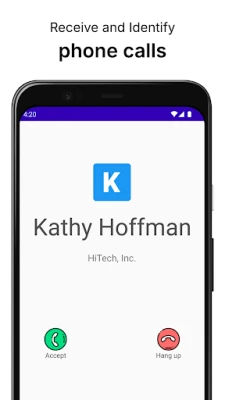
- Call and text support: Make outbound calls and send text messages from the secondary number just as you would from your regular phone app.
- In‑app inbox: View incoming messages and call logs for the second line within the app’s own interface.
- Privacy control: Choose when to share the secondary number and keep your primary number private.
How it works
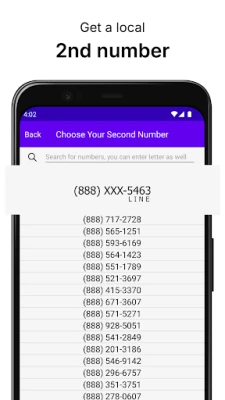
After installing the app, you create an account and select a local number from the available pool. The number is linked to your Google Play account, not to a separate SIM card. Outgoing calls and texts are routed through the app’s servers, while incoming communications are delivered to the app’s inbox. The service works over mobile data or Wi‑Fi, so you do not need additional cellular coverage for the second line.
Practical uses
The secondary line can be useful in several scenarios:
- Business communication: Provide customers with a dedicated contact number without exposing your personal phone.
- Online marketplaces: Use a separate number for buying or selling items, reducing spam on your primary line.
- Travel: Keep a local number when you are abroad, making it easier for contacts to reach you without incurring international fees.
- Privacy: Share the second number on classifieds, dating apps, or social platforms while keeping your main number hidden.
Installation information
Search for My 2nd Line Text Call Number in the Google Play Store, then tap Install. The app requires a Google account for sign‑in and basic permissions to access the phone’s network and notifications. Once installed, follow the on‑screen setup to choose a number and start using the service.
Things to know before installing
- The app is free to download and use, though some features may be offered as optional in‑app purchases.
- Calls and texts are transmitted over data connections; a stable internet connection improves call quality.
- Standard messaging rates may apply if you send SMS to carriers that charge per message.
- Check the app’s privacy policy for details on how your data and call logs are stored.
Who may find it useful?
Freelancers, small‑business owners, gig‑economy workers, and anyone who wants to separate work from personal communication will benefit from a second line that lives on the same device.
Frequently asked questions
Do I need a second SIM card?
No. The secondary number is virtual and works through the app’s data connection.
Can I receive calls when I’m offline?
Incoming calls are queued on the server. You will receive a notification when you reconnect to the internet.
Is the app compatible with all Android versions?
The app targets recent Android releases. Compatibility details are listed on the Play Store page.
How do I switch back to my primary number?
You can disable the secondary line within the app’s settings or uninstall the app entirely.
Rate the App
User Reviews















Popular Apps










 Games
Games Entertainment
 Communication
 E-mail
 Security
 Tools
Tools Media
Media Internet
 Finance
 Design
 Education
 Android Firmwares
 Travel & Local
 Android
 Windows
 Linux
Linux