

Latest Version
Latest
August 12, 2026
Meta Platforms, Inc.
Communication
Android
304
Free
com.facebook.orca
Report a Problem
More About Messenger – Free Chat and Video Calls by Meta
What is Messenger?
Messenger is a free communication app from Meta Platforms, Inc. It lets you stay in touch with people you know on Facebook as well as contacts you add directly in the app. The core purpose is to provide instant text, voice, and video conversations on Android devices.
Main features
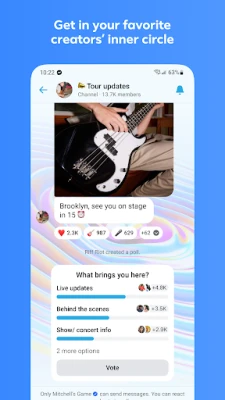
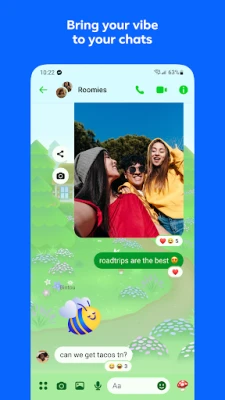
- Text messaging – Send individual or group messages with support for emojis, stickers, and GIFs.
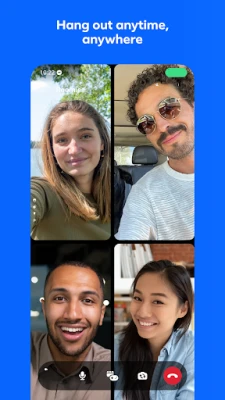
- Voice and video calls – Start one‑to‑one or group calls without extra charges.
- Photo and video sharing – Share pictures and short videos directly in chat.
- File sharing – Attach documents, PDFs, and other files up to the size limits defined by the service.
- Conversation controls – Delete or edit recent messages, and set disappearing messages for added privacy.
How it works
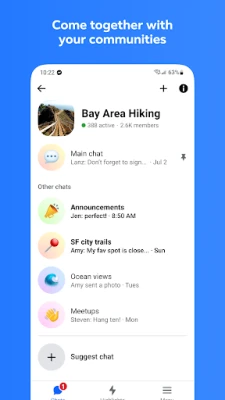
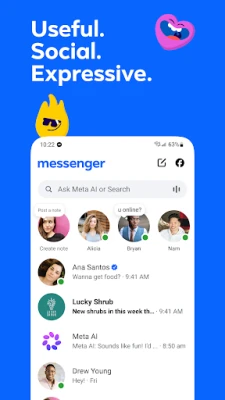
After installing the app, you sign in with your Facebook account or create a Messenger‑only login. Your contacts are synced from Facebook friends and any phone numbers you choose to add. Chats are organized by individual conversations and group threads, each with its own notification settings.
Practical uses
- Keeping in touch with family members across different time zones.
- Coordinating plans with friends through group chats.
- Sharing photos from events quickly without needing a separate email.
- Sending work‑related documents to colleagues when a desktop client isn’t handy.
Installation information
The app can be downloaded from the Google Play Store. Tap “Install,” wait for the download to complete, and then open the app to begin the setup process. No additional software is required.
Compatibility
Messenger runs on Android devices that meet the minimum system requirements defined by Google Play. The exact Android version requirement is not specified here, but the app typically supports recent Android releases.
Things to know before installing
- Signing in links the app to your Facebook profile, which may affect how contacts are displayed.
- Data usage can increase during video calls or when sending large media files; consider using Wi‑Fi for heavy usage.
- Notification settings are customizable per conversation, allowing you to mute chats that are less active.
Who may find Messenger useful?
Anyone who already uses Facebook or wants a dedicated chat app without a phone‑number requirement can benefit. It is especially handy for users who prefer a single app for both messaging and calling.
Frequently asked questions
Do I need a Facebook account to use Messenger?
You can sign in with a Facebook account or create a Messenger‑only login using a phone number.
Can I make calls without a data plan?
Calls use internet data, so a Wi‑Fi connection or a mobile data plan is required.
Is my conversation private?
Messenger offers end‑to‑end encryption for secret conversations, but regular chats are encrypted in transit.
Rate the App
User Reviews















Popular Apps










 Games
Games Entertainment
 Communication
 E-mail
 Security
 Tools
Tools Media
Media Internet
 Finance
 Design
 Education
 Android Firmwares
 Travel & Local
 Android
 Windows
 Linux
Linux