

Latest Version
Latest
September 09, 2026
Battery Stats Saver
Communication
Android
12
Free
com.messenger.sms.messages
Report a Problem
More About Messages – SMS Texting App
What is Messages – SMS Texting App?
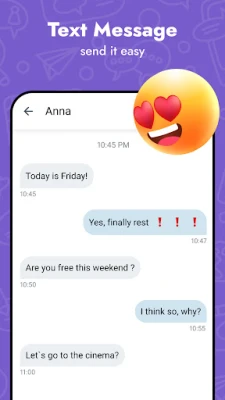
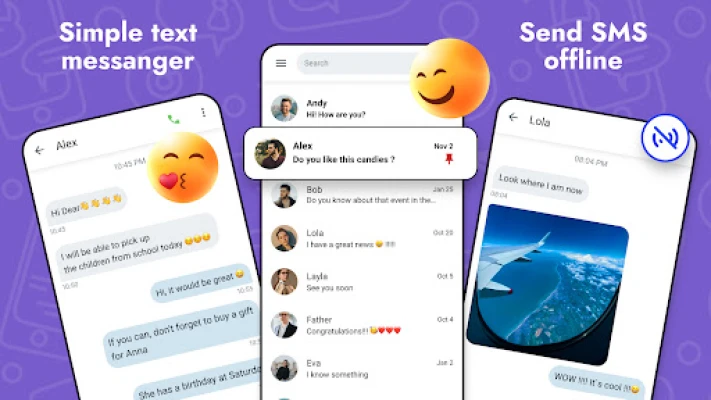
Messages – SMS Texting App is a free Android messenger designed for basic SMS communication. Developed by Battery Stats Saver, the app provides a clean interface for sending and receiving text messages without relying on a data connection.
Main features
- Standard SMS support – Send and receive plain‑text messages to any mobile number.
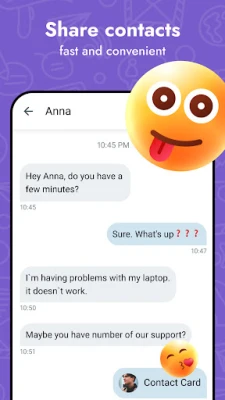
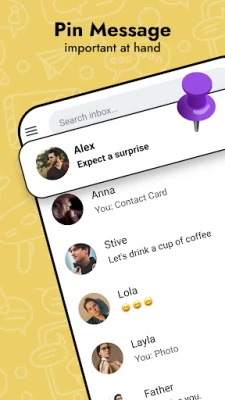
- Conversation view – Chats are grouped by contact, making it easy to follow the flow of a conversation.
- Basic customization – Adjust theme colors and font size to suit personal preferences.
- Notification control – Manage sound, vibration and LED settings for incoming messages.
- Quick reply – Respond to notifications directly from the lock screen or notification shade.
How it works
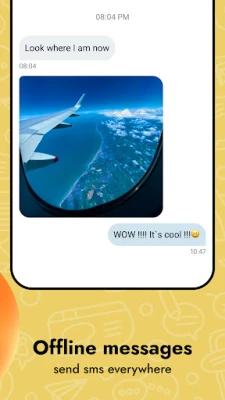
After installation, the app registers as the default SMS handler if you choose to do so. Once set, all incoming text messages are routed to Messages – SMS Texting App, and outgoing messages are sent through your carrier’s SMS service. The app stores messages locally on the device, allowing you to view past conversations even when offline.
Practical uses
The app is useful for anyone who prefers a lightweight, no‑frills texting experience. It works well on devices with limited storage or older Android versions, and it can serve as a backup messenger if your primary messaging app encounters issues.
Installation information
Download the APK from a trusted source, then enable installation from unknown sources in your device settings if required. Follow the on‑screen prompts to complete the installation. After the app is installed, you can open it to set it as the default SMS app or continue using your current messenger.
Compatibility
The app is built for Android devices that support the standard SMS API. It does not require a specific Android version listed in the package, but it is expected to run on most devices running Android 5.0 (Lollipop) and newer.
Things to know before installing
- Because the app handles SMS, it will use your carrier’s messaging plan for sending messages.
- All messages are stored locally; there is no cloud backup unless you use a separate backup solution.
- Features are limited to SMS and MMS; advanced messaging functions such as end‑to‑end encryption are not provided.
Who may find it useful?
Users who want a simple, free SMS client without extra social‑media integrations, people with older smartphones, and anyone looking for an alternative to the pre‑installed messaging app.
Frequently asked questions
Do I need an internet connection to send messages?
No. SMS messages are sent through your carrier’s cellular network, not over the internet.
Can I receive group messages?
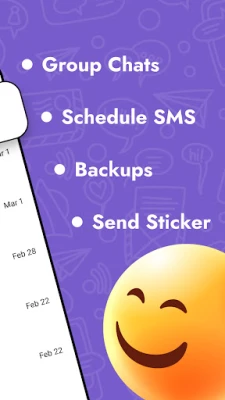
Yes, the app can display group SMS conversations, though it does not provide advanced group management features.
Is there a way to back up my messages?
The app stores messages on the device. To back them up, you can use Android’s built‑in backup tools or a third‑party backup app.
Rate the App
User Reviews














Popular Apps










 Games
Games Entertainment
 Communication
 E-mail
 Security
 Tools
Tools Media
Media Internet
 Finance
 Design
 Education
 IT Tools
 Travel & Local
 Android
 Windows
 Linux
Linux