

Latest Version
Latest
September 17, 2026
messenger!
Communication
Android
9
Free
com.messages.messaging
Report a Problem
More About Messages Lite – Simple Text Messaging
What is Messages Lite?
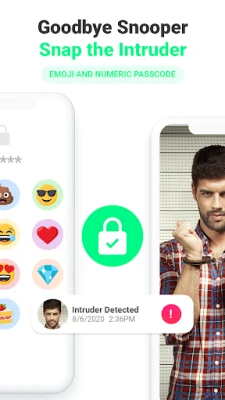
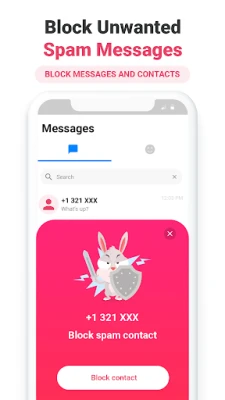
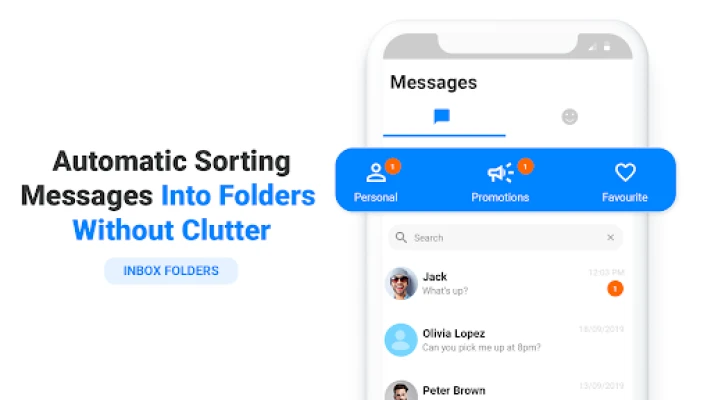
Messages Lite is a free Android application designed for everyday text communication. It combines traditional SMS/MMS capabilities with internet‑based messaging, giving you the flexibility to stay in touch whether you have a data connection or not.
Main features
- SMS & MMS support – Send and receive standard text messages and multimedia messages without needing an internet connection.
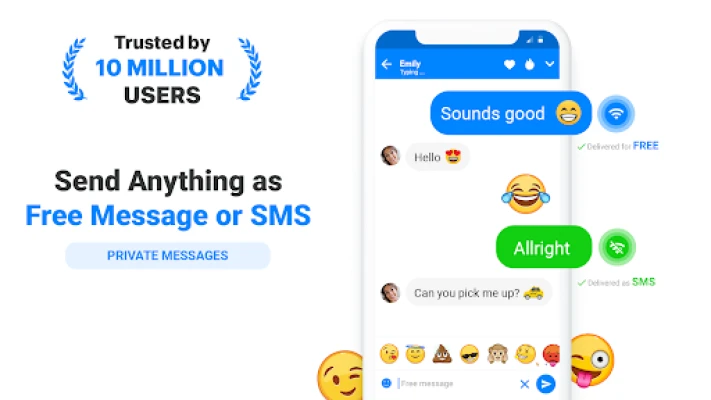
- Internet messaging – When you are online, the app can route messages over data or Wi‑Fi, allowing free communication with other users of the same app.
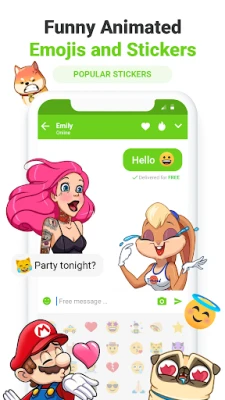
- Emoji and sticker library – Add expressive emojis to your chats for a more personal touch.
- Basic customization – Choose from a few theme colors to match your style.
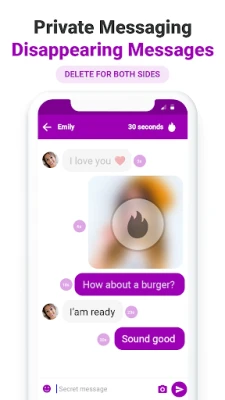
- Voice notes – Record short voice messages and send them directly from the chat screen.
How it works
When you compose a message, Messages Lite checks the recipient’s contact information. If the recipient also uses the app and you have an internet connection, the message is sent over data, which can be faster and cost‑free. If the recipient does not have the app or you are offline, the message falls back to the standard SMS/MMS pathway, ensuring delivery through your carrier.
Practical uses
- Stay connected with friends and family who prefer traditional texting.
- Save on carrier fees by using data‑based messaging whenever possible.
- Share photos, videos or voice clips without needing a separate media app.
Installation information
Download Messages Lite from the Google Play Store, then follow the on‑screen prompts to grant the necessary permissions for sending SMS and accessing your contacts. The initial setup includes a quick tutorial that walks you through composing your first message.
Things to know before installing
- The app requires permission to read contacts and send SMS messages; these are standard for any messaging app.
- Internet‑based messaging works only with other users who have Messages Lite installed.
- Standard carrier rates apply when messages are sent via SMS/MMS.
Who may find it useful?
Anyone who wants a straightforward, lightweight alternative to the default messaging app will appreciate Messages Lite. It is especially handy for users who switch between Wi‑Fi and cellular networks and want a single app that handles both scenarios seamlessly.
Frequently asked questions
Do I need an account to use Messages Lite?
No. The app works with your existing phone number and contacts, so you can start messaging right away.
Can I send messages to people who don’t have the app?
Yes. If the recipient does not have Messages Lite, the app automatically sends the message as a regular SMS or MMS.
Is there a limit on the size of photos or videos?
When sending via SMS/MMS, carrier limits apply. Over data, the app follows typical Android file‑size restrictions for messaging.
Rate the App
User Reviews















Popular Apps










 Games
Games Entertainment
 Communication
 E-mail
 Security
 Tools
Tools Media
Media Internet
 Finance
 Design
 Education
 IT Tools
 Travel & Local
 Android
 Windows
 Linux
Linux