
Latest Version
Latest
August 17, 2026
Joya Communications
Communication
Android
61
Free
co.happybits.marcopolo
Report a Problem
More About Marco Polo – Video Messenger for Android
What is Marco Polo?
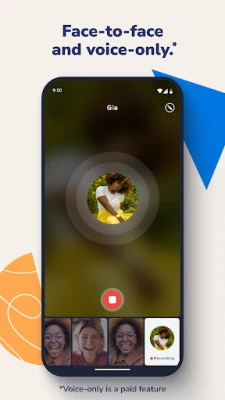
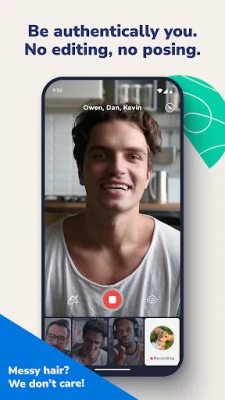
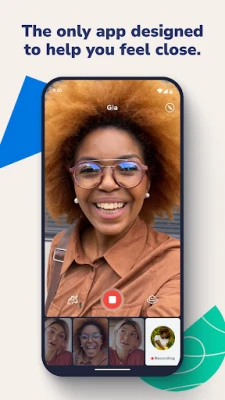
Marco Polo is a video‑messaging app that lets you record short video clips and share them instantly with friends, family, or groups. Rather than a live video call, each clip can be watched at the recipient’s convenience, making it easy to stay connected across time zones and busy schedules.
Main features
- Video messages – Record a video of any length (up to the app’s limits) and send it directly to a contact or a group.
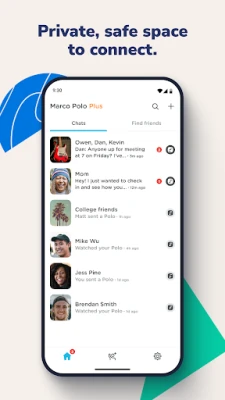
- One‑to‑one and group chats – Create private conversations with a single person or a circle of friends.
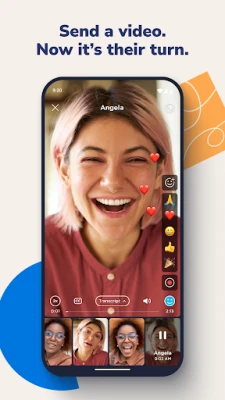
- Emoji reactions – Respond to a video with an emoji without having to type a reply.
- Special effects – Add simple visual effects to your videos before sending.
- Offline viewing – Recipients can watch videos later, even without an active internet connection after the file has downloaded.
How it works
After installing the app, you register with a phone number or email address. The interface presents a list of your contacts and existing conversations. To start a new message, tap the camera icon, record your video, optionally apply an effect, and choose the recipient(s). The video is uploaded to the app’s servers and a notification is sent to the chosen contacts. They can open the app, view the video, and reply with their own clip or a text comment.
Practical uses
- Family updates – Share moments from a birthday, a school event, or a daily routine without needing a live call.
- Team coordination – Send quick visual instructions or feedback to coworkers who may be in different locations.
- Language practice – Record yourself speaking a language and receive spoken feedback from a native speaker.
- Creative sharing – Use the built‑in effects to add a playful touch to personal videos.
Installation information
The app is available through the Google Play Store. Search for “Marco Polo – Video Messenger” or use the package name co.happybits.marcopolo. Tap “Install” and follow the on‑screen prompts. The initial download size is modest, and the app stores videos locally after they are received.
Things to know before installing
- The core service is free; a subscription option called Marco Polo Plus adds speed controls and additional emoji packs.
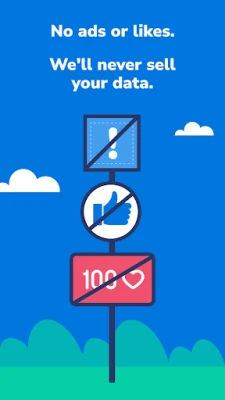
- The app does not display third‑party advertisements.
- All video content is transmitted over encrypted connections, but the app’s privacy policy should be reviewed for details on data handling.
Who may find it useful?
Anyone who prefers asynchronous video communication over text or live calls can benefit from Marco Polo. It is especially handy for users who want a personal, ad‑free environment without the broader social‑media features such as likes or public feeds.
Frequently asked questions
Is Marco Polo a live‑video call app?
No. It focuses on sending recorded video messages that can be viewed later.
Do I need a fast internet connection?
A stable connection speeds up uploading and downloading videos, but once a video is cached, it can be watched offline.
Can I use the app on tablets?
Yes, the app runs on Android tablets that meet the minimum system requirements listed in the Play Store.
Is there a limit to how many contacts I can add?
The app does not impose a strict limit, though performance may vary with very large contact lists.
Rate the App
User Reviews















Popular Apps










 Games
Games Entertainment
 Communication
 E-mail
 Security
 Tools
Tools Media
Media Internet
 Finance
 Design
 Education
 Android Firmwares
 Travel & Local
 Android
 Windows
 Linux
Linux